-
 AtomComputing
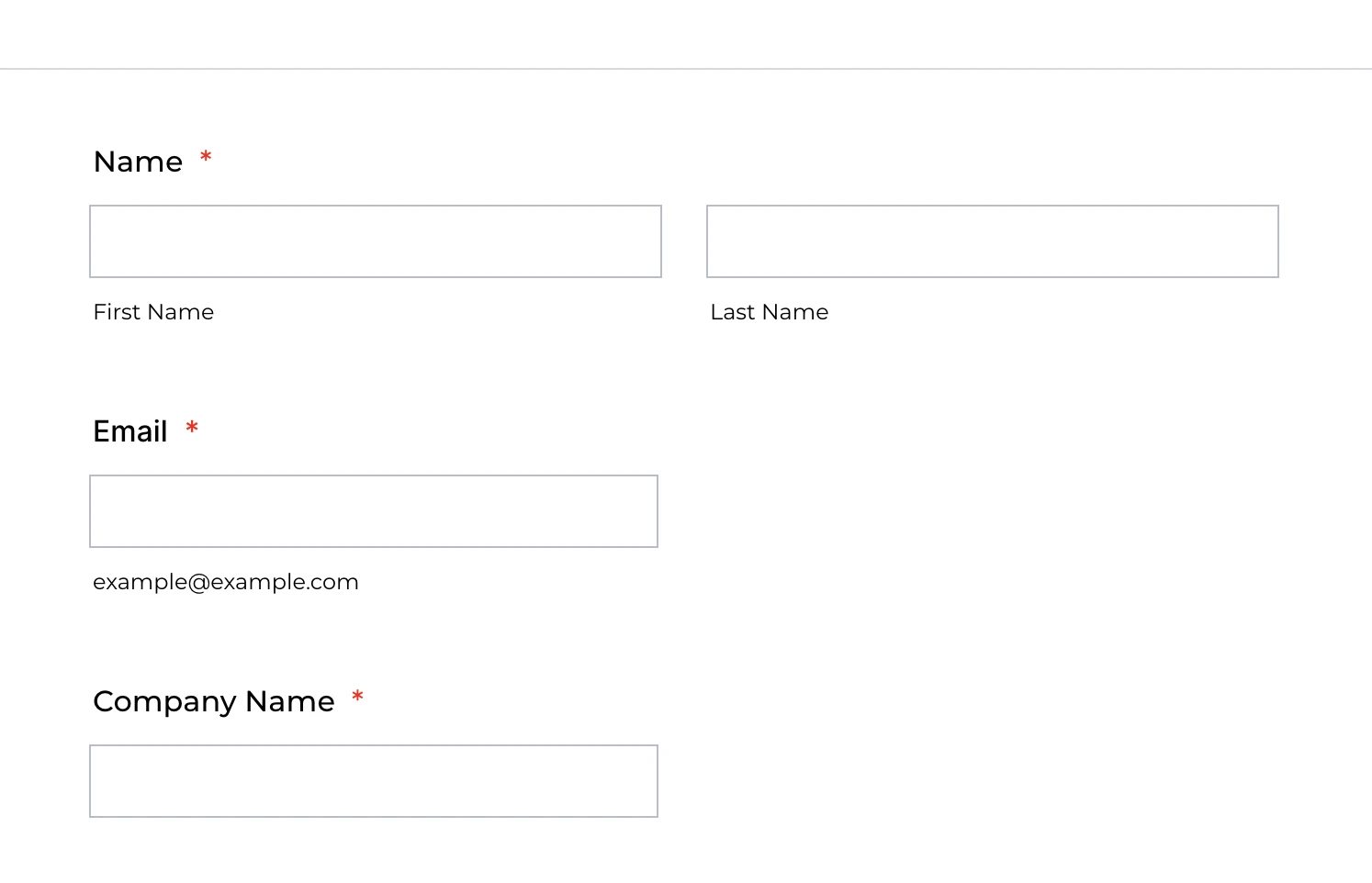
I want all of the fields to be the full width of the form. In my attached screenshot, the email and company name fields are only half of the width. I have tried adding various "width: 100%;" and "min-width: 100%" CSS and nothing seems to be working.
 Page URL: /jf/form.jotform.com/233516237588060
 -
 Neil Enterprise Support
Hi Kortny,
Thanks for reaching out to Jotform Support. I'm sorry if you're having difficulties with this. You can change the width of all the fields using the Advanced Designer. Let me walk you through it:
- In your Form Builder, click on the Form Designer.
- At the bottom, click on Advanced Designer.
- Under the Design tab, click on Form Layout.
- Then, change the Input Width to 650px.
- Lastly, save your changes.
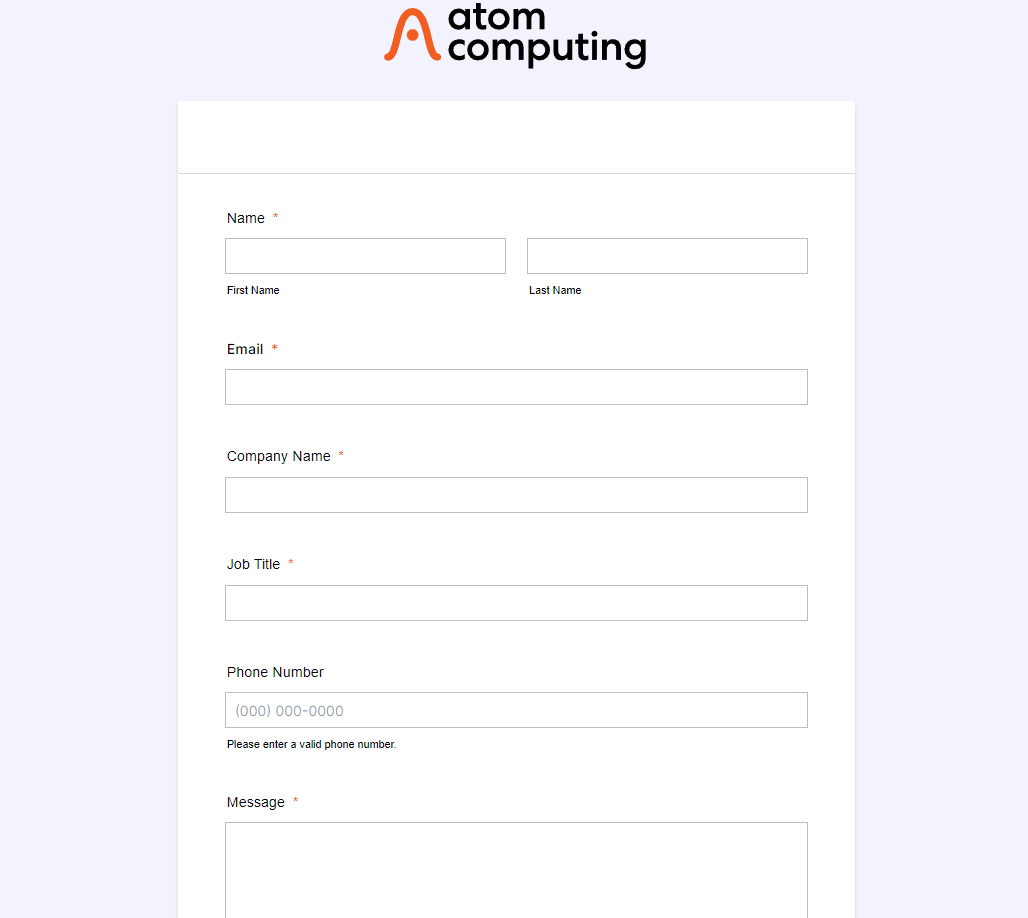
Here's the result:
Give it a try, and let us know if you need more help.