-
 MichaelCornell
 -
 Kadir Üst
Hi MichaelCornell,
Thank you so much for reaching out to us — we truly appreciate it!
We tried to replicate the behavior you reported, but unfortunately we were unable to reproduce it on our end. To investigate this further, could you please share your form ID or a link to the form so we can take a closer look?
If you have any other questions or concerns in the meantime, please don't hesitate to let us know. We're always here to help!
-
MMichael
/jf/form.jotform.com/261714063649056
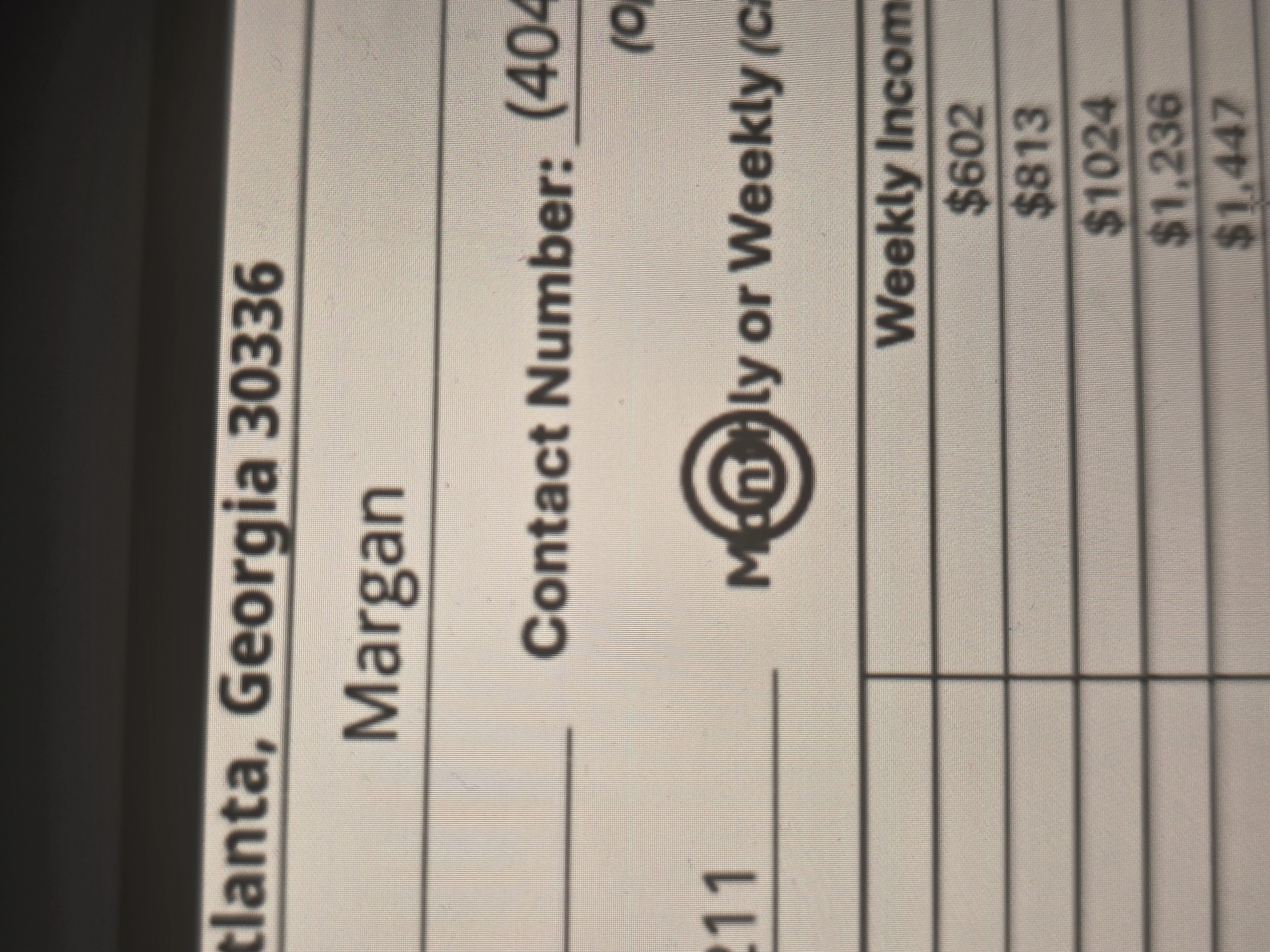
It happens on the second form. I'm surprised you say that you couldn't duplicate the issue. The double circle is a standard feature in JotForm when selecting the Single Choice Option. I have never been able to change this. It shows on the PDF when a Single Choice Option is selected.
-
 Rica Support Team Lead
Hi Michael,
You can easily change the Radio Button design in PDF Editor. At the moment, there isn't an option to use a single empty-circle design. Let me show you how to change it:
1. In PDF Editor, click on the Single Choice field to highlight it, then click on the Gear icon.
2. Next, in the Single Choice Settings panel on the right side of the screen, select your preferred design.

If you prefer a single empty-circle design, we can submit a feature request on your behalf. Just let us know, and we'll be happy to create one for you.
Reach out again if you have any other questions.
-
MichaelCornell
Yes, please create a feature request. We have several forms that clients have to circle. We have had complaints about how the double circle looks on our forms. If you create the singe circle, will I be able to apply it to our other forms? I hope so. I am so shocked as easy as this seems, that JotForm doesn't have just a single circle as one of the choices. Yes, this will help greatly!
-
 Royce JotForm Support
Hi Michael,
While that feature isn’t available in Jotform right now, I’ve sent your request to our Developers for review. When or if it gets developed will depend on their current workload, how possible it is, and how much demand there is from other users. If our Developers created the single empty-circle option for the Single Choice elements in the PDF Editor, that option will be available for all forms.
If/when we have any updates, we’ll follow up here and keep you posted.
-
MichaelCornell
Thanks Royce, something that appears to be so common 'just a plain circle.' I am still shocked that JotForm developers never created it for a default. JotForm has the double circle, but I have never seen a double circle on any online form I have every filled out. It's just odd. The single circle is a very common form option.
-
 Christian Enterprise Support
Hi Michael,
I understand your point about the single circle style and how it matches what you usually see in other online forms. Thanks for sharing this feedback with us.
My teammate has already raised this as a feature request with our Developers for review. While this option is not available currently, our team will look into it for possible future updates. We’ll make sure to keep you posted here as soon as there are any updates or once it gets rolled out.
We appreciate your patience and understanding through this. If you need any help in the meantime, feel free to let us know.
-
MichaelCornell
Thank you!

Your Reply
Something Went Wrong
An error occurred while generating the AI response. Please try again!