-
 greentravellertour
Dear Jotform Support Team,
I hope you are doing well.
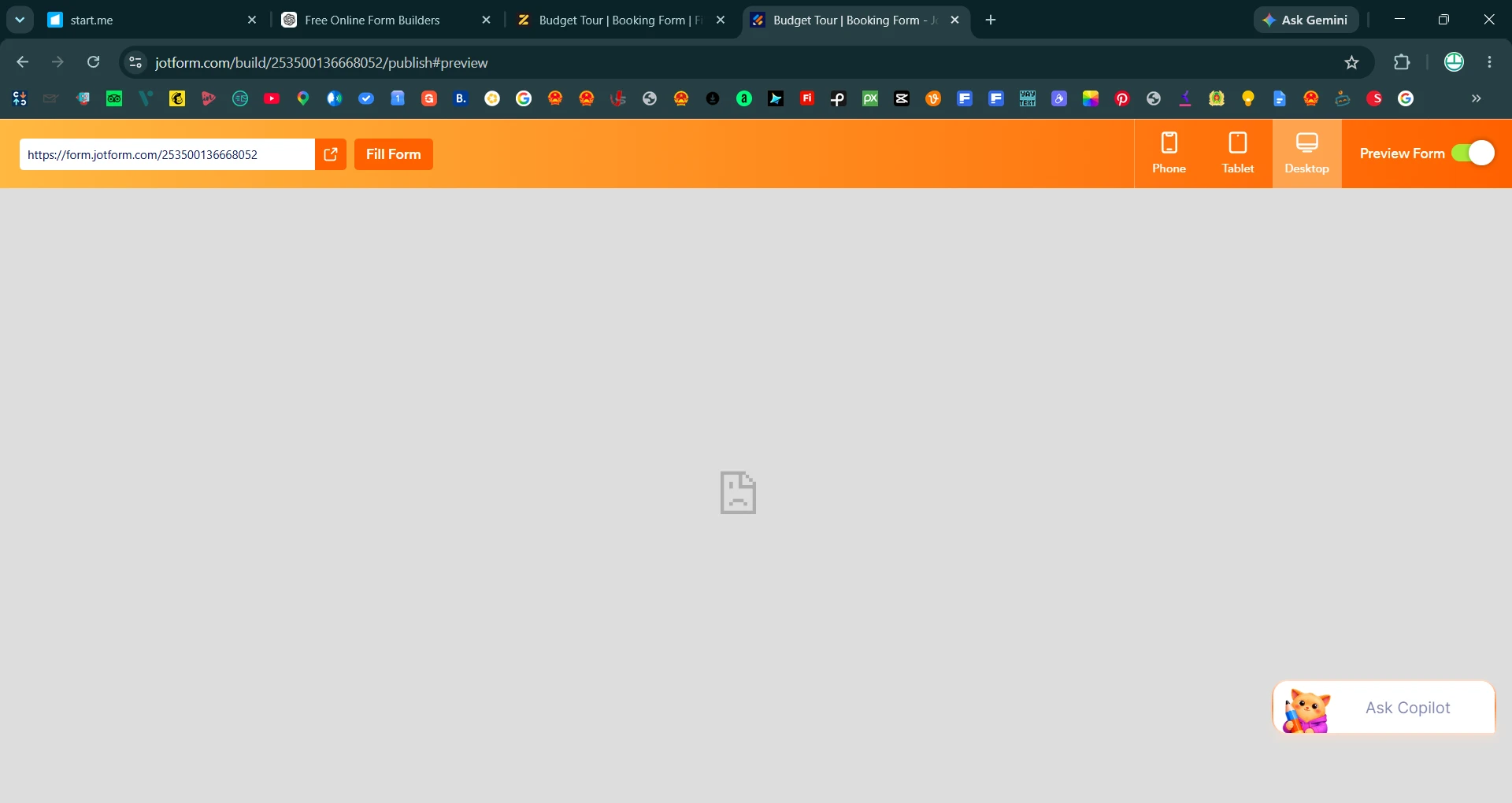
I am experiencing an issue with my Jotform account. I am unable to view any of my forms when I click Preview, and the forms also do not load when I open their public links.
This problem is affecting all of my forms, not just one. Previously, everything was working normally, but now the forms appear blank and cannot be accessed.
I have attached a screenshot for reference. Could you please help me identify what is causing this issue and how I can resolve it?
Thank you for your assistance. I look forward to hearing from you.
Kind regards,
Ankit
Greentraveller Team 💚

-
 Podo: Support Specialist
Hi Ankit,
Thanks for reaching out to Jotform Support. I'm an AI assistant here to assist you.
Let me help you with that:
From the information available, there are a few common situations where forms cannot be viewed or accessed, either in Preview or via their public links:
- Specific form error messages such as 404 Not Found, Invalid Form URL, Form not found, Form over quota, or This form is currently unavailable.
- Temporary service issues where Jotform’s back-end is temporarily unavailable due to high traffic.
- Network or caching issues on the user side that can cause forms not to load properly.
Here’s how to narrow down what is happening in your case:
First, check if any error message appears when you open a form’s public link (for example: 404 Not Found, Invalid Form URL, Form over quota, Form not found, or This form is currently unavailable). Each of these has a specific meaning:
- 404 Not Found – The form or page cannot be found, may be moved, deleted, or temporarily unavailable.
- Invalid Form URL – The form is being accessed from an incorrect Jotform domain (for example, using a different regional domain than the one assigned to your form).
- This form is currently unavailable! – The form is disabled or deleted.
- Form not found – The form was suspended for violating the Terms of Use.
- Form over quota – The form exceeded its allocated quota (such as monthly submission limit).
If you see any of these messages, the next step is to adjust the corresponding setting (for example, enabling the form again, correcting the URL/domain, or addressing quota limits).
If no error message appears and the page is just blank, please try the following basic checks:
- Check your internet connection
Make sure you have a stable connection, as network issues can prevent forms from loading. - Clear your browser cache
An old cache of your forms can cause loading issues. Clearing your browser cache and then reloading the form can help. - Try another browser or device
Open the same form links in a different browser or on another device to see if they load there.
Additionally, if the issue appears to affect all forms and there is no specific error message, it may sometimes be related to a temporary service issue. In such cases, you can check Jotform’s Status page to confirm if there is an ongoing incident affecting form availability.
To move forward, it would be very helpful if you could share:
- One or two example form URLs that appear blank.
- The exact text of any error message you see (if any).
- Whether the forms load if you try from a different browser, device, or network (for example, mobile data vs office Wi‑Fi).
After we hear back from you, we’ll have a better idea of what’s going on and how to help.
Let us know if you have any other questions.
Your Reply
Something Went Wrong
An error occurred while generating the AI response. Please try again!