









App Store Reviews Widget for Your Website
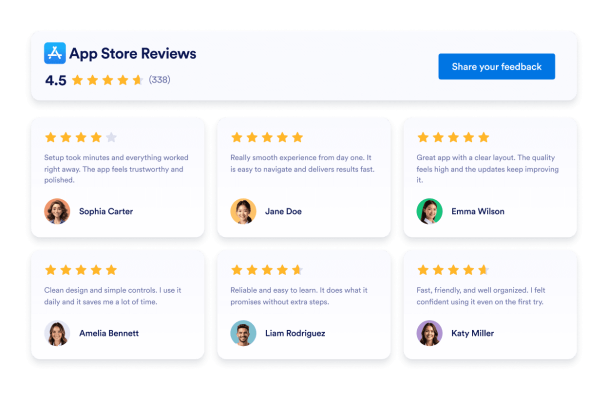
Show real iOS app ratings and user feedback where visitors evaluate your product. Jotform’s App Store Reviews Widget lets you connect a public App Store listing, display new reviews automatically, customize the design, and embed the widget without coding.
How to add an App Store Reviews widget
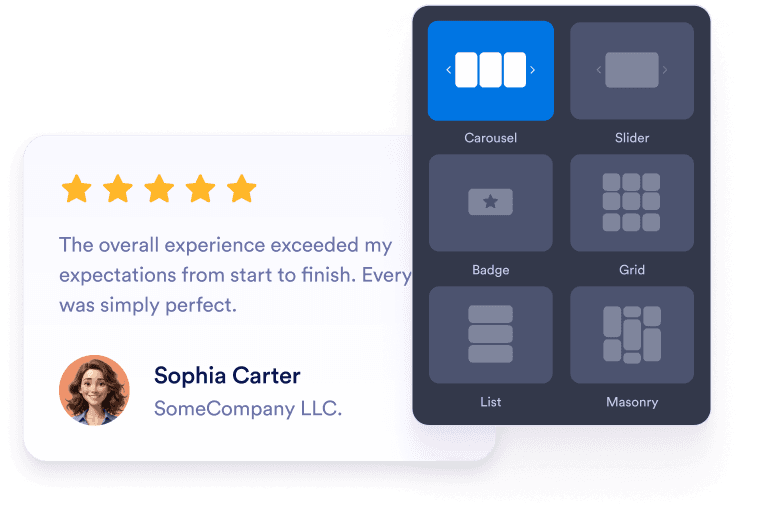
Customize your widget
Choose your preferred layout, colors, and overall appearance to match your website’s design.
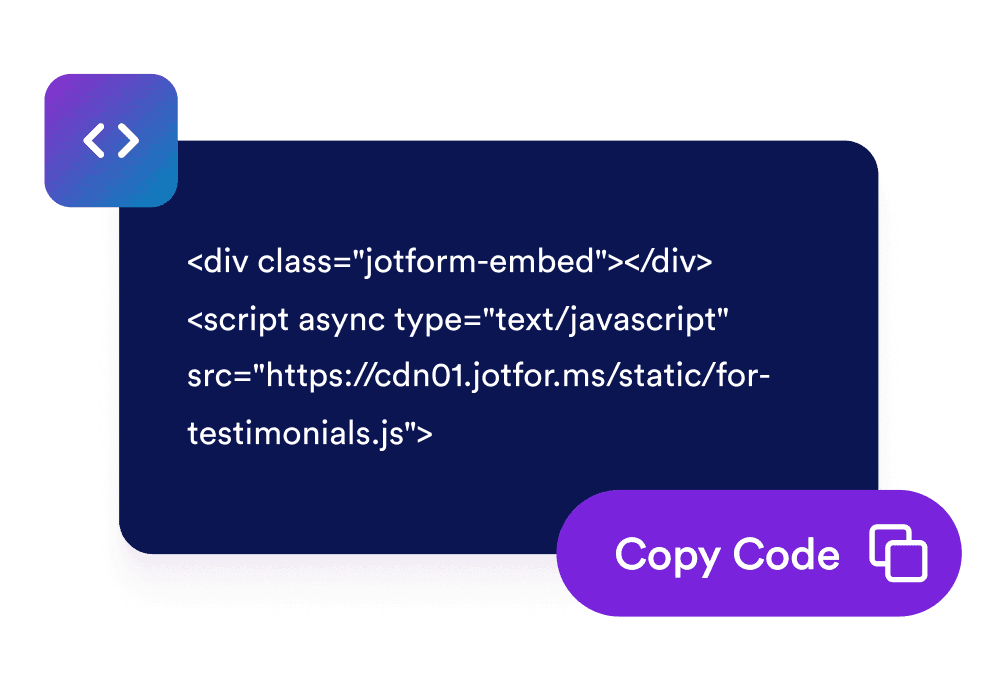
Get the embed code
Copy the automatically generated embed code and paste it anywhere on your website.

Embed it anywhere
Публикувайте реални отзиви на клиенти в целия си сайт за секунди, без нужда от техническа настройка.
Turn App Store reviews into confident app decisions
Encourage visitors to explore your app
Place positive App Store reviews near download buttons, signup forms, or product details. Authentic user feedback can answer common concerns and help visitors decide whether your app meets their needs.

Build trust with real app reviews
Display genuine ratings and comments from iOS users directly on your website. Firsthand experiences give visitors additional context and make your app’s reputation easier to evaluate.
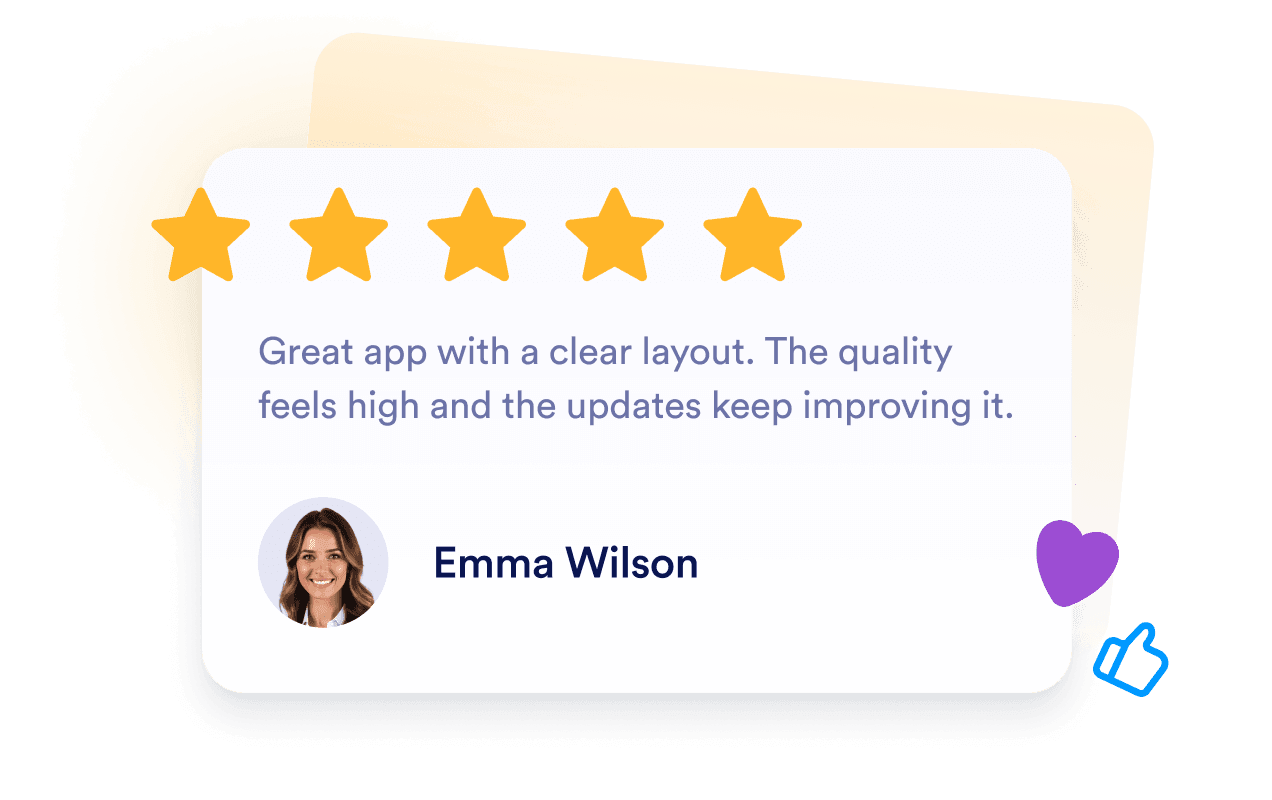
Keep review content current automatically
Connect your App Store listing once and let the widget stay synced with new ratings and comments. Your website can display current user feedback without requiring frequent manual updates.

Support app visibility with review content
Relevant user feedback can make your app pages more useful and informative for visitors. While reviews don’t guarantee higher search rankings, they can enrich your page with current, product-specific content.

Защо джаджите на Jotform се открояват
Джаджите на Jotform правят вашия уебсайт по-интерактивен и готов за конверсии. От звездни рейтинги и слайдъри с препоръки до изскачащи прозорци за социално доказателство и вградени медийни елементи, можете да комбинирате инструменти във вашите форми или целеви страници, за да събирате данни, да показвате доказателства и да привличате потенциални клиенти без да пишете код.
Разгледайте всички джаджи на JotformКъде да използвате вашата джаджа за отзиви от App Store
Add your reviews to the pages where visitors research your app and decide what to do next.
iOS app landing pages to support download decisions.
Homepage sections to introduce real user feedback early.
Feature pages to reinforce product benefits with customer experiences.
Pricing or subscription pages to address hesitation before purchase.
Release and update pages to show how users respond to your app.
Support or FAQ pages to provide extra reassurance to new users.
Превърнете потенциални клиенти в платени клиенти с конструктора на форми на Jotform
Превърнете ангажираността в действие с Jotform. Създавайте мощни форми, които улавят потенциални клиенти, събират плащания и автоматизират отговорите, всичко на едно място. Всеки подаден формуляр попада в Jotform кутия, готов за последващи действия или свързване с любимите ви приложения.
Get Started - It’s Free!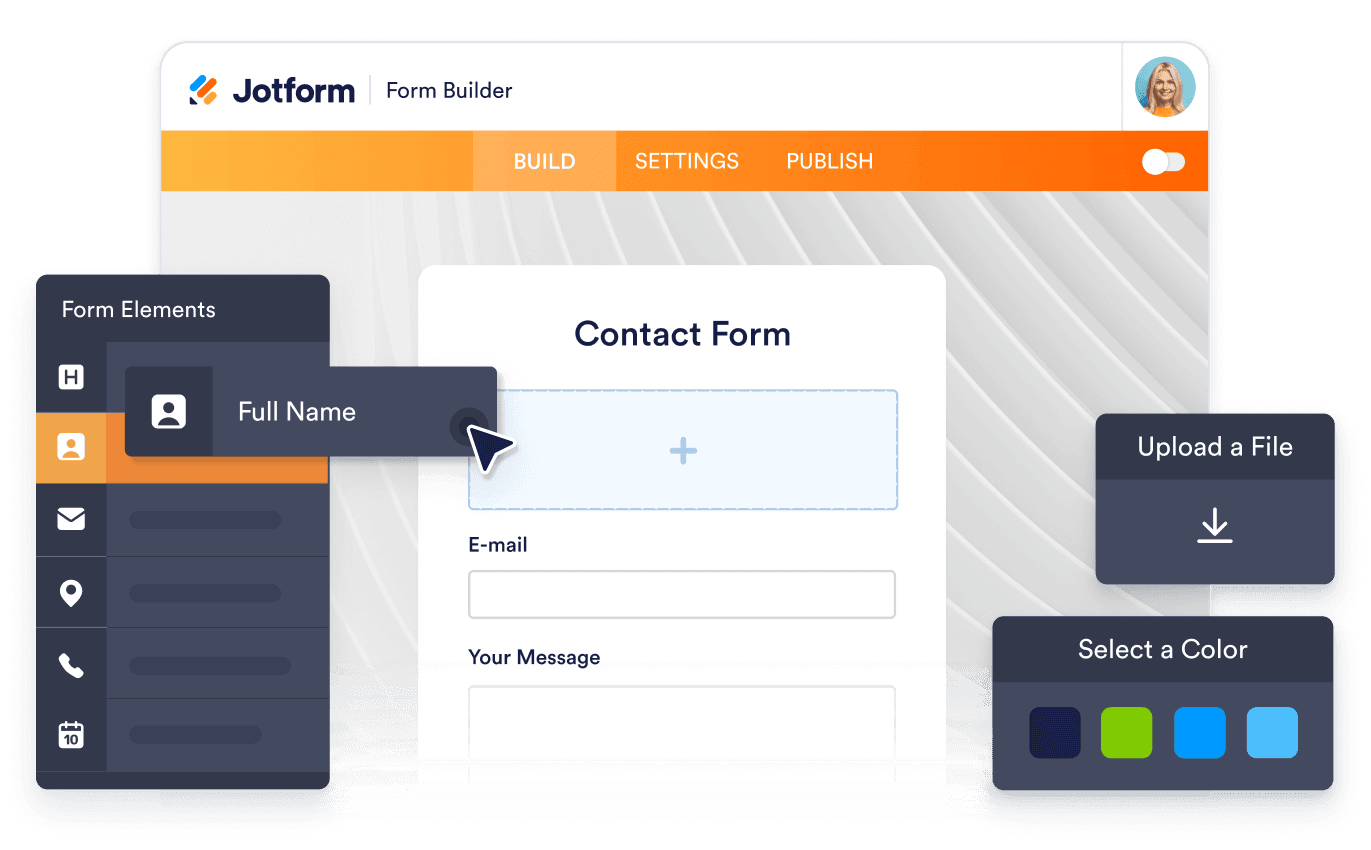
ЧЗВ
What is an App Store Reviews Widget?
An App Store Reviews Widget displays ratings and public feedback from an Apple App Store listing on your website. It gives visitors an easy way to explore real iOS user experiences without leaving the page.
How do I add App Store reviews to my website?
Which review layouts can I use?
Can I customize the App Store Reviews Widget?
Will new App Store reviews appear automatically?
Can I choose which App Store reviews are displayed?
What should I do if my App Store listing link doesn’t work?
Do I need to write code to use the widget?
Is the widget mobile-friendly?
Can I create an App Store Reviews Widget for free?
Which website platforms support the widget?
Can I get help setting up the widget?