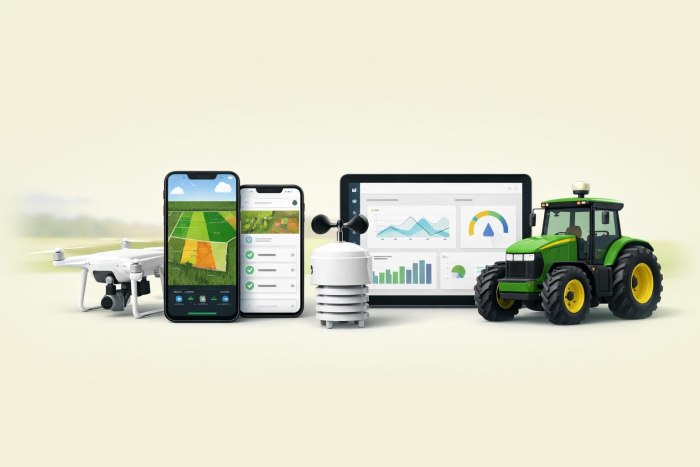
Top 5 farming apps
Farm management isn’t easy. Planting, spray treatments, and harvests are just a few of the jobs farmers are responsible for. On top of that, they must track weather conditions, monitor irrigation systems, and oversee staff.
A growing number of farm owners are turning to farming apps and software for support in managing these tasks. A 2023 McKinsey study found that 39 percent of farms planned to incorporate technology into their operations within the next two years. Farmers hope to use technology to address challenges such as
- Rising input prices: Seeds, fertilizer, machinery, and labor costs have steadily increased, particularly in South America. Tech solutions help farmers optimize their yields for maximum profitability.
- Sustainability tracking: Since the COVID-19 pandemic, consumer purchases of sustainable food products have increased. App technology helps farmers develop and manage sustainable farming practices.
- Environmental requirements: Proposed regulations in some parts of the world, such as Europe and Canada, may require farmers to meet lower emissions standards. Tech solutions can help farmers optimize fertilizer usage and monitor waste.
The McKinsey report shows that farmers are open to innovating, but they may face high technology costs and an unclear return on investment. Some affordable solutions are available, however. In this guide, we break down the best farming apps and how to choose one for your farm.
Why mobile matters more than ever
Rural areas aren’t known for the fastest internet service, but that is changing. A 2025 US Department of Agriculture study found that 82 percent of farms have a smartphone. Farmers are using their devices for critical workflows, such as
- Logging inspections
- Updating records
- Tracking tasks
- Taking photos
- Completing forms
Farm apps downloaded to a smartphone allow farmers, who are often on the move, to take care of business from wherever they are. Well-designed mobile apps are cost-effective and user-friendly, and they deliver benefits without the expense of a full enterprise software program.
5 best farming apps in 2026
When evaluating apps for farming, consider their cost, platform, and availability for offline use. Many apps offer a free trial period, giving you an opportunity to explore the app’s features before making a formal commitment.
| Apps | Offline usage | Ease of use | Free trial | Platforms supported |
|---|---|---|---|---|
 Jotform |
Available |
Easy |
Free plan with unlimited apps |
Android, iOS, web |
 PickApp |
Available |
Medium |
Free pilot period |
Android, iOS, web |
 AGRIVI |
Available |
Complex |
No free trial |
Android, iOS, web |
 Farmbrite |
Available |
Complex |
14-day free trial |
Android, iOS, web |
 Croptracker |
Available |
Complex |
No free trial |
Android, iOS, web |
1. Jotform
Jotform offers over 3,500 free app templates you can use to develop an app for your business. Each app template is customizable and accessible offline from your mobile device.
Creating an app with Jotform doesn’t require coding experience. Simply choose the template you want and use Jotform’s drag-and-drop features to add links, buttons, documents, images, and other elements.
Jotform’s popular farm app templates include
- Farm Sprayer App: Maintains records of pesticide sprays, including time, date, and amount
- Farmer Market App: Details information about upcoming farmers market events and vendors
- Farmer App: Showcases farm products to customers and facilitates purchases
- Farm Equipment Maintenance App: Tracks maintenance schedules, availability of spare parts, and farm equipment performance
- Agricultural Survey App: Records crop growth, irrigation sources, soil type, and pH levels
- Field Service App: Allows field workers to submit reports about their work while they’re on the go
Jotform provides the basic structure for your farming app. You can tailor it to fit your farm requirements with data-collection tools, such as equipment checklists, crop logs, and inventory tracking.
- Best for: Farmers seeking a customized, no-code farming app solution
- Key features
- Jotform app templates stand out for their flexibility. Each app is customizable using drag-and-drop features, so you can tailor it for your business needs. This allows you to create an app without having to code.
- You can share apps through social media, QR codes, and custom URLs. You have control over who can view and interact with your app through Jotform’s access settings. For example, if you want to sell organic food online, you can share the app with your customers. They can select products and make payments directly in the app, and you’ll receive their orders immediately.
- Pros
- Fully customizable, no-code solution
- Integrates with major payment processors, including Stripe, Square, and PayPal
- Supports push notifications and alerts to app users
- Cons
- Can’t publish apps to the Apple App Store or the Google Play Store
- Limited storage on the free plan
- Pricing
- The Starter plan is free and includes unlimited apps.
- Paid plans start at $34 per month.
- Available devices/platforms: Android, iOS, web
- Offline usage: Available
Pro Tip
With Jotform, you can create a custom splash screen and app icon to enhance brand recognition. Create a free Jotform account to design your first farm app today.
2. PickApp
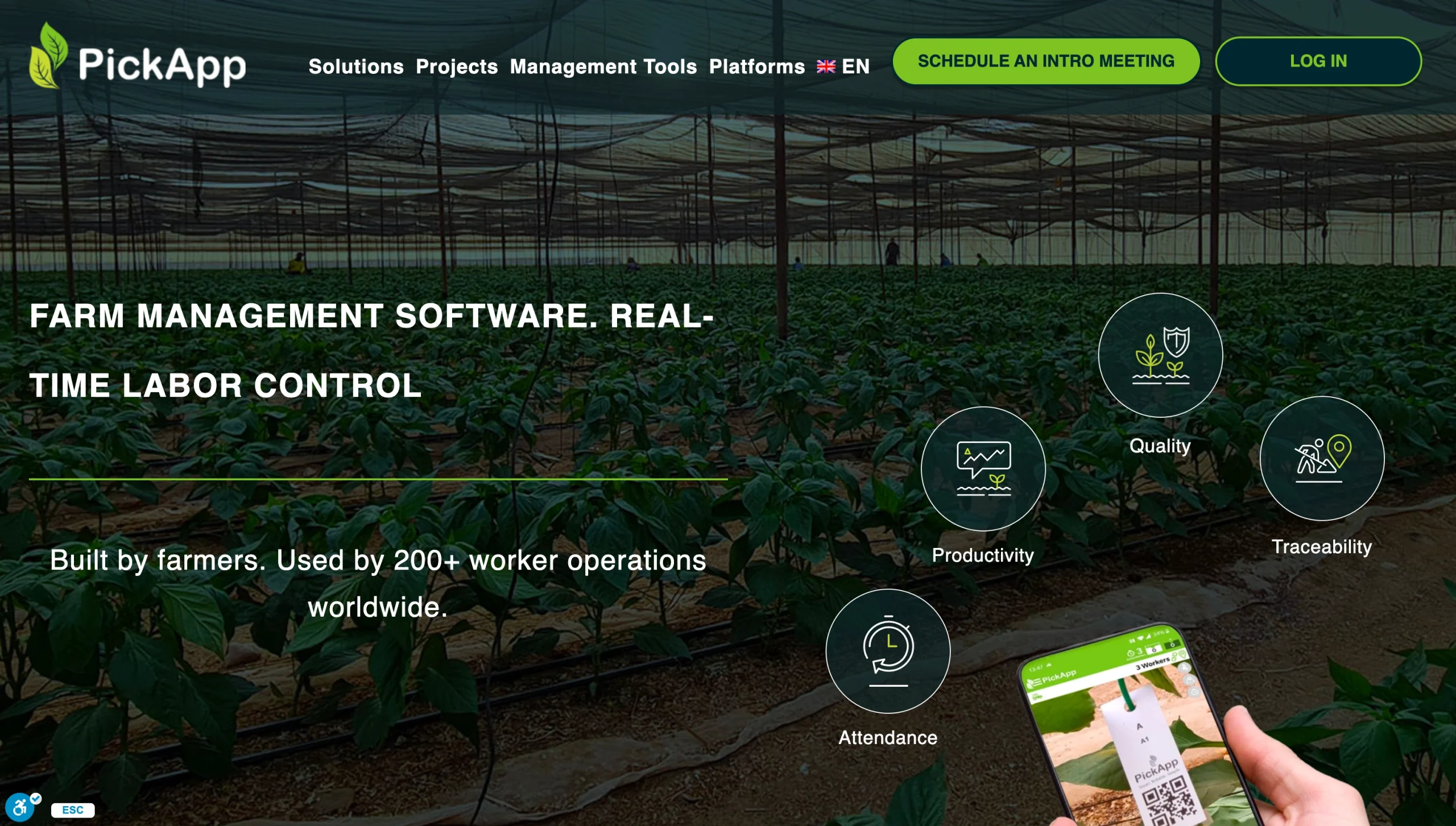
PickApp offers farming and agriculture apps and software to help you manage your crops. It enables field hand reporting to track activities such as planting and harvesting. Workers use a smartphone or tablet to scan plant QR codes and report insights. Data is transferred to the software, which is accessible on desktop or mobile devices.
PickApp aims to improve crop yields, boost product quality, and increase labor productivity. It supports small, midsize, and enterprise farms.
- Best for: Monitoring field labor activities
- Key features
- PickApp specializes in labor tracking, helping farms monitor their team’s pick rates and attendance. Each QR code is tied to a worker, allowing farm managers to inspect the quality of their work. It also provides an audit trail for traceability reporting and sustainability purposes.
- PickApp is one of the best farming apps for iPhone due to its ease of use and built-in scanning tools. Farmers don’t have to purchase QR scanners; teams can use their smartphone to input their work.
- PickApp offers real-time reporting and dashboard analytics to support informed decisions. Setup time is minimal, with most farms integrating the software within two or three days.
- Pros
- Agriculture apps that track soil moisture, nutrient levels, and pest activity
- Dedicated tools for tracking harvest quality and yields across multiple picking cycles
- Multi-language support, including English, Spanish, French, Dutch, and Hebrew
- Cons
- No support for livestock or equipment maintenance tracking
- Ideal for specialty crops such as berries, vegetables, and tree fruits, not row crops
- Pricing
- Free pilot period
- Custom paid plans
- Available devices/platforms: Android, iOS, web
- Offline usage: Available
3. AGRIVI
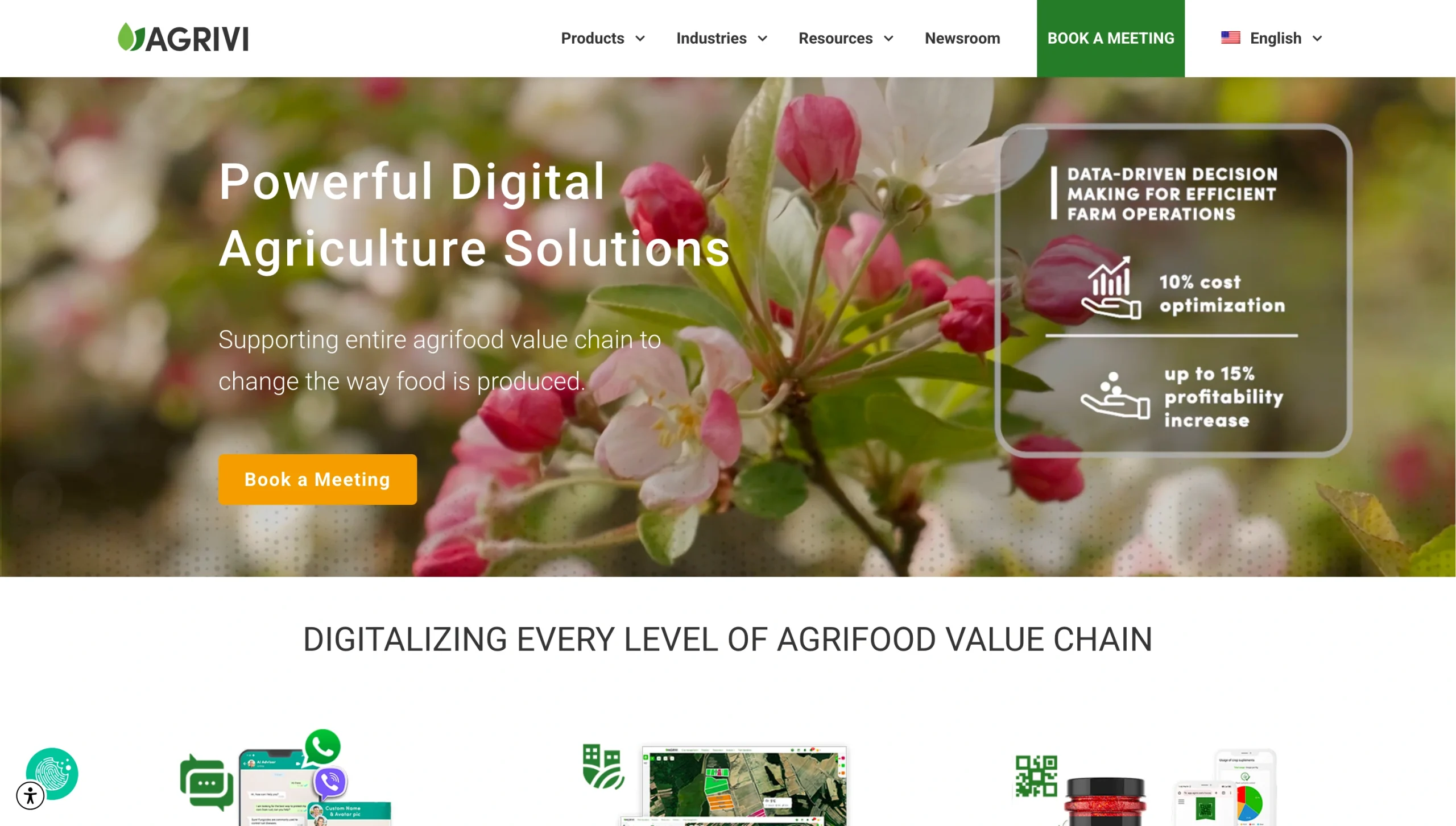
AGRIVI provides enterprise software and mobile apps for farmers. It contains multiple modules to support the entire agri-food chain, including tools for marketing, crop cultivation, food traceability, equipment management, and soil tracking.
You can mix and match AGRIVI modules to suit your business needs. This allows you to optimize costs and expand your platform as the farm grows.
AGRIVI 360 Farm Enterprise is AGRIVI’s keystone product for farmers. It supports crop planning based on agronomic and financial requirements. Farmers can use the platform’s analytics to identify inefficiencies and boost crop yields. It integrates with weather stations, farm equipment, and soil sensors.
- Best for: Large farms seeking an enterprise farming software solution
- Key features
- AGRIVI’s full-scale platform helps farmers plan crops and manage their operations via a mobile or desktop app. It offers real-time analytics that monitor crop health, pest risk, and weather.
- AGRIVI includes an open API that enables farmers to connect the platform with internet-connected sensors, machinery, and enterprise resource planning tools. It collects and stores data in one place, which is useful for sustainability and regulatory reporting.
- All customers receive onboarding support during implementation. Ongoing tech support is also available.
- Pros
- Supports food quality, food safety, and sustainability compliance with standards such as the International Organization for Standardization’s ISO 9001 and Global Good Agricultural Practices
- Offers a custom development service to tailor the software to your specific farming needs
- Supports easy integration with other software, sensors, and equipment through open API
- Cons
- Implementation may take several weeks or months.
- Complexity may be too high for small and midsize farms.
- Pricing
- Custom paid plans
- Available devices/platforms: Android, iOS, web
- Offline usage: Available
4. Farmbrite
Farmbrite is an end-to-end software platform and mobile app for farm management, including for crop growers and livestock producers.
With Farmbrite’s crop cultivation tools, you can organize tasks and assign them to team members. The platform helps improve input efficiency by suggesting optimal levels of fertilizer, water, and pesticides for each crop. Monitoring tools can evaluate soil nutrients and test data for improved crop productivity and yields.
Farmers who raise livestock benefit from Farmbrite’s recordkeeping tools, which store animal records and wellness data. The platform assists farmers with managing pastures and animal movements. The app supports many types of animals, including cattle, sheep, goats, pigs, and chickens.
- Best for: Farmers who need a user-friendly solution for crop and livestock management
- Key features
- Farmbrite combines features that usually require separate software, such as task management, bookkeeping, inventory management, and sales, with common farm management tools such as seasonal crop planning, equipment maintenance, inventory tracking, and employee time tracking. These features make Farmbrite a comprehensive solution for managing your farm.
- Unique to Farmbrite are its livestock management tools. Other apps focus solely on crop cultivation, but Farmbrite includes features that can manage animal health records, genealogy, and grazing.
- Farmbrite integrates with over 5,000 apps using a code-free Zapier connection. It also offers an API you can use to create your own custom apps.
- Pros
- Includes revenue and expense management tools to simplify end-of-year tax reporting
- Provides a centralized database for all farming activities
- Offers 100 pre-built reports and real-time dashboard analytics
- Cons
- Lacks QR-based tools that monitor labor productivity and crop quality
- Can take weeks to implement
- Pricing
- Free 14-day trial
- Paid plans start at $29 per month
- Available devices/platforms: Android, iOS, web
- Offline usage: Available
5. Croptracker
Developed in 2006, Croptracker markets itself as the premier software platform for fruit and vegetable farmers. It excels in recordkeeping, allowing farmers to track pesticide spraying, harvests, irrigation, and labor.
With Croptracker, farmers can create task lists and assign them to employees. Also useful are its traceability tools, which identify where a product came from and who picked and packed it.
- Best for: Enterprise growers who need a comprehensive crop cultivation and labor management solution
- Key features
- Croptracker ranks among the best farming apps for Android due to its comprehensive documentation tools. You can record regular farming activities, such as spraying and harvests, directly in the app. It also allows employees to clock in and out.
- Managers can create and assign tasks for each employee. The app provides built-in communication tools, eliminating the need for texts and emails.
- Croptracker includes over 50 premade reports. Plans include customer support to help you implement the software and tailor it to your needs.
- Pros
- Includes detailed reports that support regulatory compliance and food safety standards
- Automatically syncs data submitted offline when the mobile app reestablishes a connection
- Separates tools into modules, so you pay for only the solutions you use
- Cons
- Requires a minimum of 10 users per plan
- Takes several weeks to fully implement, and users may need training
- Pricing: Starts at $27.50 per user, per month
- Available devices/platforms: Android, iOS, web
- Offline usage: Available
Find the best farming app for your needs
Every farm app on this list offers a different blend of features, pricing, and complexity. Jotform is ideal for farms that need a flexible, no-code solution. PickApp works best for labor-intensive operations, while AGRIVI suits large enterprises with complex supply chains. Farmbrite covers both crop and livestock management, and Croptracker is a strong fit for fruit and vegetable growers who need detailed compliance records.
Compare each tool’s features, offline availability, and cost to find the option that best fits your farm.
If you’re looking to build a custom farming app without the cost of enterprise software, Jotform Apps is a free starting point. Get started with the Jotform AI App Builder and build your farmer app in minutes — no coding required.
FAQs about best farming apps
Jotform provides a host of AI tools to support farms. With the Jotform AI App Builder, you can create a custom farm app with just a few text inputs. Another Jotform AI tool useful for farming is the Jotform AI Chart Generator, which transforms farm data into informative visualizations and graphs.
Every farm app offers a different blend of features. To find the best farm app for your business, compare each tool’s features, offline availability, platform options, and cost. Choose the app that best aligns with your needs and budget.
This article is for farmers, farm managers, agricultural business owners, and agribusiness teams looking for mobile tools to manage operations, improve productivity, and streamline farm data collection.




























































































Send Comment: