
A quick guide to pick the best online lesson planner for teachers
- Jotform is the best choice for teachers who want a customizable lesson planner with built-in workflows.
- Planbook is a great fit for teachers who want a dedicated digital lesson planner with a familiar weekly planning structure.
- Common Planner is ideal for schools and teaching teams that want shared planning visibility and stronger collaboration.
- iDoceo works best for Apple-based teachers who want lesson planning, grading, and class management in one app.
- Google Classroom is a practical fit for schools already working inside Google’s ecosystem and managing assignments collaboratively.
- PlanbookEdu is a solid choice for teachers who want a conventional cloud-based planner with sharing and anywhere access.
The best online lesson planner for teachers depends on what you actually need it to do. Some tools are simple, offering a weekly planning calendar and little else. Others are all-singing and all-dancing — including built-in features like standards alignment, curriculum mapping, or workflow and approvals.
In this guide, I’ve curated a list of the six best online lesson planners for teachers in 2026. Every tool was carefully selected to solve real teacher planning use cases. If you’re trying to quickly compare free online lesson planners, dedicated lesson planning apps, or fuller lesson planning software platforms, this article — especially the table below — will help you make decisions fast.
The 6 best online lesson planners for teachers, reviewed
| Tool | Best for | Standards support | Collaboration | Mobile app | Plans/pricing |
|---|---|---|---|---|---|
 Jotform |
Teachers who want a customizable lesson planner with built-in workflows |
Custom setup |
Yes, via Workflows |
Yes (iOS and Android) |
Free plan available, paid plans start from $17 per month (includes a 50 percent educator discount) |
 Planbook |
Teachers who want a dedicated digital lesson planner with a familiar weekly planning structure |
Yes |
Yes |
Yes (iOS and Android) |
Free, paid tier for unlimited courses |
 Common Planner |
Schools and teaching teams that want shared planning visibility and stronger collaboration |
Yes |
Yes |
No, it’s browser-based only |
Free plan available, paid plans start from $5.59 per month |
 iDoceo |
Apple-based teachers who want lesson planning, grading, and class management in one app |
Not specified |
Limited |
iOS and iPadOS only |
One-time purchase ($19.99) |
 Google Classroom |
Schools working inside Google’s ecosystem and managing assignments collaboratively |
No |
Yes |
Yes (iOS and Android) |
Free with Google Workspace for Education |
 PlanbookEdu |
Teachers who want a conventional cloud-based planner with sharing and anywhere access |
Yes |
Yes |
No, it’s browser-based only |
Free trial available, paid plan is $30 per teacher per year |
1. Jotform
Best for: Teachers who want a customizable lesson planner with built-in workflows.
Why it made the list: Jotform Education’s flexibility (and 50 percent discount for teachers and educators) is what earned its place in this list. Unlike many lesson planning tools where you adapt to their structure, with Jotform you build the planning system around how your school actually operates — from solo lesson drafting through to department-head review and admin sign-off.
Key strengths:
- The Lesson Planner App template provides teachers with a ready-made but customizable planner they can access from their mobiles. It covers lesson titles, objectives, tasks, resources, and assignment checklists.
- Jotform Tables and the Yearly Lesson Plan template let teachers view their full curriculum in spreadsheet, calendar, or card format, making it easy to spot gaps across the year at a glance.
- Jotform Workflows adds approval routing that dedicated planners don’t offer. This is especially useful for schools where lesson plans need sign-off before submission.
Key drawback: Jotform isn’t purpose-built for lesson planning, so teachers who want a ready-made weekly planner may need to invest time upfront configuring their setup.
Jotform approaches planning uniquely. Rather than locking you into a fixed calendar and a rigid set of fields, it lets you build a custom planning system around how your school actually works.
Using the Lesson Planner App template, teachers can capture everything from learning objectives to assignment checklists in one mobile-friendly hub, then store and organize everything in Jotform Tables. The Lesson Plan PDF template also lets teachers generate clean, shareable plan documents without reformatting anything manually.
For teachers who want a flexible system that grows with their school’s process, Jotform is a strong fit.
Jotform pricing
The free plan is quite generous and should meet all basic lesson planning requirements for teachers. Teachers and educators can also access a 50 percent discount on paid plans, cutting the total price of the Bronze tier from $34 to $17 per month (billed annually). Teachers benefit from more than 6,500 education form templates to draw from across the platform.
Agency Partner ProgramTurn Referrals Into Revenue!
Become an Agency Partner
2. Planbook
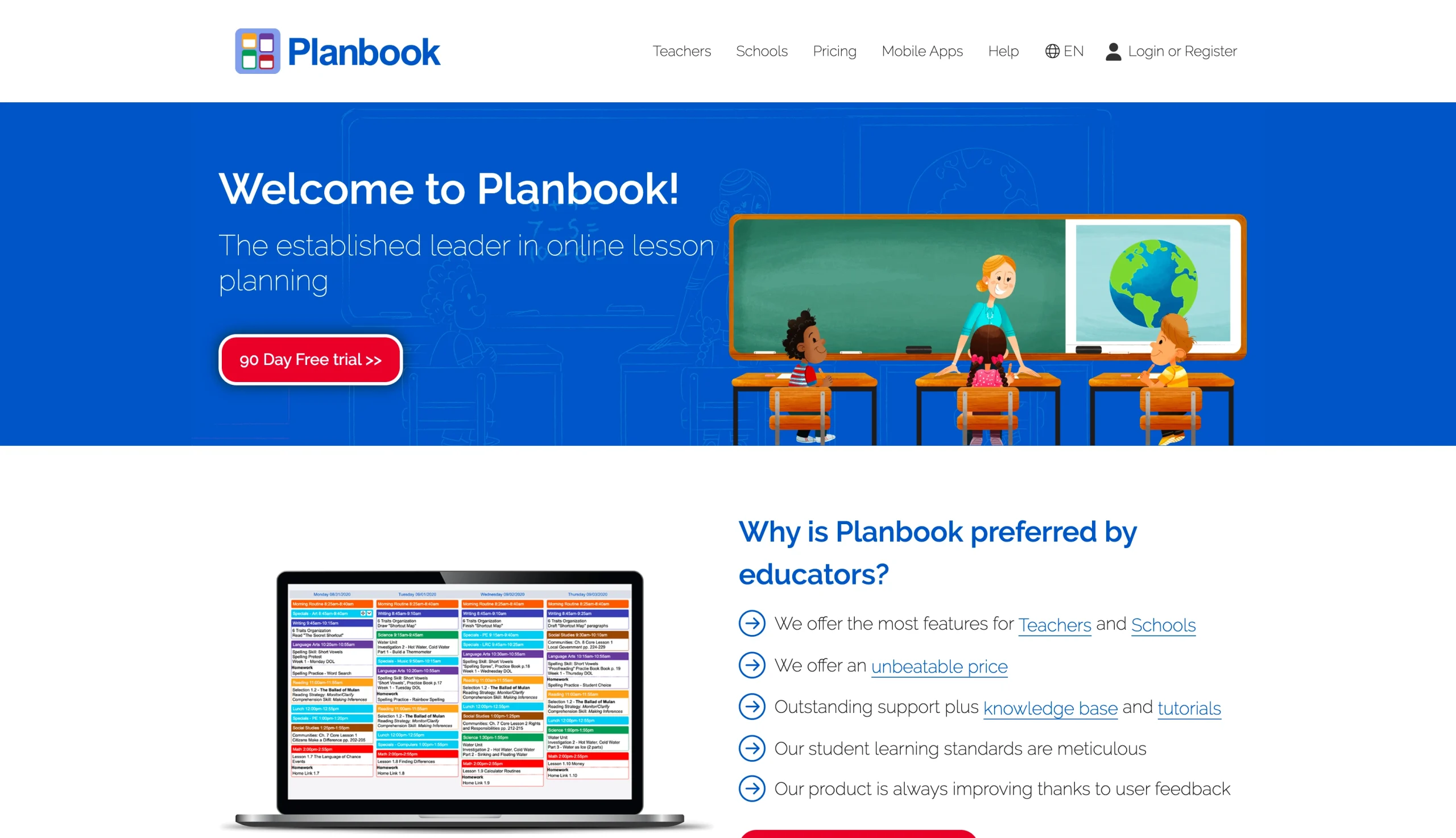
Best for: Teachers who want a dedicated digital lesson planner with a familiar weekly planning structure.
Why it made the list: Planbook is one of the longest-standing purpose-built lesson planning apps available, and it remains a go-to for teachers who want a straightforward weekly planner without the overhead of a broader platform.
Key strengths:
- The weekly calendar view mirrors the way most teachers already think about planning.
- Standards alignment is built in, letting teachers tag lessons to frameworks directly inside the planner.
- Plans can be shared with administrators or colleagues with a single link, keeping collaboration simple without requiring everyone to have an account.
Key drawback: Planbook’s interface hasn’t evolved much in recent years, and teachers who want deeper workflow tools, analytics, or integrations will quickly hit its ceiling.
Planbook is built to do one thing well: Help teachers plan lessons week by week in a format that feels intuitive from the get-go. The interface centers on a weekly grid where teachers can add lesson details, attach resources, tag standards, and copy plans forward to save time on repeating units. It’s designed for the individual teacher first, with enough sharing functionality to satisfy most admin visibility requirements.
For K–12 teachers who find broader educational technology platforms overwhelming or over-engineered for daily planning needs, Planbook offers a focused alternative. It won’t replace a full curriculum mapping tool, but as a reliable teacher lesson planner for day-to-day use, it’s hard to fault for simplicity. Teachers looking at the wider category of top educational technology tools will find Planbook sits firmly at the practical, no-fuss end of the spectrum.
Planbook pricing
Planbook is an affordable paid tool with an annual subscription. There’s a free trial available so that teachers can test the workflow before committing. Pricing is then $20 per teacher per year or $18 per license for up to 49 licenses. It’s a straightforward solution for individuals but also suitable for school-wide rollouts.
3. Common Planner
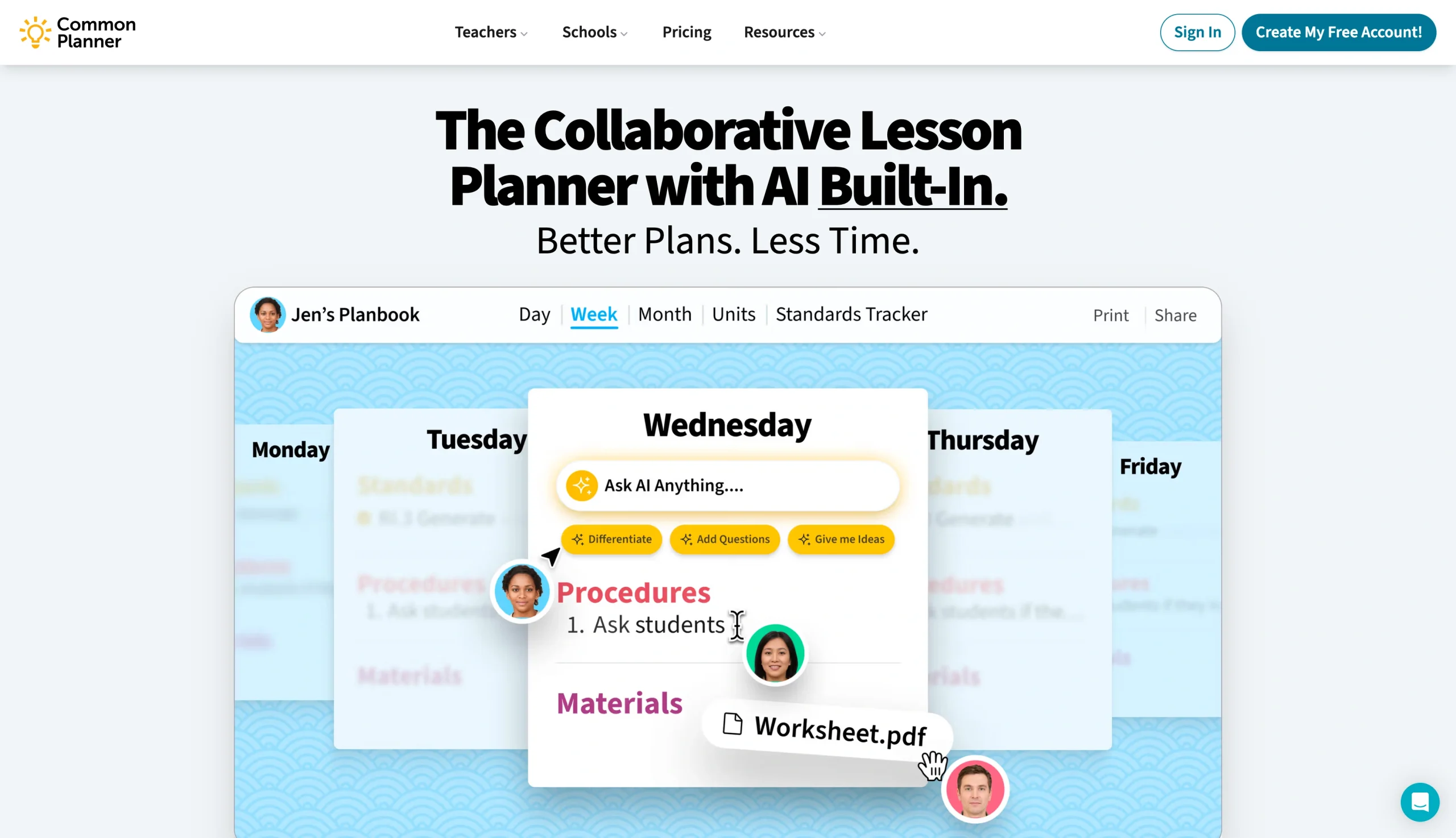
Best for: Schools and teaching teams that want shared planning visibility and stronger collaboration.
Why it made the list: Common Planner is one of the few tools in this category designed explicitly for collaborative planning at a team or school level, rather than bolting sharing onto a solo-first planner.
Key strengths:
- Shared planning spaces let teaching teams work on lessons together in real time, rather than passing documents back and forth.
- Administrators get visibility into planning activity across departments without disrupting individual teacher workflows.
- Standards alignment is embedded at the team level, making it easier to ensure consistency across classrooms teaching the same content.
Key drawback: Common Planner is overkill for individual teachers planning independently.
Common Planner is built for the reality that lesson planning in most schools is not a solo activity. Often, department heads need visibility, and administrators need to confirm standards are being covered. Common Planner brings all that into one shared workspace, so planning conversations happen inside the tool rather than across disconnected emails and spreadsheets.
Common Planner pricing
Common Planner has multiple pricing options. The “free forever” solution is suitable for individual teachers who want basic functionality. The Pro for Teachers plan is an affordable $5.59 a month (billed annually). For schools and districts, there are custom pricing options and you can schedule a demo to find out more.
4. iDoceo
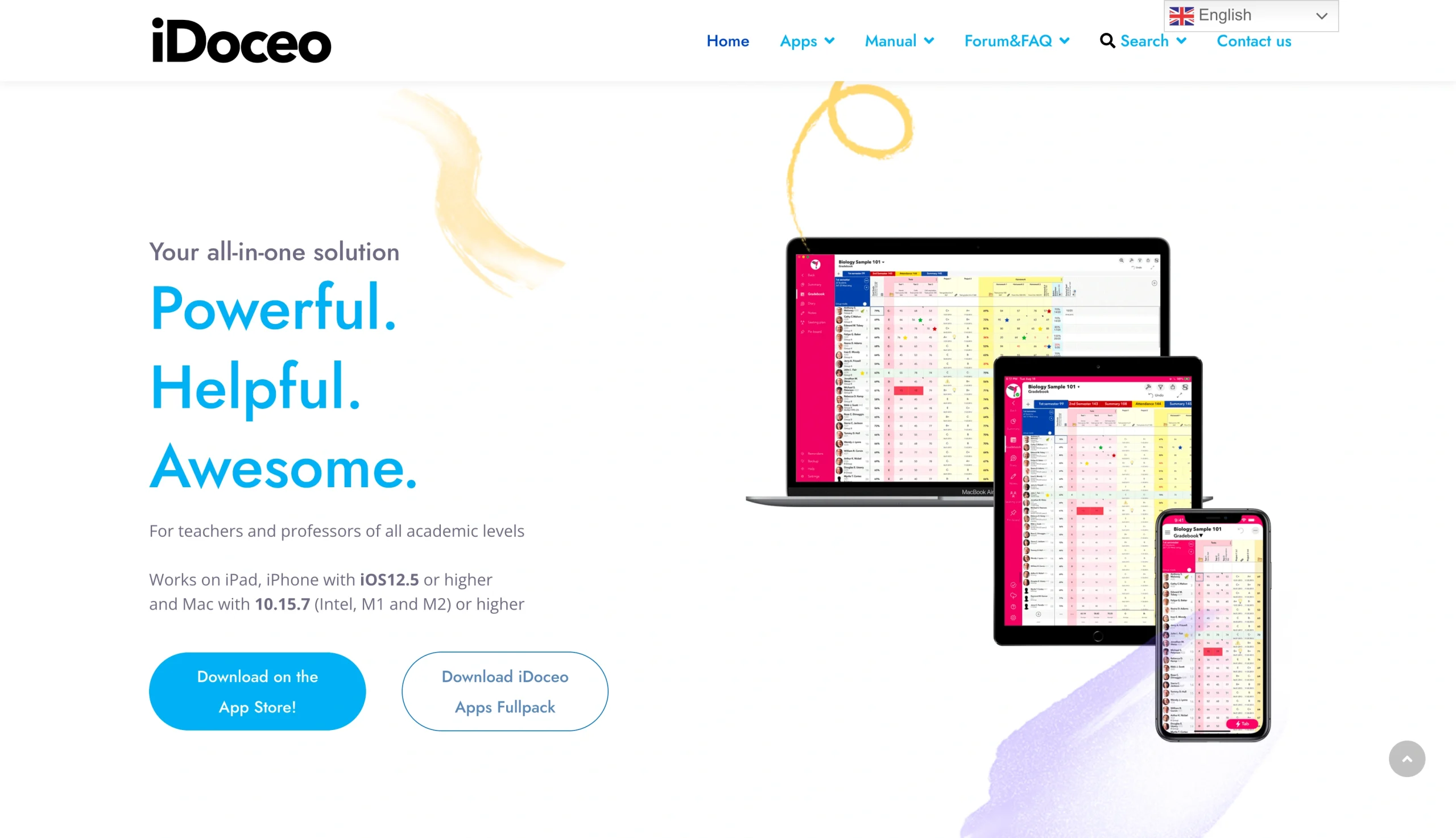
Best for: Apple-based teachers who want lesson planning, grading, and class management in one app.
Why it made the list: iDoceo is the strongest digital lesson planner app in this list for teachers working primarily on Apple devices.
Key strengths:
- iDoceo combines a lesson planner, gradebook, seating chart, and class diary in one app, reducing the number of tools a teacher needs to manage daily.
- The tool is built specifically for iPad, with an interface that takes full advantage of Apple Pencil and touch navigation.
- iDoceo works offline, which matters for teachers in schools with unreliable connectivity.
Key drawback: iDoceo is iOS and iPadOS only, so it’s a non-starter for teachers working on Windows, Android, or Chromebook devices.
iDoceo is built for the teacher who likes to use the iPad (or iPhone). The app brings together lesson planning, attendance tracking, a full gradebook, seating plans, and a class journal into a single interface designed around touch. Rather than juggling separate apps for planning and grading, teachers can move between them fluidly without leaving iDoceo.
The offline capability is a practical differentiator. Many online lesson planners require a constant internet connection, which can be limiting in schools where Wi-Fi is patchy or restricted. iDoceo stores everything locally and syncs when connected, meaning planning can continue regardless.
iDoceo pricing
iDoceo is a one-time purchase ($19.99) from the Apple App Store, which makes it unusually good value compared to subscription-based planners. There are no recurring fees, and updates are included.
5. Google Classroom
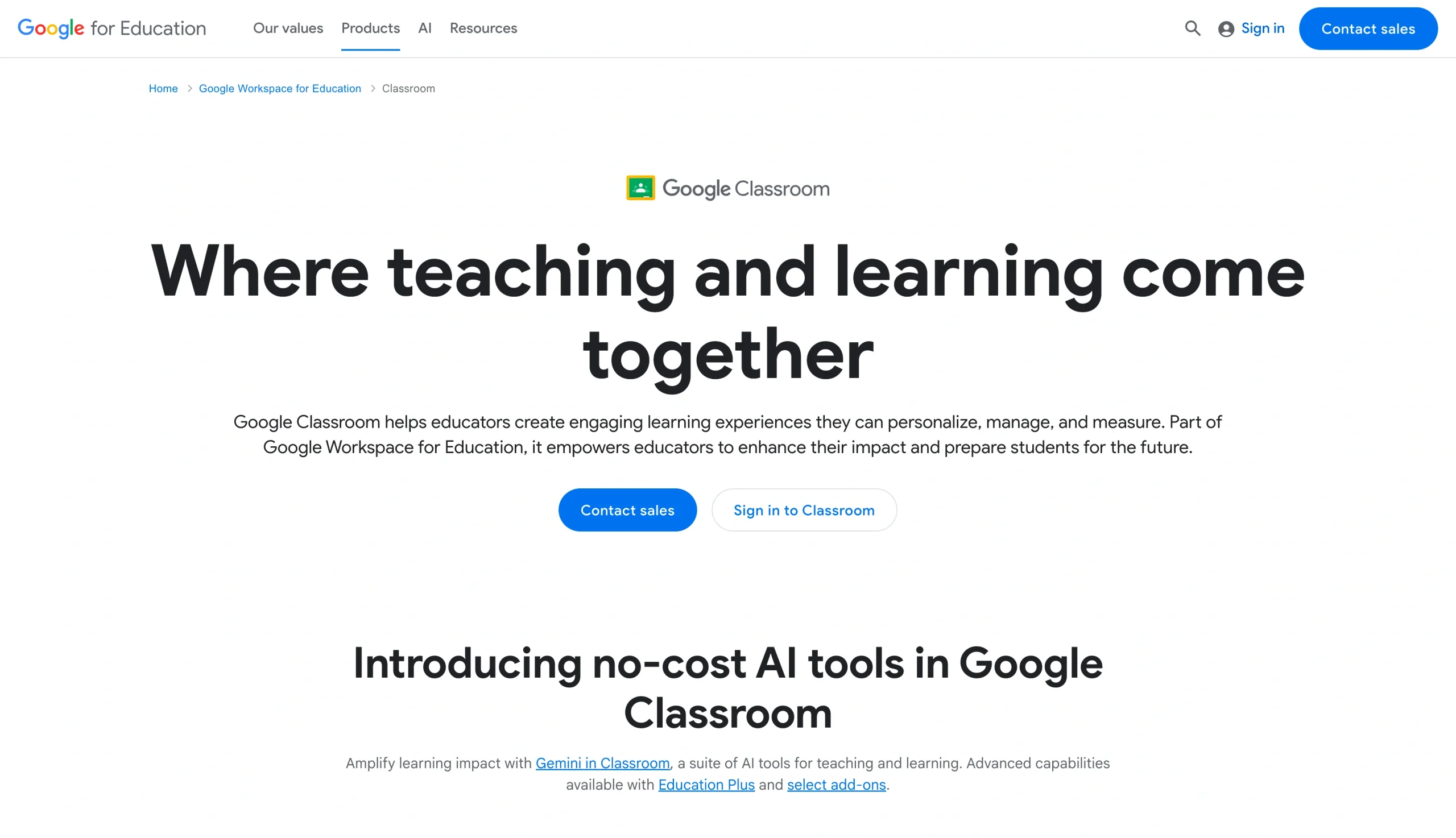
Best for: Schools working inside Google’s ecosystem and managing assignments collaboratively.
Why it made the list: Google Classroom isn’t a dedicated lesson planner, but it functions as one — and it’s where a significant number of K–12 teachers already do their planning and assignment management.
Key strengths:
- Deep integration with Google software such as Docs, Forms, Drive, Meet, and Calendar means teachers can plan, assign, and communicate without switching platforms.
- Google Classroom is free for schools using Google Workspace for Education, with no per-teacher cost for core functionality.
- The tool’s familiar interface reduces training time significantly in schools already using Google products.
Key drawback: Google Classroom has no native lesson planning structure. There’s no weekly planner view, no standards alignment, and no curriculum mapping, so teachers have to improvise their own planning system inside it.
With Google Classroom, teachers can organize content into topics, schedule assignments, attach resources from Drive, and communicate with students and co-teachers — all within a tool that most school devices already have access to.
It works best as part of a broader Google-based workflow rather than as a standalone planning solution. That said, for schools where simplicity and zero additional cost are the priority, it’s good enough.
Pro Tip
If Google Classroom isn’t quite the right fit for your school, take a look at our roundup of the best Google Classroom alternatives for other options worth considering.
Google Classroom pricing
Google Classroom is free for schools using Google Workspace for Education. The paid Google Workspace for Education Plus tier ($6 per month per student) unlocks additional admin and analytics features, but the core classroom functionality costs nothing.
6. PlanbookEdu
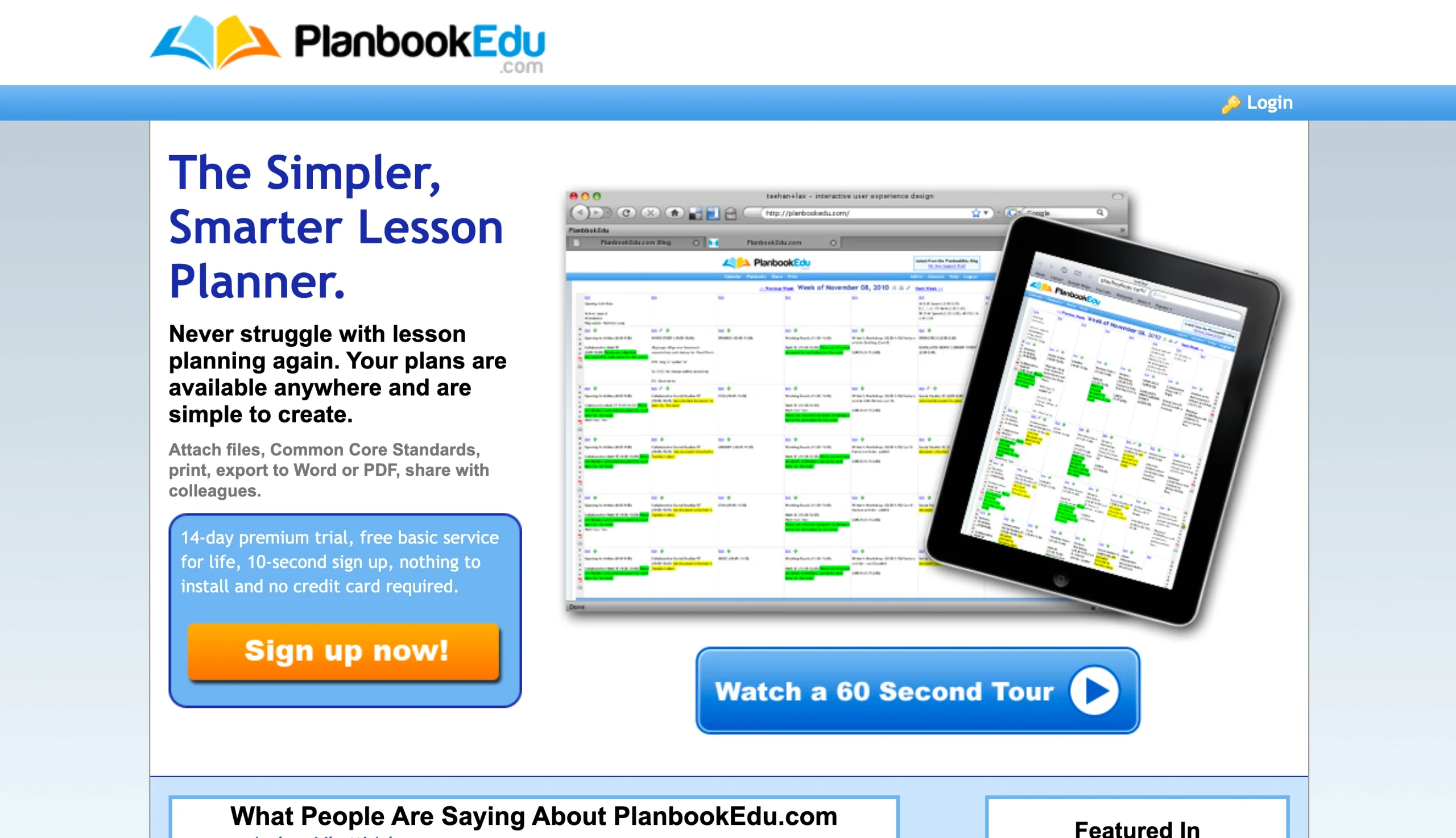
Best for: Teachers who want a conventional cloud-based planner with sharing and anywhere access.
Why it made the list: PlanbookEdu is a reliable, no-frills online lesson planner for teachers. It covers the core planning workflow, including weekly scheduling, standards alignment, and plan sharing.
Key strengths:
- Cloud-based access means lesson plans are available from any browser on any device, with no software to install.
- Standards alignment covers a wide range of state and national frameworks, with tagging directly inside the planner.
- Simple sharing tools let teachers give administrators or colleagues read access to plans without requiring them to create accounts.
Key drawback: PlanbookEdu’s interface feels dated compared to newer lesson planning apps, and there’s little in the way of collaboration beyond basic plan sharing.
PlanbookEdu does what a reliable teacher lesson planner should do: It gives teachers a weekly planning grid and lets them attach standards, add resources, and share plans with whoever needs to see them. The cloud-based setup means there’s no device dependency, so teachers can plan at school, at home, or anywhere else with a browser.
It won’t win on features compared to tools like Common Planner, and it won’t replace a workflow platform like Jotform. But for teachers who want the best lesson plan app experience on a dependable, conventional platform, PlanbookEdu is a solid and affordable choice.
PlanbookEdu pricing
PlanbookEdu is a paid tool with an annual subscription of $30 per teacher per year. A free trial is available, and school or district pricing can be arranged for larger groups of five users or more.
How to choose the best online lesson planner for your teaching style
If you’re still not sure which is the best online lesson planner for you, the below list should make decision-making easy.
- Choose Planbook or PlanbookEdu if you need a no-fuss weekly planner: Both use a familiar grid layout and require minimal setup. Planbook edges ahead on standards tagging, while PlanbookEdu wins on device flexibility.
- Choose Common Planner or Jotform if planning involves more than one person: Common Planner is built for real-time team collaboration and admin visibility. Jotform is the better fit when you also need approval workflows and custom formats baked into the process.
- Choose iDoceo if you want lesson planning, grading, and class management in a single app: It’s the most self-contained tool on this list, but it only works on Apple devices.
- Choose Google Classroom if your school runs on Google Workspace and switching tools isn’t practical: It’s not a dedicated lesson planner, but it keeps planning, assignments, and communication in one familiar place.
- Choose Jotform if you need a system that goes beyond lesson planning: It’s the only tool here that also handles form collection, PDF generation, and multi-step approvals, making it worth the setup time for schools that want one platform to do it all.
Why Jotform is the ultimate upgrade for your classroom
While traditional weekly calendars get the job done, a truly efficient lesson planner shouldn’t force your unique teaching style into a rigid, pre-formatted box. That’s exactly why Jotform stands out. Instead of forcing you to adapt to a static grid, Jotform gives you the flexible building blocks to design a system around how your classroom and school actually operate.
Whether you’re using the Lesson Planner App template to manage resources on your phone, organizing your entire year’s curriculum within Jotform Tables, or utilizing automated workflows to handle administrative sign-offs, the platform handles the heavy lifting. Combined with a generous free plan and a 50 percent discount for educators, Jotform scales with your needs so you can stop wrestling with restrictive software and get back to what matters most—inspiring your students.
FAQs about online lesson planners
Common Planner is the strongest free online lesson planner for most teachers, offering genuine standards alignment on its free forever plan. Jotform’s free plan is also worth considering for teachers who need more flexibility, including form collection and multiple view options, without paying for a dedicated planning tool.
The best lesson plan app for teachers depends on how you plan. For a simple weekly planner, Planbook or PlanbookEdu. For team collaboration, Common Planner. For Apple users who want an all-in-one app, iDoceo. For schools that need flexible workflows and approvals alongside planning, Jotform.
A lesson planner app is typically designed for individual teachers on a single device, focused on daily or weekly planning.
Lesson planning software usually refers to broader platforms that support curriculum mapping, standards alignment, team collaboration, and admin workflows. They tend to serve departments or whole schools rather than just one classroom.
Many do. Tools like Planbook and PlanbookEdu have built-in standards frameworks that let teachers tag lessons to Common Core or state standards directly inside the planner. If standards alignment is a priority, it’s worth confirming which frameworks a tool supports before committing.
This article is for K-12 teachers, instructional coaches, department heads, and school admins who are actively comparing lesson planning tools. They are not browsing casually. They want to know which tool fits their planning style, standards requirements, device preferences, and collaboration needs.
























































































Send Comment:
1 Comment:
April 1, 2022
e-Edification Lesson Planning Software for Academic
e-Edification Lesson Planning Software for Academic is help teachers to organize content, materials and methods for their teaching and these items need to be tailored to accommodate diversity.