Which ECM tool should you pick?
- SharePoint for Microsoft-native collaboration
- Box for cloud-first file control and external sharing
- M-Files for metadata-driven search and governance
- OpenText Content Suite for enterprise-scale records and complex content ops
- Hyland OnBase for heavily regulated document processes
- Laserfiche for strong capture plus workflow automation
- Alfresco for open-source flexibility
Enterprise content management (ECM) tools help your team capture, organize, secure, route, and manage business content from ideation to publication. The right ECM software can reduce chaos and strengthen compliance, but it can be hard to find a good fit for your business and industry.
This guide outlines 2026’s best ECM software for teams that are drowning in documents. When compiling this list, our team considered factors such as usability, governance, workflow automation, flexibility, and scalability.
The details on each option follow this quick look at the seven document management software tools that made the cut:
| Tool | Best for | Key strengths | Main limitation |
|---|---|---|---|
 SharePoint |
Organizations invested in Microsoft tools |
Deep Microsoft 365 integration, collaboration, and flexible document libraries |
Requires governance planning to avoid content sprawl |
 Box |
Cloud-first businesses that need to collaborate with external partners |
Secure sharing, strong integrations, and easy administration |
Requires a higher-tier plan to access advanced workflow features |
 M-Files |
Teams that need metadata-level organization and automation |
Intelligent search, compliance controls, and workflow automation |
Imposes a learning curve on add metadata |
 OpenText Content Suite |
Enterprises with complex governance requirements |
Enterprise-scale records management, security, and integrations |
Comes with higher implementation complexity and cost |
 Hyland OnBase |
Regulated industries and departments that have many processes |
Impressive document workflows, case management, and automation |
Has a less intuitive user interface compared with other cloud tools |
 Laserfiche |
Mid-market businesses that want to automate document workflows |
Optical character recognition (OCR), forms, and workflow automation |
May require special support for advanced customization |
 Alfresco |
Organizations that want open-source software flexibility |
Flexible architecture, developer-friendly APIs, hybrid deployment options |
Requires more technical resources to manage compared with other cloud tools |
1. SharePoint
Recommended for: Organizations invested in Microsoft 365
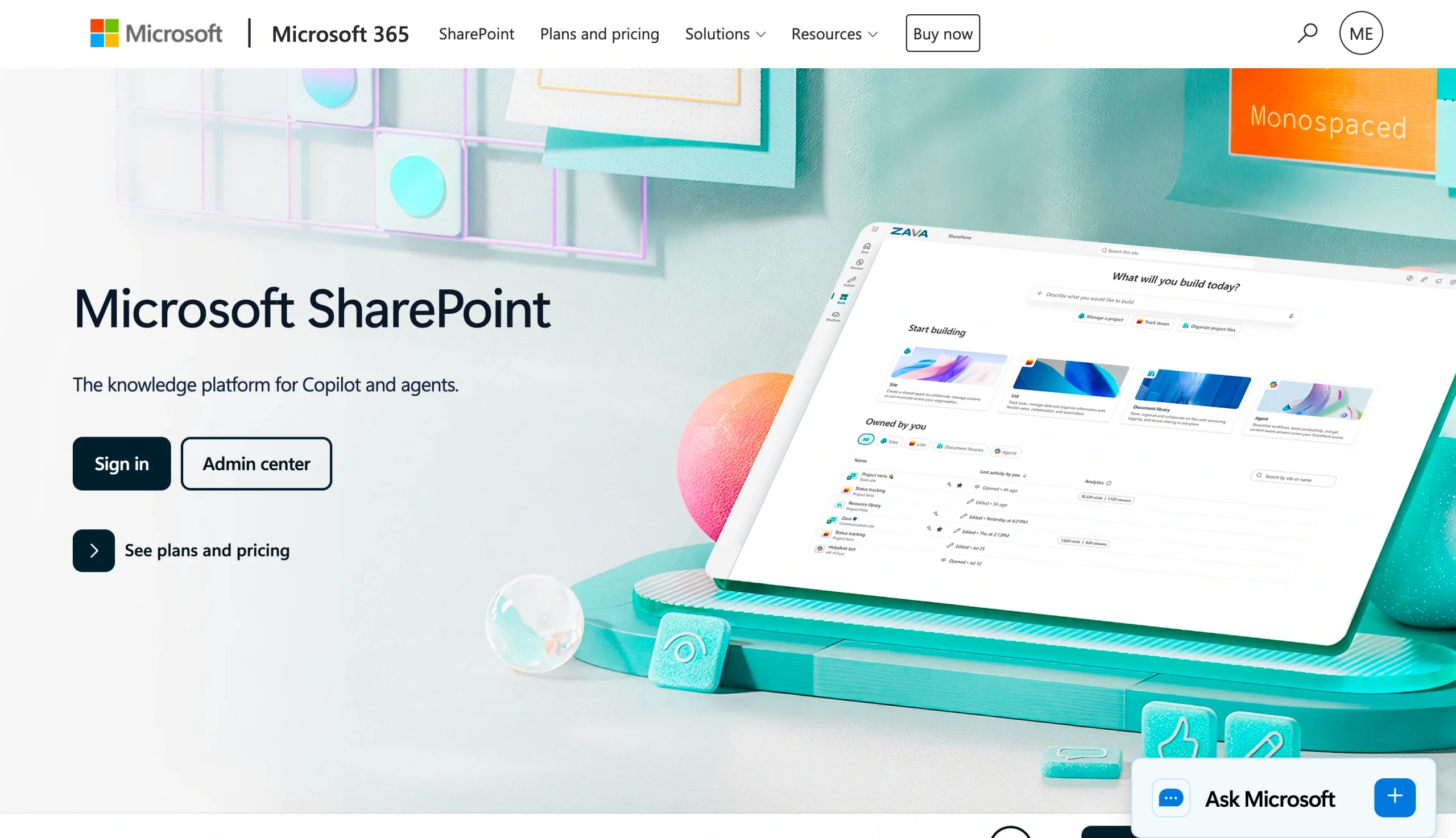
One of the most widely used ECM tools, SharePoint offers a great mix of collaboration and document storage capabilities: You can manage your workflows within the Microsoft 365 ecosystem, and your team can create departmental sites and manage document libraries from one cohesive location.
Microsoft offers several ways to incorporate SharePoint into your business processes. You can implement a standalone SharePoint site or sign up for a Microsoft 365 subscription that includes an intranet. Its huge bench of third-party support and solutions can help you get the most out of your SharePoint implementation.
The platform works especially well if your business already uses the standard suite of Microsoft tools, such as Word, Excel, and Teams. Your employees can coauthor files in real time and control document access. SharePoint can also support governance and brand integrity through features such as metadata tagging and version history.
Where SharePoint really shines is in collaboration and scalability. Enterprises can even use it to build a custom intranet.
- Pros
- Native Microsoft integration
- Impressive collaboration features
- Flexible permissions
- Cons
- Governance can become messy when scaling
- Customization requires admin expertise
Pro Tip
Use Jotform’s SharePoint integration to automatically organize form attachments and PDFs into dedicated SharePoint folders for each submission. Keep your document library clean without lifting a finger.
SharePoint pricing
SharePoint pricing starts at $5 per user, per month for the standalone SharePoint Plan 1, and plans are billed annually. If you want to add SharePoint as part of the Microsoft 365 Business Standard package, it will cost $14.00 per user, per month. Microsoft also offers a version of Microsoft 365 Business Standard without Teams, which is $10.79 per user, per month.
(Explore our review of SharePoint alternatives for more details.)
2. Box
Recommended for: Cloud-first businesses that prioritize secure file sharing
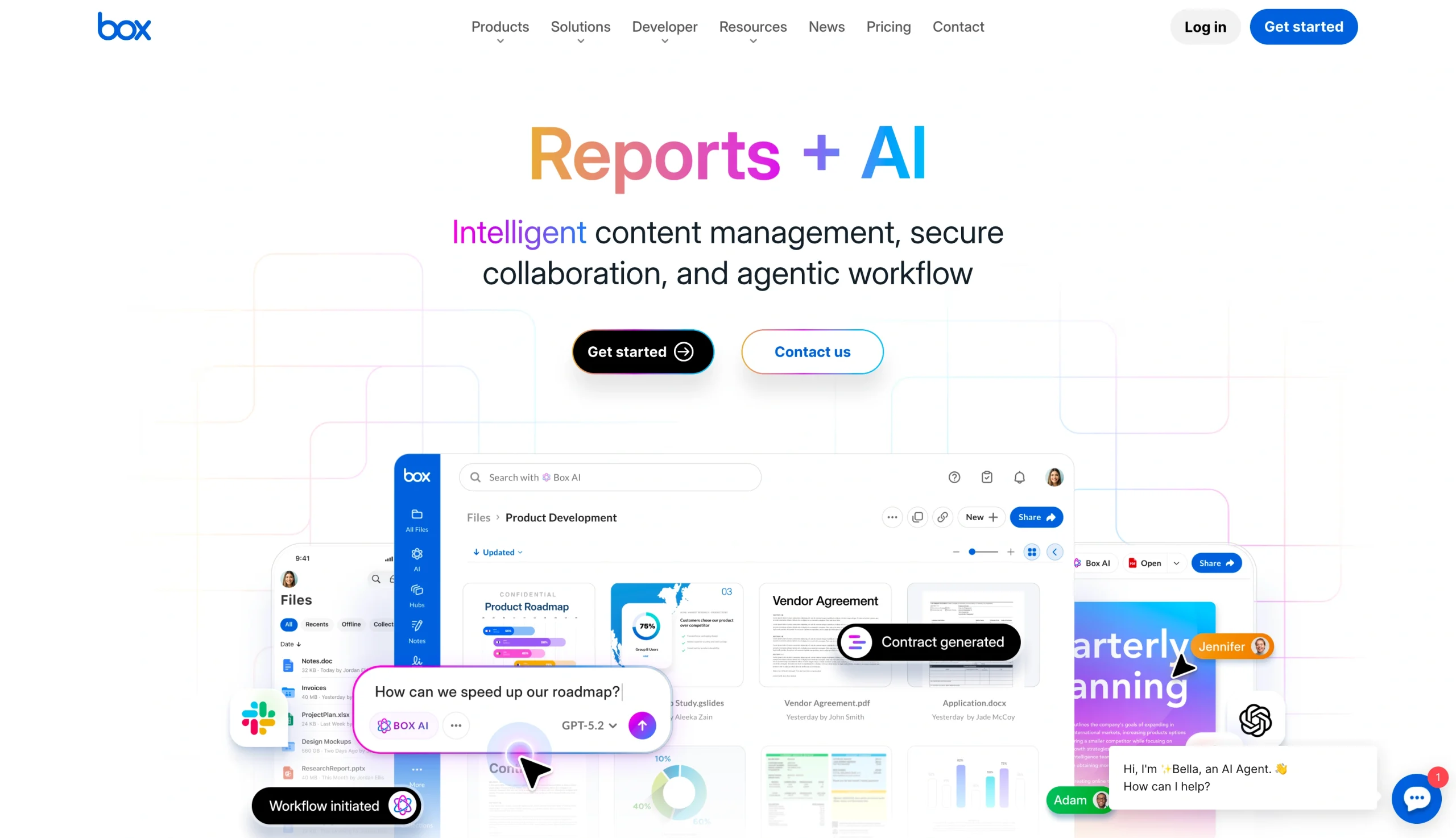
Box has evolved from a cloud storage platform into a serious ECM software option for businesses managing large volumes of content. It focuses heavily on security, collaboration, and file governance, including detailed permission controls. Use these features to limit who has access to sensitive content. You can also align your document retention policies with your governance strategy.
Box integrates with many popular platforms, such as Microsoft 365, Google Workspace, and Slack, and you can use it to share files with external partners.
One of the biggest advantages of Box is usability. Your team members will enjoy a shallow learning curve. The trade-off is that its document workflow automation is not as sophisticated as some of the ECMs on our list.
- Pros
- Easy to share files externally
- Strong security controls
- Plenty of integrations
- Cons
- Its workflow automation is less robust than some tools
- Its enterprise features can increase costs
Box pricing
Box offers four tiers, all priced per user, per month: Business ($15), Business Plus ($25), Enterprise ($35), and Enterprise Plus ($50). You’ll need to enroll a minimum of three users.
3. M-Files
Recommended for: Organizations that want intelligent search and extensive metadata
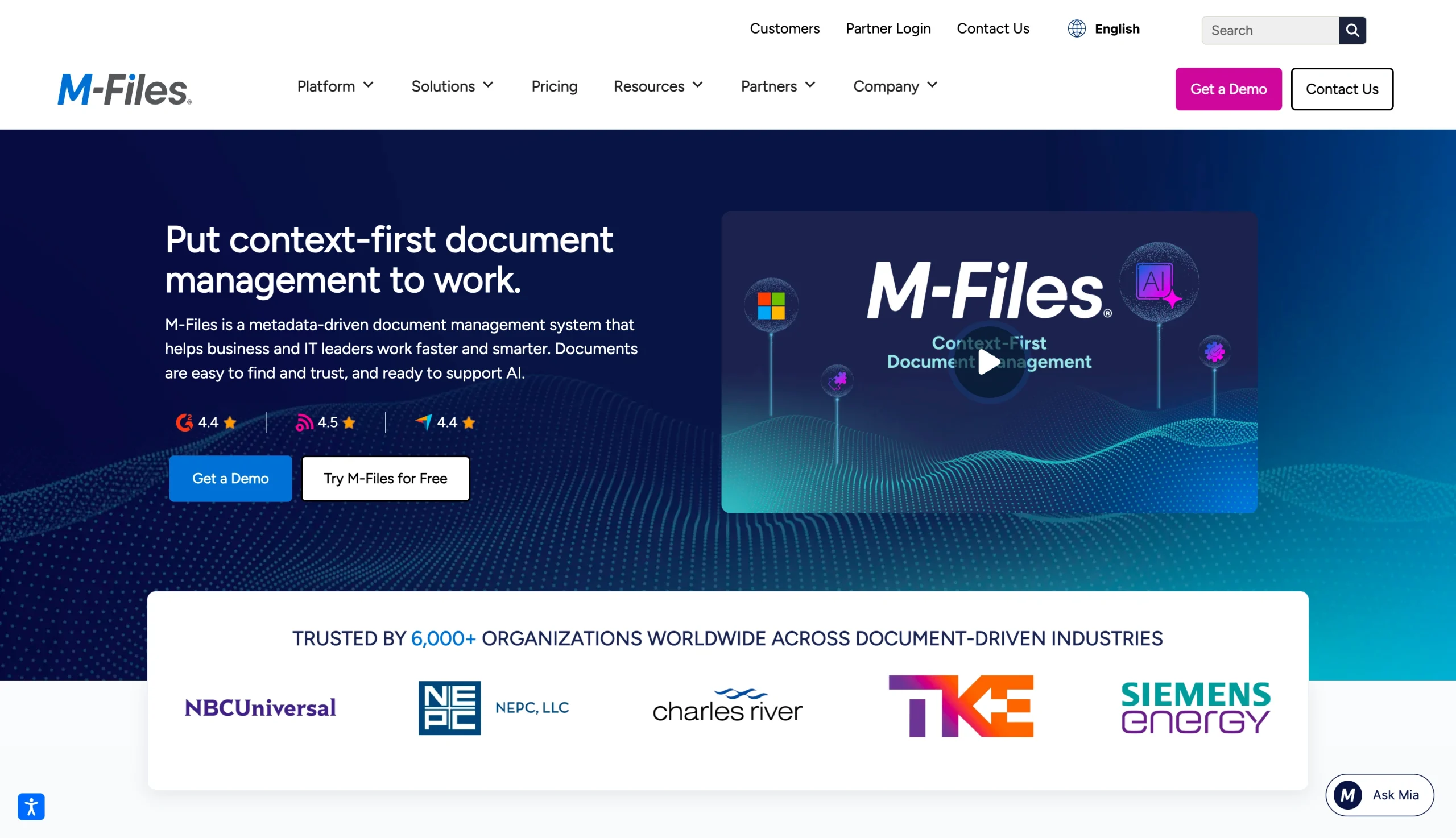
Taking a different approach from many traditional document management tools, M-Files first organizes files using metadata instead of folders. The advantage of this strategy is that your team won’t have to remember where a file lives in the system. They can search by document type, customer name, project, department, or other attributes to find relevant content.
Here’s the challenge: You have to add accurate metadata to make this search feature useful. That can take time, especially for businesses that don’t already have standard naming conventions and tagging rules. However, it is worthwhile in the long term.
M-Files performs well in regulated environments because it makes version control far easier to enforce. You will benefit from audit trails and granular permissions management. You can also connect M-Files with existing repositories, such as SharePoint, network drives, and Microsoft Teams.
If you are looking for a plug-and-play experience, the initial setup of M-Files rules it out as an option for you.
- Pros
- Metadata-based architecture
- Powerful search
- Strong governance
- Cons
- It takes a lot of time to standardize metadata
- Onboarding your team can be a tedious process
M-Files pricing
M-Files starts at $65 per seat per month, billed annually. The company also offers custom pricing. Your price will depend largely on factors such as integrations, automation, and compliance needs.
4. OpenText Content Suite
Recommended for: Enterprises with complex records management, governance, and compliance needs
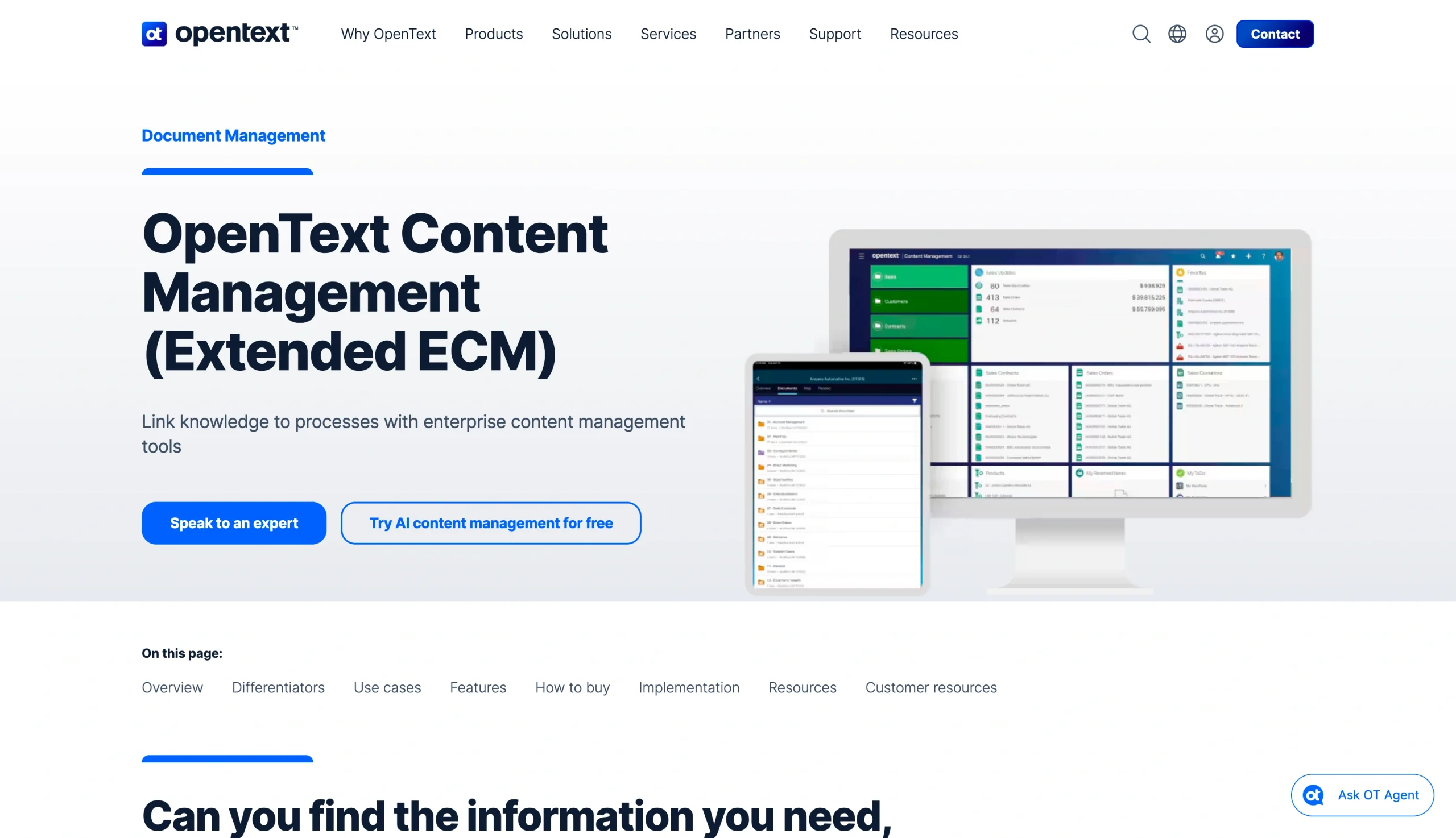
OpenText Content Suite is one of the most established ECMs out there.
The platform combines records management software, document life-cycle management, and workflow automation. The search features make it easy for your employees to track down files. You can apply document retention schedules, legal holds, and audit tracking while creating a fully integrated workflow. You can deploy the platform entirely on the cloud or use a hybrid model.
OpenText Content Suite is especially useful in sectors that have compliance and governance requirements, such as government, healthcare, and energy.
The downside is complexity. You’ll need to plan extensively to implement OpenText Content Suite. You may also need to bring in external IT support, which means spending more money.
- Pros
- Enterprise-scale governance
- Extensive compliance capabilities
- Many integrations
- Cons
- It’s more complex to implement
- The total cost of ownership is higher than for other tools
OpenText Content Suite pricing
Contact the company to schedule a demo and get a custom pricing quote.
5. Hyland OnBase
Recommended for: Teams working in healthcare, financial services, and government
Hyland OnBase also has impressive business process automation. Hyland OnBase can upgrade your basic file storage systems and automate your entire document workflow. The software supports records processing, claims management, and HR onboarding.
Hyland OnBase includes the tools you need to work more efficiently, such as document capture capabilities and OCR. It performs especially well in regulated industries because it can create detailed audit trails. You can set up custom document retention schedules and role-based security measures to limit who has access to sensitive documents. Once the platform is up and running, automate your approval processes and reduce your reliance on paper workflows to make even more efficiency gains.
Hyland OnBase is not as lightweight or modern as some cloud-native platforms. The deployment will take some time, so be sure you’re prepared for a heavy investment before you commit.
- Pros
- Excellent workflow automation
- Strong compliance support
- Robust case management
- Cons
- Its interface can feel dated
- Implementation requires extensive planning
Hyland OnBase pricing
Hyland offers custom enterprise pricing. Contact the company to schedule a demo.
6. Laserfiche
Recommended for: Midsize businesses
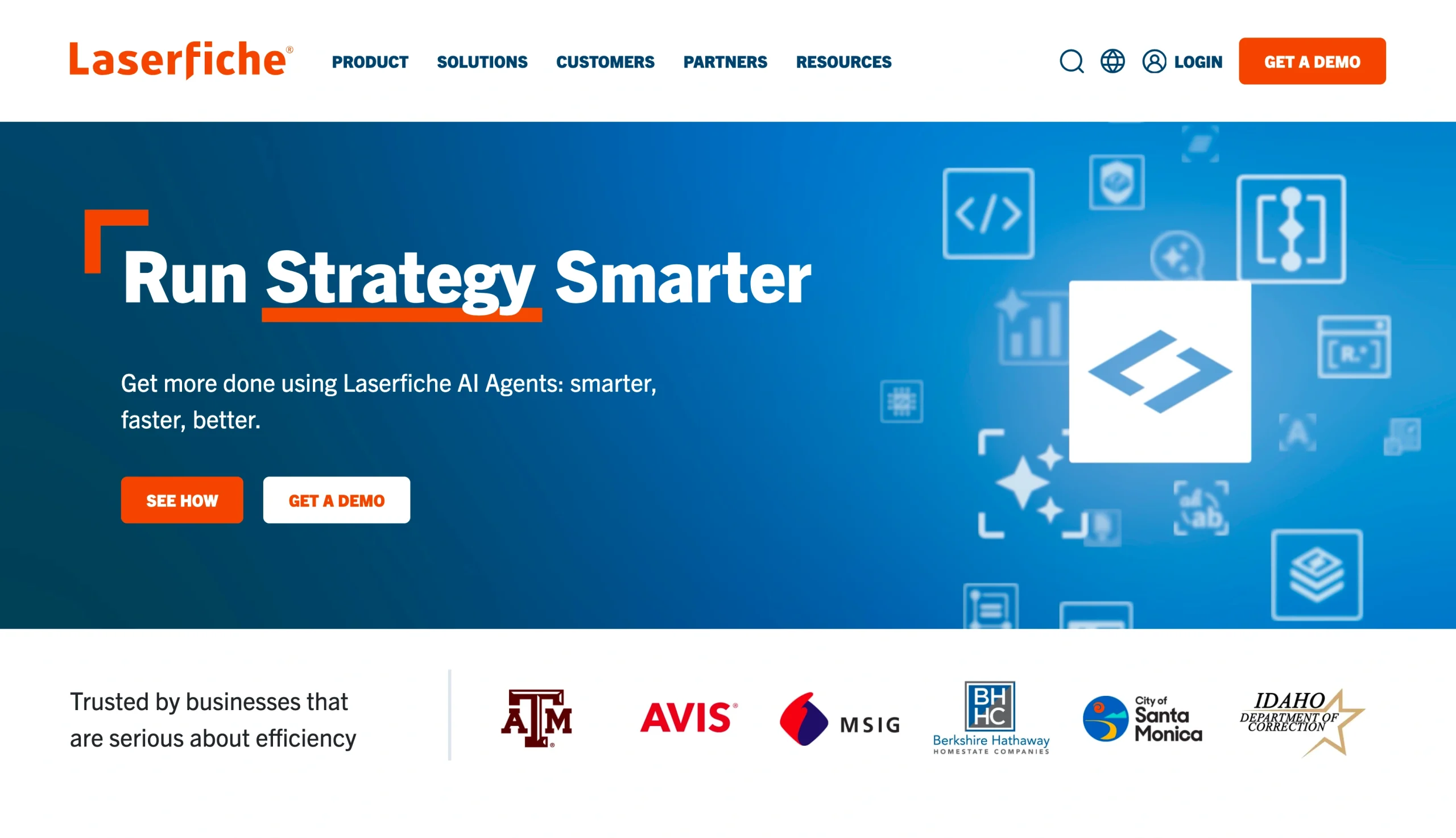
Laserfiche combines user-friendly document management workflow automation with strong capture and business process tools. The software is a great fit for midsize businesses with moderately complex document management needs, balancing usability and advanced automation.
The platform allows your team to scan and capture documents, extract data with OCR, and automate routing and approvals. You can create electronic forms and build workflows that reduce your team’s administrative burden. Repetitive tasks (such as invoice creation, onboarding document generation, and contracts) can be automated.
Laserfiche also offers governance features, such as audit trails and document retention schedules. To limit the exposure of sensitive data, you can set access controls for each user. Compared with more complex enterprise platforms, Laserfiche can (usually) be implemented more quickly and with less overhead.
Laserfiche may fall short if you are looking for a highly customized solution with deep integrations. However, the platform performs as advertised and is a great fit for many businesses.
- Pros
- Powerful workflow automation
- Built-in forms
- User-friendly process design
- Cons
- Setup of its advanced customization may require technical expertise
Laserfiche pricing
Laserfiche’s pricing options give you enough flexibility to get the tools you need without paying for features you won’t use. It has three paid tiers, and all are billed annually: The Starter plan is $53 per user, per month and requires at least one cloud user. The Professional tier costs $73 per user, per month and requires a minimum of five cloud users. The Business tier costs $93 per user, per month and requires a minimum of 25 users.
7. Alfresco
Recommended for: Organizations that need open-source software flexibility
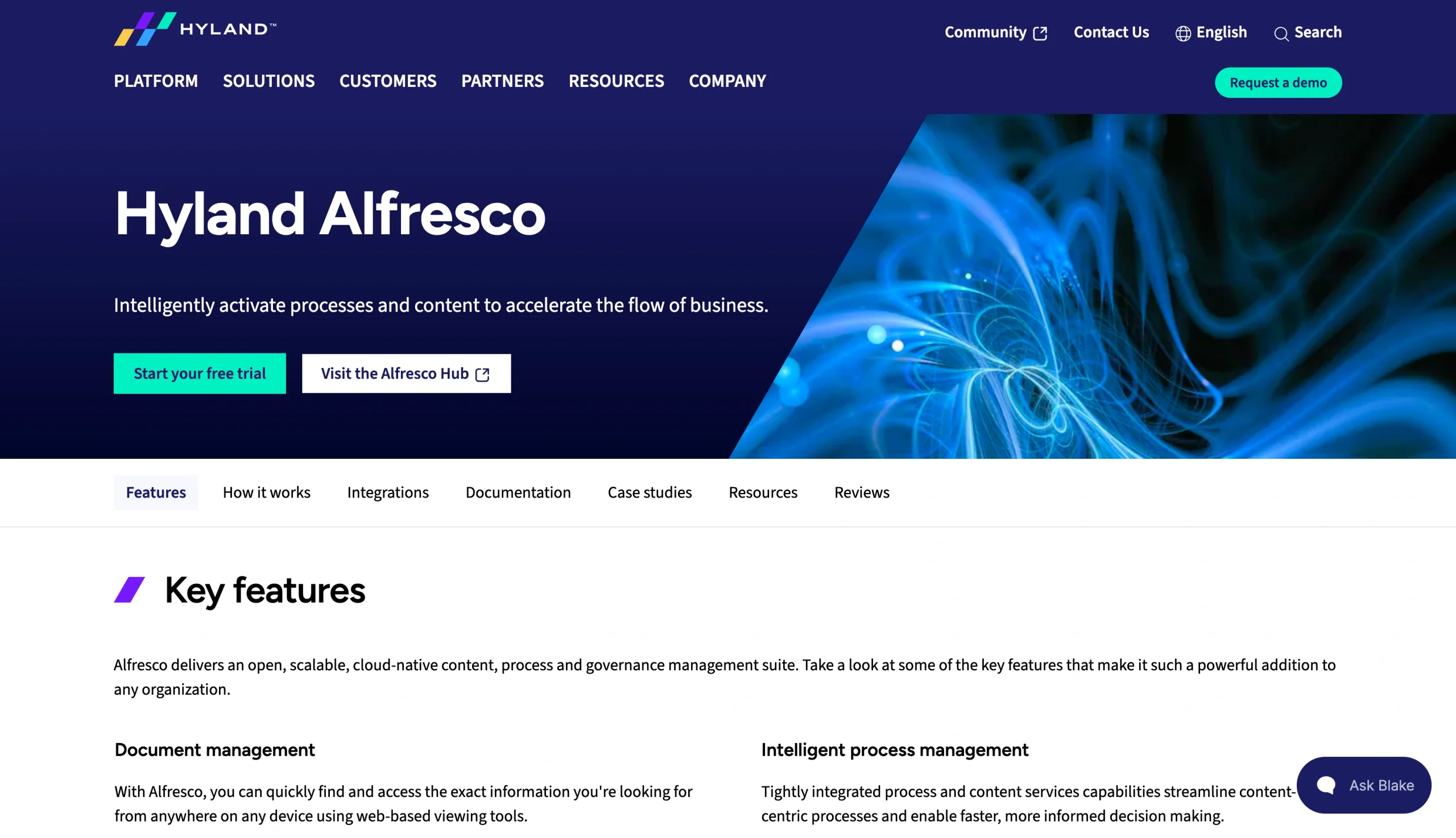
Alfresco stands out among ECM tools because of its open-source roots and flexible architecture. You can deploy it on the cloud, on the premises, or as a hybrid solution. Additionally, you can customize the workflows and integrations extensively through APIs and developer tools.
The platform supports document management and collaboration at whatever scale you need. Alfresco is also a good solution for governance and integrates with applications such as Salesforce and SAP. Businesses that choose Alfresco tend to need more flexibility than what a highly structured ECM vendor can provide.
Alfresco is especially appealing to enterprises with strong internal IT teams or development resources. If your in-house IT personnel can build custom applications and tailor workflows around your needs, Alfresco may be a good fit for you. However, if you have to bring in a large volume of outside IT talent, Alfresco becomes less practical and far more costly to implement. This is its primary downside.
- Pros
- Open source
- Flexible APIs
- Hybrid development options
- Cons
- The software requires technical resources and is not very intuitive
Alfresco pricing
The open-source platform is free, but customizing it to suit your needs may require external support.
How to choose the best ECM tool
Building a document management workflow that makes sense for your business starts with choosing the right tool. When looking for records management software, you should consider your greatest priorities. For instance, 70 percent of businesses list modernization as one of their primary motivators.
You should lean toward SharePoint, Box, or M-Files if you need strong collaboration capabilities. These solutions support distributed workforces and document sharing.
OpenText Content Suite, Hyland OnBase, and M-Files are great choices if compliance is one of your top priorities. These platforms support enterprise-scale compliance that can protect your company’s reputation and brand.
If workflow automation is most important, Laserfiche, Hyland OnBase, and Alfresco should be at the top of your list. These tools offer varying levels of automation customization, so you can save time and eliminate bottlenecks.
Smarter documents should also be part of your ECM strategy. That’s where Jotform enters the equation. Our no-code application allows you to easily create and manage smart documents. Explore Jotform for document management or try it for free today.
This article is for operations leaders, IT managers, compliance teams, document-heavy departments, and procurement stakeholders evaluating ECM tools to centralize files, improve governance, automate approvals, and reduce document chaos across teams.






















Send Comment: