
A quick guide to pick the best Google Pay alternative
- Apple Pay is the best choice for iPhone users who want a simple built-in wallet for tap-to-pay and online checkout.
- Samsung Wallet (formerly Samsung Pay) is the best fit for Samsung users who want a wallet that works naturally inside the Galaxy ecosystem.
- PayPal is a strong choice for people who want one app for online checkout, sending money, and getting paid in more situations.
- Zelle is the best option for users who want fast bank-to-bank transfers rather than a wallet-first payment experience.
- Payoneer is ideal for freelancers and businesses that need cross-border payouts, invoicing, and international client payments.
- Skrill works best for users who want a broader digital wallet alternative for online payments and transfers.
Which Google Pay competitor is the best for you? It depends on what you value most: Will you use the software to check out at businesses and send money to friends? Do you need to sell products and services to international buyers? Smartphone users may want to stick with their device’s brand (e.g., Apple Pay for iPhone users). Zelle is a good option for managing direct bank transfers. PayPal works when you need to provide checkout flexibility for a variety of people, and Payoneer does the same for cross-border business payments.
We’ll explore these options, which are all similar to Google Pay and work for consumers and businesses.
Google Pay allows you to store credit card information on your phone, so you can pay for things with your phone instead of physically digging in your pockets or bag (“tap to pay”) or finding your card to pay online. The Google Wallet app operates within Google Pay. However, in 2024, Google Pay stopped supporting peer-to-peer payments. In addition, the Google product names can be confusing, which can add to the hassle of using them. Honestly, that’s almost reason enough to go with a Google Pay competitor.
What to look for in an app similar to Google Pay
Here are some criteria to consider when choosing the best alternative to Google Pay for your needs:
- Device compatibility: You might choose an option that is compatible with your device (e.g., Samsung Wallet for a Samsung smartphone). Or you might be comfortable with an app that works across platforms, such as PayPal, Zelle, Payoneer, and Skrill.
- Checkout convenience: Do you want the fast pace of tap to pay (available with Apple Pay and PayPal), or are you comfortable with another option that requires more steps but offers features you care more about?
- Transfer speed: Some apps take seconds to transfer money; others take days.
- Fees: Apple Pay and Samsung Wallet are free for consumers (though businesses pay card processing fees). Other alternatives charge for currency conversions, cash withdrawals, and business payments.
- International support: Do you need a payment app that can handle cross-border payments?
- Business or consumer use: If you need a Google Pay alternative for business payments, you’ll be considering a different set of options.
6 best Google Pay alternatives in 2026
| App | Best for | Transfer speed | Fees to watch | International support | Business use |
|---|---|---|---|---|---|
 Apple Pay |
Apple users (iPhone, iPad, Mac, Apple Watch) |
Instant tap-to-pay |
Free for consumers; merchants pay standard card processing fee |
Wide (United States and most international payment terminals) |
Limited (consumer first) |
 Samsung Wallet |
Samsung Galaxy phone and watch users |
Instant tap to pay |
Free for consumers; merchants pay standard card processing fee |
Limited regional availability |
Limited (consumer first) |
 PayPal |
Those who want one app for checkout, peer-to-peer transfers, and payments |
Instant in-app pay; one to three days to reach bank |
2.99% + $0.49 for domestic goods and services; foreign exchange (FX) markup on international transfers |
Global |
Strong (invoicing and checkout features) |
 Zelle |
Those who want fast bank-to-bank transfers inside the United States |
Minutes between US bank accounts |
Free |
US only |
Limited (small businesses only) |
 Payoneer |
Freelancers and businesses with international clients |
One to three days to reach bank |
Fee to receive ACH and card payments, FX fee, withdrawal fee |
Global, multicurrency |
Strong (built for cross-border payments) |
 Skrill |
Those who want a multicurrency online wallet (for gaming, trading) |
Instant in-app pay |
Skrill-to-Skrill fee, FX markup, bank withdrawal fee |
Global, 40+ currencies |
Moderate |
While not identical to Google Pay, these options all have useful applications and balance out the pros and cons of Google Pay. Next, we explore them in detail.
1. Apple Pay
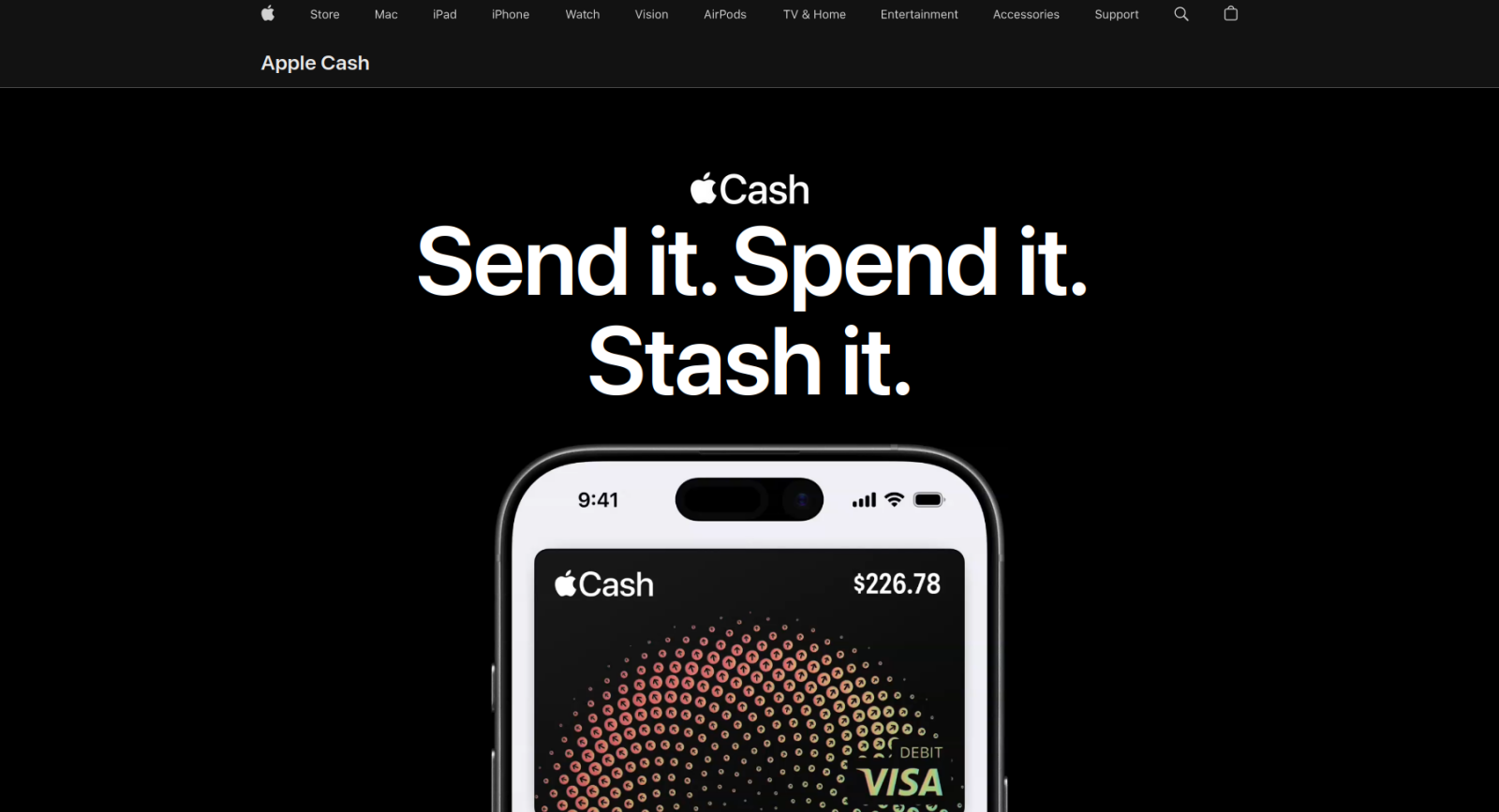
- Best features: Tap to pay, one-click online checkout for Apple users
- Ideal for: If you don’t have an iPhone or Mac, this isn’t the app for you.
Apple Pay is the alternative most similar to Google Pay and is a great option if you’re switching from an Android phone to an iPhone. You’ll keep using tap to pay with your linked cards, but with Apple Wallet instead of Google Wallet.
Apple Pay is one of the biggest contactless payment apps, and you can pay at most terminals in the United States and around the world. Setup is quick: Add a card to your Apple Wallet, and you can authenticate each payment with Face ID, Touch ID, or your passcode. If a store accepts contactless payment or integrates it with their online checkout, you can use Apple Pay there. The service is also very secure. Your card number is never directly shared with the store, so it’s harder for your details to be stolen.
Other features include installment payments, credit card reward support, and peer-to-peer transfers with Apple Cash.
Apple Pay fees & pricing
The app is free for consumers; merchants pay standard card processing fees for the payment card. Apple charges 1.7 percent (up to a maximum of $25) for an instant Apple Cash transfer to your debit card.
Pro Tip
If you want to add Apple Pay to your online store, check out the Jotform-Apple Pay integration. With that integration, you can create a checkout form and collect payments through Apple Pay. Customize your form with Jotform’s great templates, track revenue in Jotform Tables, and accept payments from customers around the world.
2. Samsung Wallet (formerly Samsung Pay)
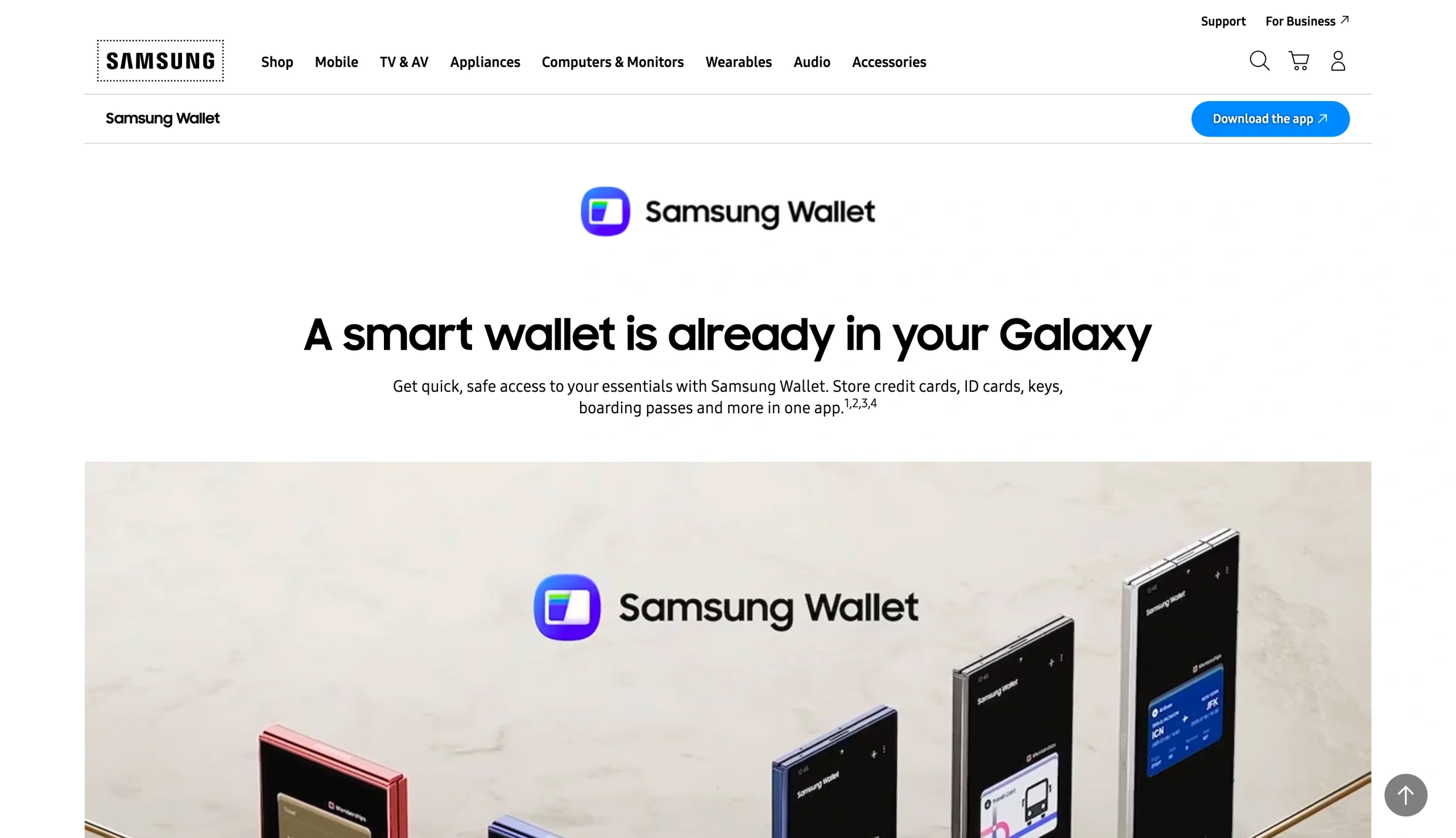
- Best features: Tap to pay, membership cards, and ID storage on Samsung Galaxy devices
- Ideal for: If you don’t have a Samsung Galaxy smartphone, this isn’t the app for you.
Samsung Wallet (formerly Samsung Pay) is Samsung’s version of Google Pay and Apple Pay. You can use tap to pay with card readers, pay by scanning a QR code, and store your transit passes, boarding cards, loyalty cards, digital IDs, and membership cards. It works on Samsung Galaxy phones and watches.
If you’re a Samsung fan, having the same cards on your smartphone and smartwatch is very convenient. Otherwise, Samsung Wallet doesn’t offer a lot over the other apps on this list.
Like Apple Pay, Samsung Wallet is very quick to set up. Just add any cards you want, and you’ll be able to pay using your biometric unlock or passcode. Samsung Wallet is also secure. Your card details are never exposed to the merchant.
Samsung Wallet fees & pricing
Free for consumers; merchants pay standard card processing fees for the payment card.
3. PayPal
- Best feature: Ability to send money to people, take payments from clients, make international transfers, and check out online
- Ideal for: PayPal is a good option for anyone who wants one app for online payments, rather than many apps tailored to specific uses.
PayPal is an online checkout tool, supports peer-to-peer payments (including international currency conversions), and enables businesses to send invoices and get paid. While some aspects of PayPal feel dated (and the fees are high and can be complicated), the network and global availability may offer an acceptable trade-off for some readers. Plus, PayPal owns Venmo, with which it integrates seamlessly in the United States.
Getting started is as simple as signing up and connecting a bank account, debit card, or credit card. You can then pay at checkout, send money, or receive payments to your PayPal account. (Depending on how much money you transfer through PayPal, you may have to register with tax authorities.) The platform also has built-in invoicing and basic merchant features.
While PayPal isn’t that similar to Google Pay, it makes sense to consider when to use each, especially when facing high PayPal fees.
If you want to take online payments using PayPal, check out the Jotform-PayPal integration. It allows you to sell products, services, and subscriptions; collect donations; and provide multiple payment options.
PayPal fees & pricing
It’s free to send money to another person domestically using your bank account or PayPal balance. Instant transfers to your bank account include a 1.75 percent fee (up to a maximum of $25). If you receive payments, you’ll have to pay 2.99 percent and $0.49 for domestic transactions. International transfers cost 5 percent (up to a maximum of $5), and there’s a currency conversion fee of approximately 4 percent over the midmarket rate built into PayPal’s exchange rate.
4. Zelle
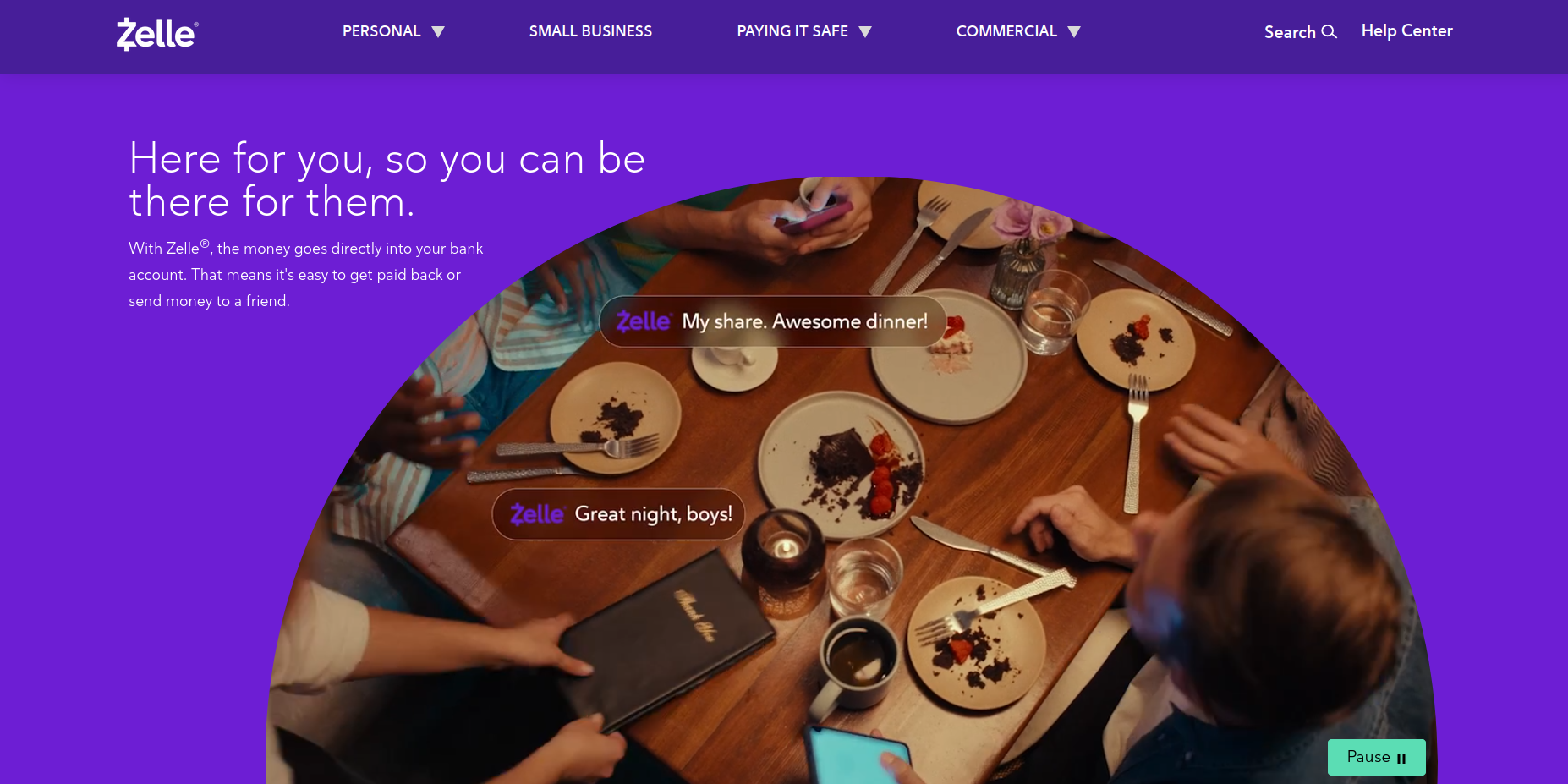
- Best feature: Fast and free transfers between US bank accounts
- Ideal for: US users who want to make fast bank-to-bank transfers without having a separate wallet app or tool should give Zelle a try.
If you liked the peer-to-peer features Google Pay discontinued, Zelle is the app for you. It transfers money directly between US bank accounts in just a few minutes, and there’s no extra fee. You can use it to pay friends or service providers, or take payments yourself.
Zelle is built into more than 2,400 bank and credit union apps. If you have a US bank account, there’s a pretty good chance that you already have access to Zelle. If you do, there’s no extra setup to get started. If your bank doesn’t support it, you can use the standalone app, but it has lower transfer limits.
There are a few downsides to Zelle. It works only for US customers, and transfers are instant and irreversible. There’s also no buyer protection, so use it only with people you trust.
Zelle fees & pricing
Zelle is free. There are daily limits on the amount you can transfer (set by your bank). Transfers on the standalone app are capped at $500 per week.
5. Payoneer
- Best feature: Dedicated accounts in dollars, euros, sterling, and other currencies for receiving international transfers
- Ideal for: Freelancers, marketplace sellers, and small businesses with international clients will find Payoneer useful.
Payoneer is a multicurrency, cross-border payment account. It’s not just an app. It comes with a debit card enabling payments in stores (or through an app such as Google Pay) directly from your Payoneer account. You can hold cash in multiple currencies at once, though there can be fees for transferring funds to your domestic accounts.
The platform offers local bank details in multiple currencies. If someone sends you dollars, they can do so to your dollar account; if they’re sending euros, it can go to your euro account, and so on. This gives you control of currency conversion (so you’re not automatically forced to exchange money as soon as you receive it). It also allows you to pay, for example, dollar expenses with dollars and euro expenses with euros. Some marketplaces (such as Upwork, Fiverr, and Amazon) will pay directly to Payoneer, which is handy for freelancers and merchants.
Payoneer is the best option if you need to receive money from international customers or if you need to pay employees and contractors in other countries. If you want a tap-to-pay alternative to Google Pay, you’re better off looking at one of the mobile wallet apps (such as Apple Pay or Samsung Wallet). Payoneer is more of a Google Pay for Business alternative.
Payoneer fees & pricing
It’s free to open an account and receive money from other Payoneer users. There’s a $1 fee to receive an ACH payment and a 3 percent fee to receive card payments. To transfer funds to your bank account, you’ll pay $1.50, and there’s up to a 2 percent margin on currency exchange at withdrawal.
6. Skrill
- Best features: Multicurrency digital wallet; support for more than 40 currencies
- Ideal for: This platform works for online shoppers, gamers, and traders who want a multicurrency wallet.
In addition to working well for gamers and traders, Skrill supports peer-to-peer transfers. You can withdraw money from the platform and deposit it into your bank account. Skrill supports international money transfers as well as cryptocurrencies; if your cash situation is complicated, this platform could be a good fit.
You fund your Skrill wallet with a card payment or bank transfer and then use the balance to pay for items or send money to other people. There’s no offline use, so it’s not a replacement for Google Wallet’s in-person features.
While not as widely known as PayPal, Skrill is a safe and secure payment method. If you want to accept Skrill payments, try using the Jotform-Skrill integration. It allows you to add Skrill payments to any form your users complete.
Skrill fees & pricing
It’s free to open an account. Transfers between users cost 1.45 percent, currency conversions cost up to 3.99 percent, and bank withdrawals cost $5.50.
How to choose the best app like Google Pay
When it comes to Google Wallet alternatives, the best one is the one that meets your needs. Whether you want tap-to-pay convenience, secure online transactions, multicurrency support, or another feature, make sure the tool you choose has it. Here are some notes to consider:
- Choose Apple Pay if you have an iPhone and want the same tap-to-pay simplicity you’re used to with an Android phone and Google Pay. The feature works the same way: You add your cards to your Apple Wallet. They’re then available for online checkout and in the store (just double-tap the side button on your phone).
- Choose Samsung Wallet if you’re using a Samsung Galaxy phone or smartwatch. It’s set up similarly to Google Pay.
- Choose PayPal or Skrill if you need an online wallet for making payments and peer-to-peer transfers. These digital wallet alternatives allow you to accept multiple currencies. You can also use them to accept payments.
- Choose Zelle if you have a US bank account and want to make instant transfers to other people. It’s built into thousands of US accounts already.
- Choose Payoneer if you need to accept payments from international clients or marketplaces. It’s not a wallet for daily spending but a tool for professionals who work globally. It’s also useful if you need to pay employees in other countries.
Collecting payments? Choose a payment processor and integrate it with Jotform
You can use the six tools in this article to pay, send, and receive money, but they’re not payment-collection systems. If, in addition to payments, you need to collect order information, an event attendee’s meal preference, or other details, these tools are too blunt. That’s where Jotform comes in. With its payment processor integrations, it can turn a single payment method into a full online payment system.
Jotform has more than 1,800 payment forms and over 40 payment integrations, including connections with major payment processors, payment apps (such as Google Pay and Apple Pay), and digital-wallet-compatible options. Jotform integrations can turn your payment option into a workflow that includes registrations, bookings, donations, orders, invoices, and service requests.
You can choose the best online payment option for your business and then continue using Jotform to build a clean data collection experience with form fields, confirmations, automation, and a professionally designed front end. Jotform provides the fastest way to build great payment forms and order forms.
So once you’ve decided what Google Pay alternative works best for you, head to Jotform and create a payment form with it. The platform has templates for orders, bookings, donations, and registrations. You can also build your own form with the intuitive drag-and-drop editor. Connect your payment method of choice, and send your form out, embed it in your website, or turn it into an app.
It’s free to get started, and you don’t need to write any code to use it.
This article is for consumers, freelancers, and small business owners who use Google Pay for mobile checkout, contactless payments, or digital wallet convenience and want a better fit for device compatibility, online checkout flexibility, bank transfers, or international business payments.












Send Comment:
3 Comments:
November 28, 2023
This isn't particularly helpful as these options are not equivalent to each other - Apple and Samsung's options are locked to their hardware platforms and the other two can't be used to pay for goods in a brick and mortar store. What is missing is an actual alternative to a Google-based payment system that can be used on any Android flavour phone.
September 22, 2023
Google pay is fine
November 12, 2022
I am reading your amazing and helpful content How To Make Money Online By Commenting On Blog Posts. thanks for sharing best online money making sites. i will help everybody. thank you again