
When treating mental health issues, ensuring seamless access to care is critical. Before you can begin to build rapport in a session, the intake process shapes the patient experience. A tedious, paper-based form can add friction at the worst possible moment.
With Jotform, you can build a polished, HIPAA-enabled mental health intake form in minutes. Leverage our AI Form Builder or try one of hundreds of templates to get started quickly. Follow along for tips on building your first form from scratch.
Here’s a walkthrough of the key sections you’ll want to include and how Jotform makes adding each one seamless.
1. Patient name and basic information
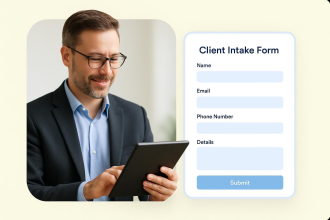
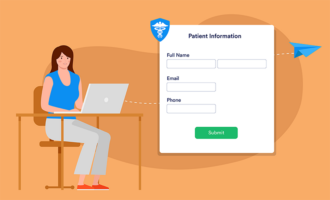
Start with the essentials: Add fields for full name, date of birth, contact information, and emergency contact. Jotform’s drag-and-drop builder lets you add and arrange these fields in seconds. Use the Full Name field to automatically separate first and last names, keeping your data clean from the start.
2. Provider preference
Give patients a voice in their care. A simple dropdown or multiple-choice field lets them indicate whether they have a preferred therapist, a gender preference, or a specialty they’re looking for (e.g., trauma, substance use, family therapy). Jotform’s conditional logic can even show or hide follow-up questions based on their selection.
3. Insurance information
Collecting insurance details up front saves your billing team hours of follow-up. Add fields for insurance provider, member ID, and group number. Jotform supports file upload fields, so patients can submit a photo of their insurance card right from their phone, minimizing data-entry errors and easing the form-filling process.
4. Appointment scheduling
Skip the phone tag. Jotform’s built-in appointment scheduling widget lets patients pick from your available time slots right inside the intake form. Use Jotform’s HIPAA-enabled integrations with other software tools like Google Calendar and Salesforce to keep your calendar and staff updated in real time.
5. HIPAA disclosures
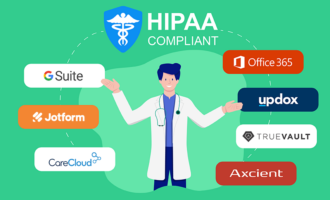
Complying with HIPAA regulations is critical, and Jotform delivers. Jotform solutions are HIPAA-enabled to ensure patient data stays protected. Critically, Jotform offers HIPAA protections at the field level, so you can designate specific fields as protected health information (PHI). Only authorized team members will be able to access data related to that field.
You can also add a HIPAA disclosure statement to intake forms using the Paragraph Text form field or use the Terms & Conditions widget to link to existing policies, so patients can review your privacy practices before submitting the form.
6. Signatures
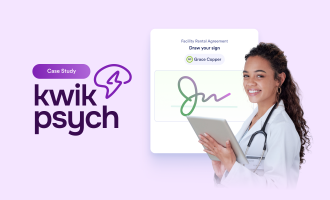
Save trees and time with Jotform Sign. Let your patients add their electronic signature directly to your form from any device. Whether it’s consent for treatment, a release of information, or your HIPAA acknowledgment, Jotform Sign handles it with a streamlined, mobile-friendly signing experience. Plus, you’ll have access to an audit trail for any necessary reporting.
Form filling is just the beginning
Once a patient submits a form, Jotform keeps working for you. Take advantage of
- Customizable thank-you pages that reassure patients with a personalized confirmation message, next steps, or links to pre-appointment resources.
- Email autoresponders immediately send patients a confirmation email, reducing no-shows and building trust.
- Trigger notifications and workflows from submission data. Flag new patients for front desk staff or alert clinicians of urgent appointments to deliver truly personalized care.
Ready to get started?
You don’t have to build your form from scratch. Jotform offers a library of ready-made patient intake form templates designed specifically for mental health practices. Pick one and customize it to fit your workflow.
Prefer to start from a prompt? Jotform’s AI Form Builder can generate a complete intake form based on a short description of your practice. Just describe the form you need, and the AI Form Builder creates it for you in seconds.
Create your free Jotform account today and give your patients a smooth, secure experience before they even walk through your door.

























































































Send Comment: