

A quick guide to pick the best Venmo alternative
- Cash App is the best choice for people who want the closest app-to-app experience to Venmo for everyday peer-to-peer payments.
- Zelle is the best fit for users who want fast bank-to-bank transfers without relying on a social payment feed.
- PayPal is a strong choice for people who want one app for sending money, shopping online, and getting paid in more situations.
- Wise is the best option for people who need international money transfers rather than a U.S.-only Venmo-style app.
- Apple Pay is ideal for iPhone users who want the simplest built-in payment option inside the Apple ecosystem.
- Revolut is a good choice for users who want extra financial features beyond basic peer-to-peer transfers.
- Skrill works best for users who want a digital wallet alternative for broader online payment use cases.
Venmo has moved beyond a brand name and into the territory of genericized trademarks like Kleenex, Xerox, and Band-Aid. Now when someone says “Venmo me,” they might not even care if you use that specific platform, just that you transfer money via an app.
If you do use Venmo, it’s probably because your friends did before you. It’s one of the best examples of network effects in internet history, with its attractiveness directly correlated to the size of its user base, which is massive. In pure feature and functionality comparisons, however, competition is stiff.
Some Venmo alternatives are better at business transactions while others win on international transfers or Buy Now Pay Later (BNPL) options. It all depends on how you want or need to make payments. This roundup covers seven of the best apps like Venmo for common use cases.
What to look for in an app like Venmo
There are a lot of things that will impact your experience with a money transfer app. Everyone wants something that’s easy to set up and works with all their banks and cards. Then, of course, payments should clear quickly — with low or nonexistent fees and unimpeachable security and privacy. And that’s to say nothing of the dozen other variables worth considering, depending on who you’re sending money to, the size and frequency of transfers, and the hardware available to you.
If you’re sending or receiving money internationally, for example, you’ll want to dig into things like exchange rates, conversion fees, and geographic availability. Contrast that with someone operating a local brick-and-mortar store, who’s going to care more about invoicing, multi-employee access, and support for local tax or accounting requirements. A Shopify store would have an entirely different list with, say, Tap to Pay options, QR payments, and order form integrations. Even those are massive generalizations, with every use case having its own niches and subcategories.
Ultimately, you’ll want to start by narrowing your list of Venmo alternatives to platforms that meet the minimum requirements, which I’ve already done with this list. Then it’s simply a matter of picking one or two options with the most nice-to-have features and test-driving each. Let’s take a closer look at what your options are for 2026’s best money transfer apps.
7 best Venmo alternatives in 2026
| Best for | Transfer speed | Fees to watch | International support | Business use | |
|---|---|---|---|---|---|
 Cash App |
Free peer-to-peer transfers via banks and cards |
One to three days, instant for a fee |
Three percent on credit card transfers |
Limited to US to UK transfers |
Basic transaction tracking |
 Zelle |
Free instant bank-to-bank transfers |
Instant |
None |
None |
Employee and vendor payments |
 PayPal |
Businesses selling online and across borders |
One to three days, instant for a fee |
Up to four percent on currency conversions |
130-plus currencies |
Extensive vendor and e-commerce features |
 Wise |
E-commerce solopreneurs and digital nomads |
Instant |
Specific currency pairs can get expensive |
40 currencies |
Simple fee structure, multi-user accounts, and an API |
 Apple Pay |
Sending and receiving money to and from an iPhone |
One to three days, instant for a fee |
1.7 percent for instant transfers |
None for person-to-person transactions |
None for person-to-person transactions |
 Revolut |
Small business owners that spend a lot of time abroad |
Instant |
One percent fees on after-hours currency exchanges |
25 currencies |
Company cards and team budgets |
 Skrill |
Earn points on nearly every transaction |
Instant |
4.99 percent for currency exchange transfers |
40 currencies |
None |
1. Cash App
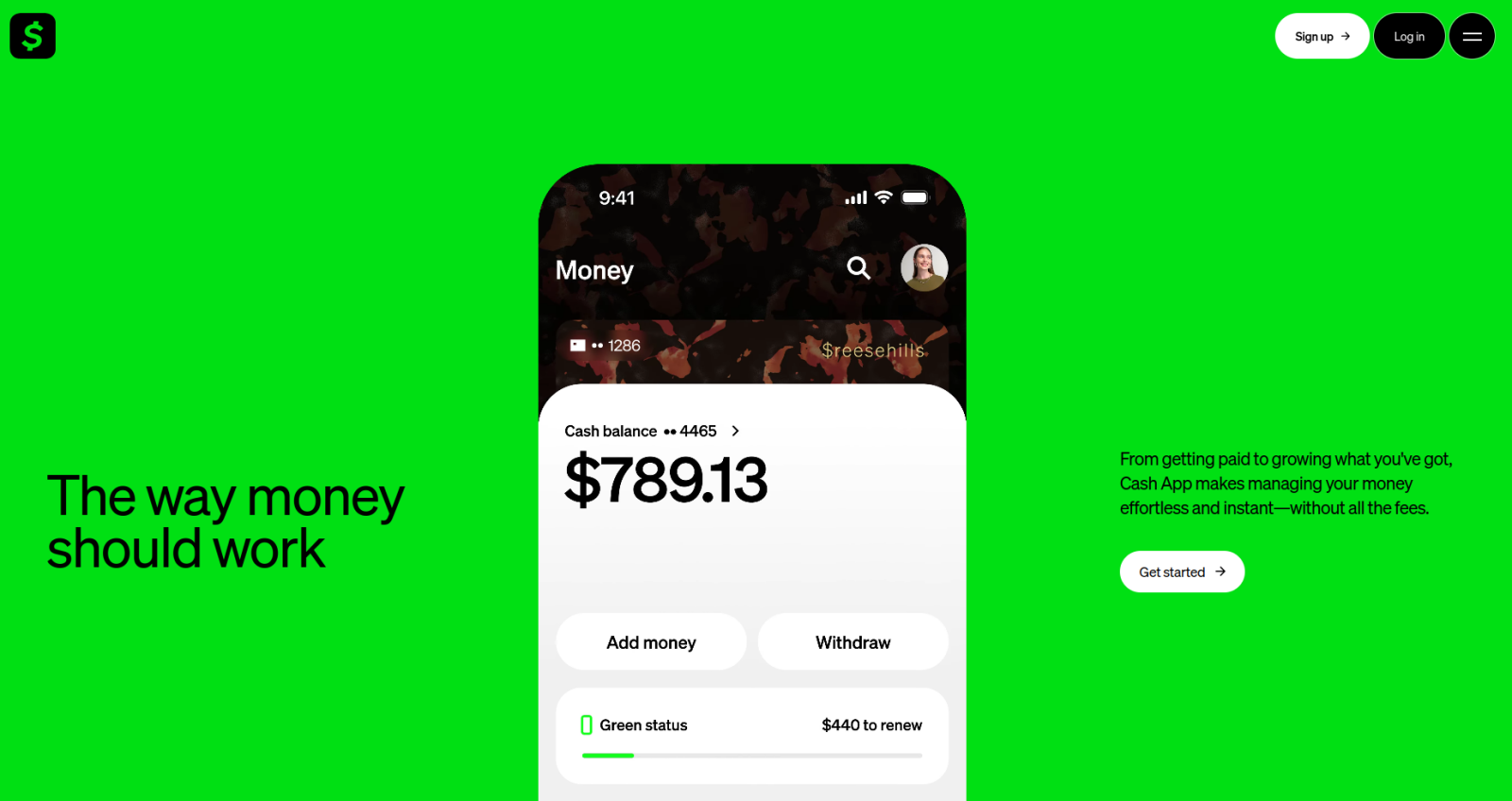
- Best feature: An FDIC-backed debit card with vendor-specific cashback offers and BNPL options
- Ideal for: Free peer-to-peer transfers via banks and cards
The Cash App platform is as close to Venmo as you can get. It lets you send money to and receive money from friends via linked bank accounts and debit or credit cards, alongside features like purchasing stocks and filing your taxes. Cash App’s fees are almost identical to Venmo’s, too, giving you free standard transfers (which, like Venmo, take one to three days), a three percent fee when sending money with a credit card, and up to 1.75 percent fees for instant transfers. And with Jotform’s Cash App integration, you can collect payments without any fees on top of what Cash App normally applies to your transfers.
Cash App does have business accounts with earnings tracking, tax reporting, and Tap to Pay features, but they don’t feel quite as mature or well-rounded as some of the other options on this list. The main reason to go with Cash App vs Venmo is the slightly more useful debit card, which lets you customize the design of the physical card while also offering better offers and discounts on everyday purchases.
Cash App fees and pricing
While Cash App likes to claim that most people use the platform without ever paying a fee, there are several times when that’s not the case:
- Standard transfers are free but instant transfers cost up to 1.75 percent.
- In-network ATM withdrawals are free but out-of-network will run you $2.50.
- Sending money via credit card payment tacks on a three percent fee.
- Business transactions cost an additional 2.5 percent plus $0.15.
2. Zelle

- Best feature: Near instant bank-to-bank transfers for free
- Ideal for: Transferring money to close friends and family
Zelle is different from the other apps on this list in a couple of unique and interesting ways. First, it derives its revenue from fees charged to the banks that accommodate Zelle transfers, not from individual users. Second, it was essentially funded and approved by banks, which is how it pulls off its main trick: free, instant, and FDIC-insured deposits.
Far from being a small or nascent network, Zelle comes bundled with almost any consumer checking account you could sign up for in the U.S. It works with business bank accounts as well — and although light on features, Zelle somehow feels like a better fit than some of the Venmo alternatives with more functionality for businesses, simply because it’s offered by a full-fledged bank instead of a fintech startup.
For all the convenience it offers, Zelle doesn’t provide a debit card or let you fund a transfer with a credit card. It’s nothing more than a way to let people add money to an existing account with a phone number or email address. What’s more, while there used to be a standalone Zelle app, it was shuttered in 2025, which means you and your recipients have no profiles or transaction feeds. That can make it feel clunkier than Venmo on account of every bank integrating it into their platform differently (including transaction limits). Still, Zelle is the fastest and cheapest solution for transfers to and from people you hang out with often.
Zelle fees and pricing
Zelle charges participating banks for each money transfer, and I couldn’t find any conceivable case in which you’d be charged a fee. Although there are mentions of possible business account fees, they’re set by individual banks, not Zelle.
3. PayPal
- Best feature: Super simple payment gateways that accept cards, Venmo, crypto, and Pay Later payments
- Ideal for: Businesses selling online and across borders
It’s bizarre how many differences there are between PayPal and Venmo considering the former literally owns the latter. PayPal users can even send money to Venmo users and vice versa without creating a second account. Where the two diverge is most obvious when making international transfers and business transactions. Unlike Venmo’s USD-only transfers, PayPal works with over 130 currencies (more if you use their other subsidiary, Xoom), letting you maintain account balances in multiple currencies and make cashless payments in places that don’t accept credit cards.
Looming even larger in the PayPal vs Venmo debate is their viability as a vendor payment service. While both can handle small business payments, Venmo is far more limited. PayPal is a global payment processor that offers point-of-sale hardware and software, payment gateways, business loans, shipping discounts, fraud prevention, and seller protections.
If buying and selling products and services represent the majority of your money transfers, PayPal is way better than Venmo and most of the other alternatives on this list. Best of all, it’s a piece of cake to add to your website with Jotform’s PayPal integration, which you can embed in Squarespace, Shopify, and WordPress e-commerce stores.
PayPal fees and pricing
In my opinion, PayPal has some of the clearest and most transparent fee structures I came across while researching for this article. You can expect
- 2.9 percent plus a fixed fee (changes based on currency) for sending money via credit card
- 1.75 percent for instant transfers from PayPal to your bank account or debit card (fee capped at $25)
- Five percent to send money abroad (capped at $5)
- Three to four percent currency conversion fee when withdrawing in another currency
- Merchant transaction fees ranging from 2.3 percent to 3.5 percent for transactions and five percent for BNPL payments
4. Wise
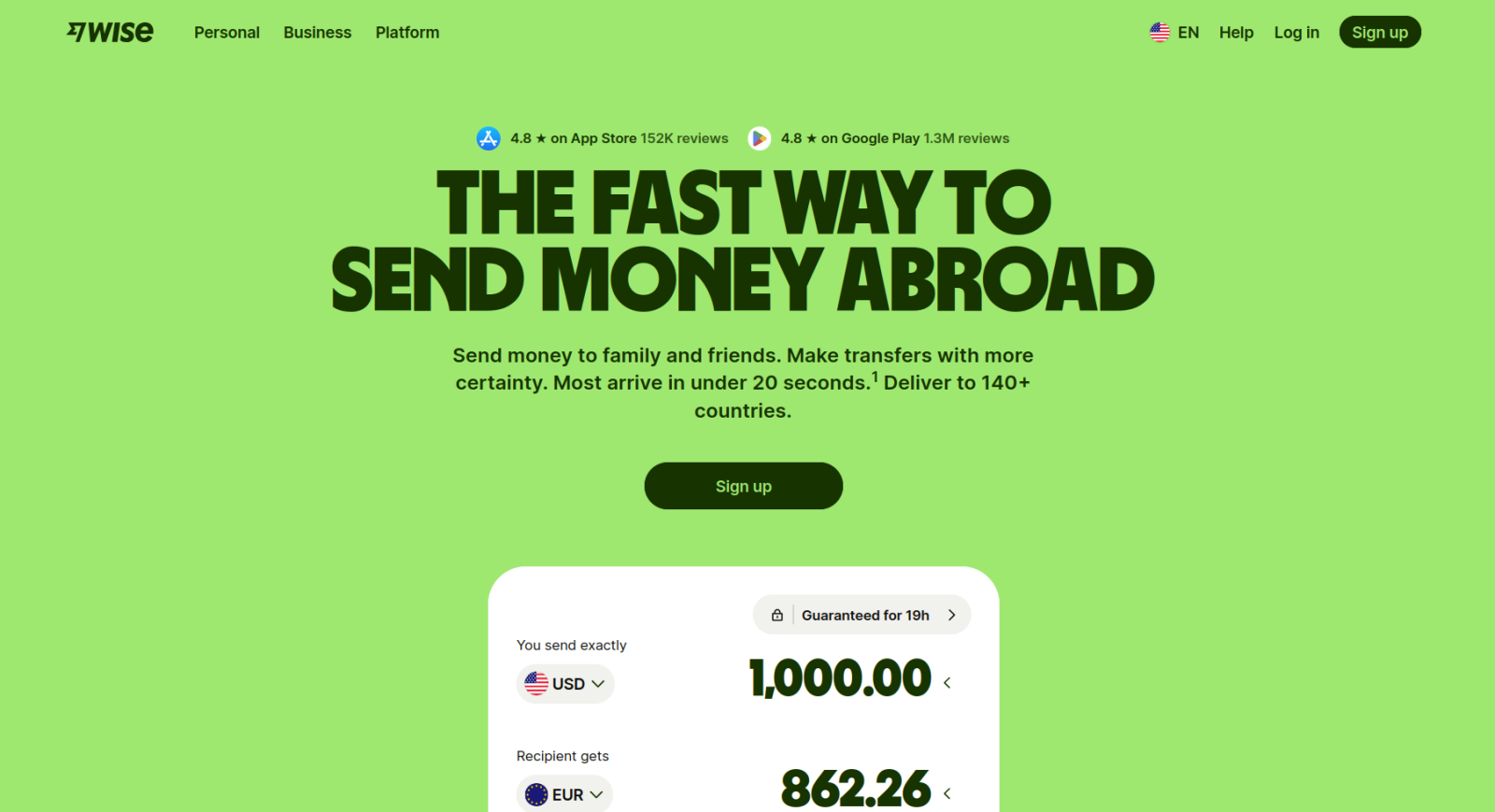
- Best feature: Lock in exchange rates for scheduled or instant international transfers
- Ideal for: Individuals, freelancers, and digital nomads who use lots of different currencies
Although Wise absolutely works as a Venmo alternative, it feels a little strange with Wise’s laser focus on international money transfers. You have to select a recipient’s currency before putting in their email, phone number, or Wisetag, for instance. Nearly everything in the app, whether on desktop or mobile, is pushing you toward multi-currency accounting. In Wise’s defense, though, it does cross-border transfers better than any other platform I reviewed. Most transactions happen instantly, you have the option to lock in exchange rates for 24 hours, and the fee structure between personal and business accounts is almost exactly the same.
None of this means that you can’t send Venmo-style online payments. Sending money to a friend or family member in the same currency is free as long as they have a Wise wallet. And unlike some of the other alternatives I’ve included here, you can make Wise transfers with a credit card. Still, free instant transfers to people near you is definitely not the reason to choose this platform. It’s all about great exchange rates, one of the best debit cards on the market for international travel, and business accounts that offer multi-user management, API integrations, and batch transfers.
Wise fees and pricing
Because of Wise’s focus on international transfers, fees are almost entirely dependent on a given currency pair (what you’re sending and what someone else is receiving). Standard international transfers start at 0.57 percent while transfers under certain thresholds will have an additional flat fee. Sending and receiving SWIFT payments also results in a fixed fee based on the currency pair. Finally, if you have a Wise ATM card, you can pull out up to $250 per month without paying a withdrawal fee.
5. Apple Pay
- Best feature: Send money through iMessage or with a Siri prompt
- Ideal for: Sending and receiving money to and from iPhone users
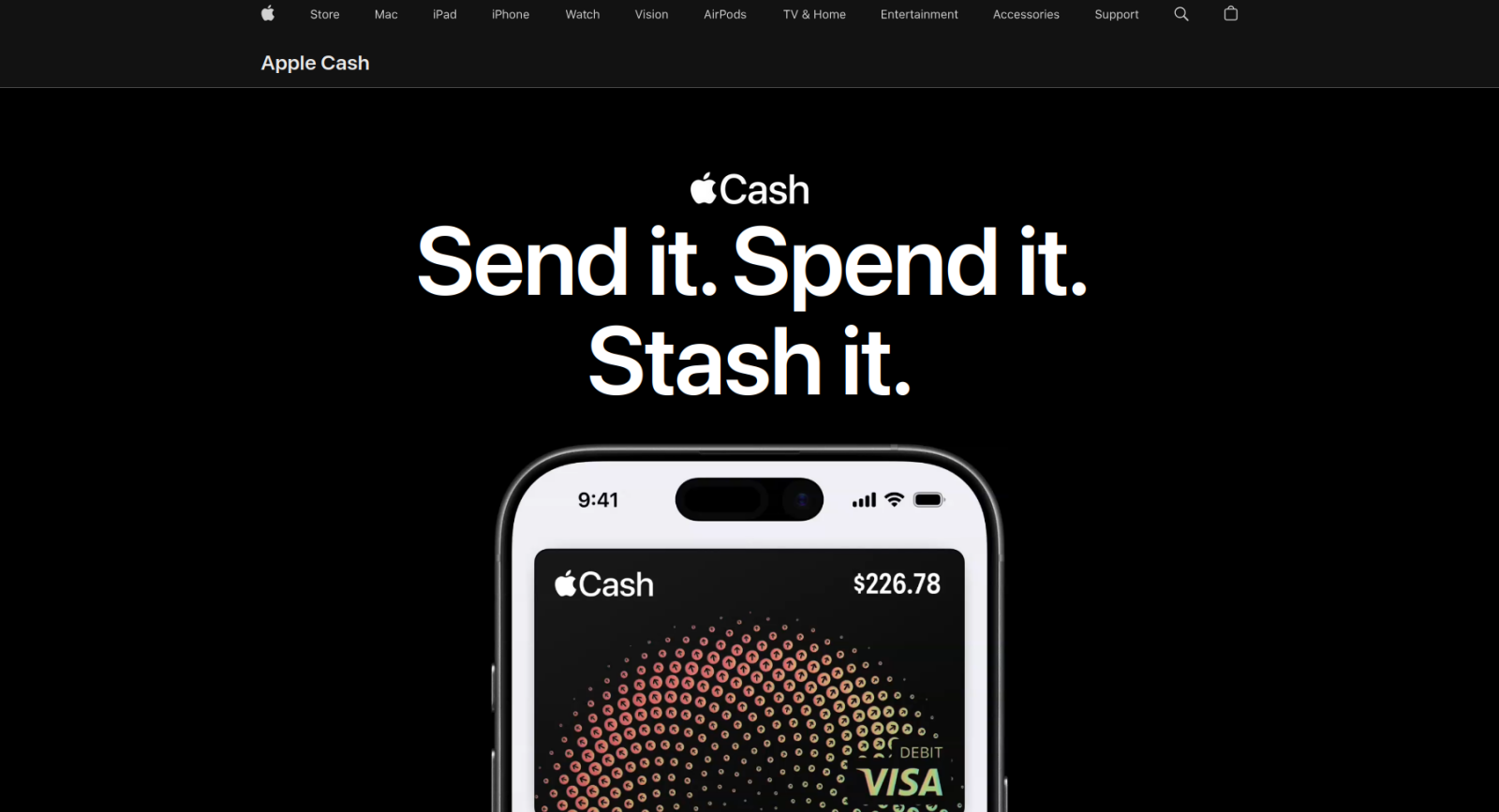
Apple Cash, while underpowered in a number of ways, doesn’t get enough attention as a Venmo alternative. Assuming you have an iPhone and already use Apple Pay, Cash transactions are super convenient and have almost exactly the same fee structure as Venmo. Withdrawing money from your Cash balance to your bank is free for “slow” transfers (one to three days) and 1.7 percent for instant transfers. You can’t send money to people using your credit card — Cash only works with a connected debit card — but once you have it set up, it works with iMessage and even Siri.
If you hate installing new apps and signing up for new accounts, Apple Cash might be worth the tradeoffs. Tap to Cash, for example, lets you send money to people without exchanging contact information. Just hold your iPhone or Apple Watch near the person you want to pay and authorize the transaction. Money you receive via Cash spends the same way Apple Pay does, or it can be withdrawn to your bank account. And your business can let people spend their Apple Cash during online transactions using the Jotform Apple Pay integration.
Apple Pay fees and pricing
Transferring money from your Apple Cash account to your bank account is free and takes one to three business days. Instant transfers come with a 1.7 percent fee.
6. Revolut
- Best feature: Complimentary e-SIMs and app subscriptions for travel
- Ideal for: Small business owners that spend a lot of time abroad
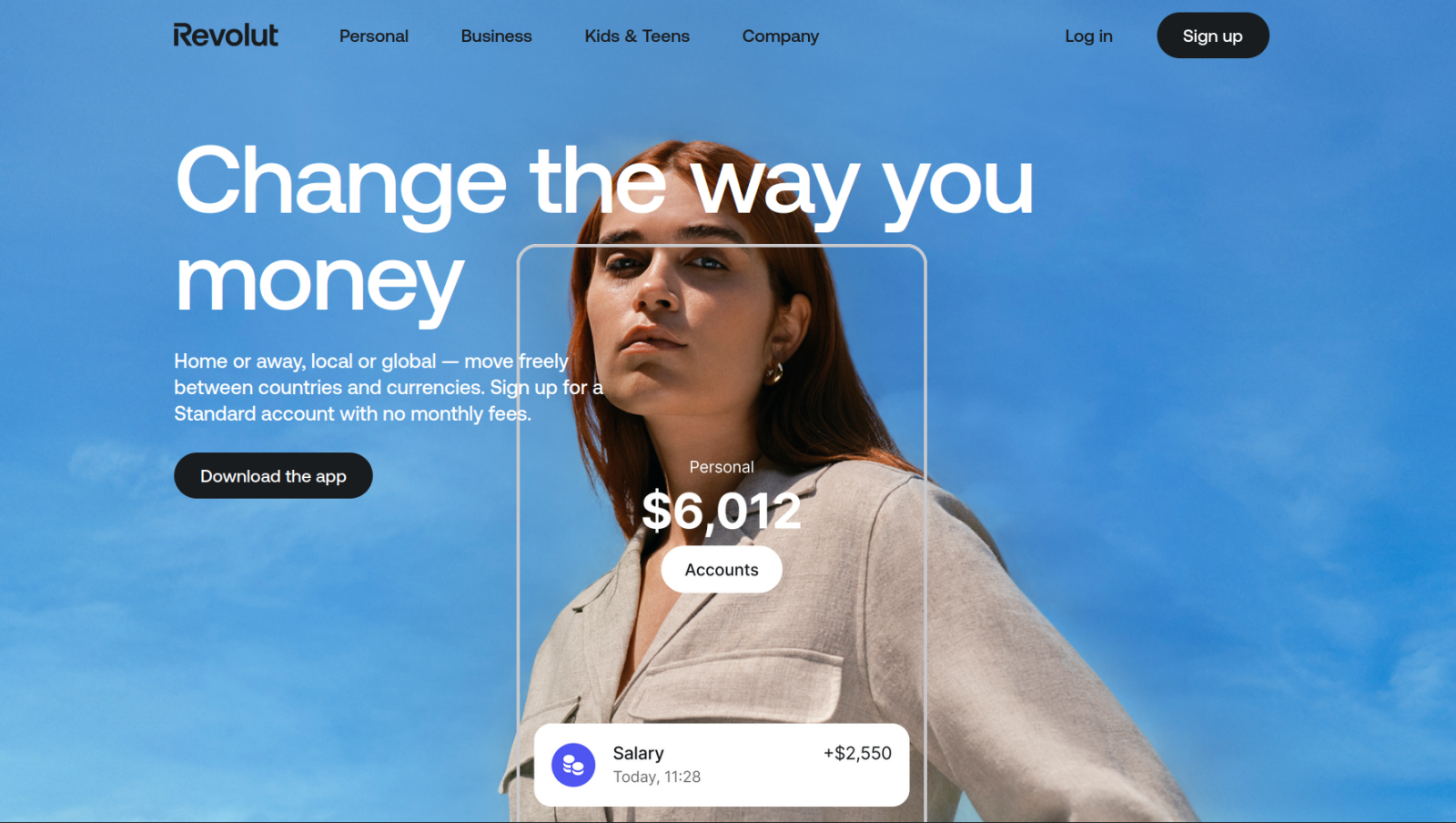
Revolut is the only pick on this list with a flat recurring subscription cost. There’s a free Standard account, where you can send money domestically and internationally, create personal and professional budgets, invest your balance in the stock market, and earn interest on your savings. Upgrade to an $8 per month Premium account, though, and you’ll get higher interest APY, more free ATM withdrawals, and discounts on certain types of fees. A Metal-tier account costs $15 per month and comes with even higher interest APY, fee discounts, unlimited currency exchange, complimentary travel insurance, and a handful of premium app subscriptions.
Compared to Wise, Revolut feels like it has a better balance between international transfers and friend-to-friend payments. It’s free to send money to other Revolut users from your bank or card and the group expenses and bill-splitting tools aren’t buried behind an emphasis on currency selection. But that doesn’t come at the cost of convenient cross-border features like recurring international transfers or complimentary e-SIMs. If you want a Venmo alternative that works as well internationally as it does domestically, my recommendation would be to go with Revolut.
Revolut fees and pricing
Revolut has five subscription accounts: Standard (free), Premium ($9.99 per month), and Metal ($16.99 per month). Each one comes with its own ATM withdrawal limits, international transfer fees, cashback benefits, and savings APY rates.
7. Skrill

- Best feature: Earn points on nearly every transaction, redeemable for cash rewards and bonuses
- Ideal for: Individuals who want bonuses for their regular and recurring transfers
Skrill has one of the most straightforward loyalty programs of any service I considered for this list. Where Venmo Stash requires that you pick a “bundle of brands” that generate cashback and benefits, Skrill’s Knect program awards you one loyalty point for every Skrill Visa purchase or money transfer to or from a merchant. And while it’s hard to see how much variety there actually is, the Knect FAQ page claims that your rewards options (aside from plain old cashback) are relevant to your account and regularly updated.
Beyond the loyalty program, Skrill works in more than 100 countries and across more than 40 currencies. Its four percent currency conversion fee for wallet-to-wallet transfers is nowhere near the best on this list, but it does offer zero-dollar bank-to-bank transfers. It also has the incredibly specific distinction of the highest ceiling on bulk transfers, letting you transfer to up to 3,000 recipients in one go (via API). Or you can flip things around the other way with the Jotform Skrill integration to build and embed payment forms on your website or social media profiles.
Skrill fees and pricing
Like all apps that include international money transfers, the fee structure is quite a lot more complicated than Venmo’s. With Skrill, you’ll need to account for 2.5 percent when depositing funds from a credit card, 4.99 percent for currency exchange transfers, and 1.45 percent when sending to other Skrill users.
How to choose the best Venmo alternative
Picking the platform that’ll work best for you is 90 percent research. Once you know the fees and features of a money transfer app, you can be reasonably certain whether or not it’ll work for your particular use cases. It’s just a matter of signing up and taking it for a test drive, then comparing it to one or two other options from this list that also make sense. For most people, those groupings will break down something like this:
- Choose Cash App, Zelle, or Apple Pay for quick and easy peer-to-peer payments that either land in your bank account or an e-wallet that you can use to spend elsewhere. These platforms all have broad adoption, simple interfaces, and fees that are the same or better than Venmo’s.
- Choose PayPal or Wise if a significant portion of your transfers cross borders or involve more than one currency. Both apps place a heavy emphasis on simplifying international money transfers and all their associated headaches.
- Choose Revolut or Skrill for their loyalty and rewards programs, especially within the context of multi-currency finances and budgets. If you travel a lot, picking one of these will convert those miles and receipts into benefits that align with your lifestyle.
Money transfer apps can feel overwhelming. Even the most reputable and user-friendly platforms have dozens of fees, conditionals, clauses, and gotchas. Unlike other software categories today, however, there’s essentially zero lock-in. You can sign up for multiple services at the same time, kick the tires, see which you like the most and, if you don’t like it three or four months later, switch to another app with little to no blowback.
If that’s the route you’re going to take, you’ll want a form builder that lets you swap out different payment integrations with as few clicks as possible.
Collecting payments? Choose a payment processor, then integrate it with Jotform
“Venmo me” typically means little more than a peer-to-peer transfer. But payment apps can do so much more than that. They can sell products, tickets, and services, or accept tips and donations. They can set budgets and manage funds across borders. Unfortunately, they usually try to do all of that within the boundaries of their apps and interfaces, which makes it hard to combine transfer data with other pieces of relevant and valuable information that you want to bundle together.
Anyone who’s looking for a Venmo alternative that can collect, merge, transform, archive, or export detailed payment data will also need a flexible form builder. Jotform has over 40 payment integrations, including most of the services on this list. It doesn’t add any of its own transaction fees to payment forms, and you’re able to accept up to 10 payment submissions per month on the free plan — more than enough to get a feel for how your preferred payment processor integrations work.
With Jotform, instead of sending a payment link and chasing down details separately, you get everything in one submission: the payment, the contact information, the preferences, the signatures… whatever your workflow requires. You can also add conditional logic, file uploads, automated email confirmations, and team notifications, or simply embed one of Jotform’s 1,700-plus payment form templates into your website to get started in minutes.










Send Comment: