






Google Play Reviews Widget for Your Website
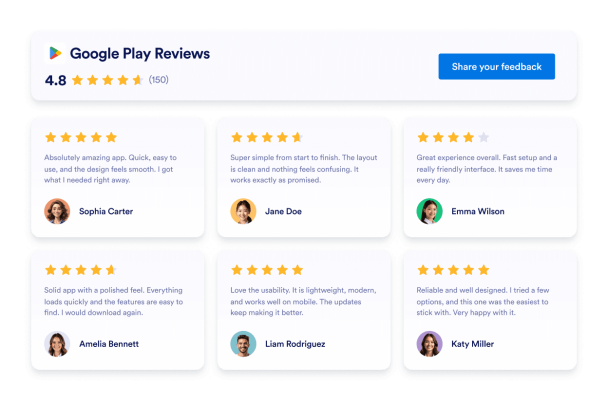
Show real app ratings and user feedback where visitors evaluate your product. Jotform’s Google Play Reviews Widget lets you connect a public app listing, display new reviews automatically, customize the design, and embed the widget without coding.
How to add a Google Play Reviews widget
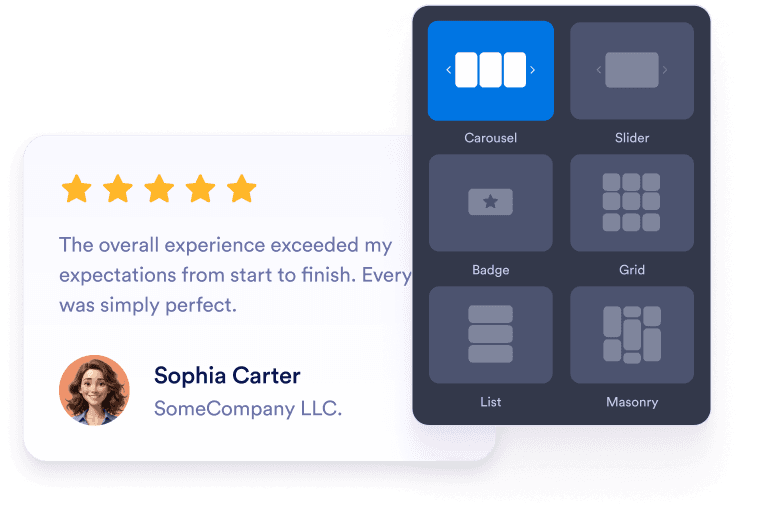
Personnalisez votre widget
Choose a carousel, slider, badge, grid, or list layout. Adjust the colors, typography, spacing, and width to match your app website.
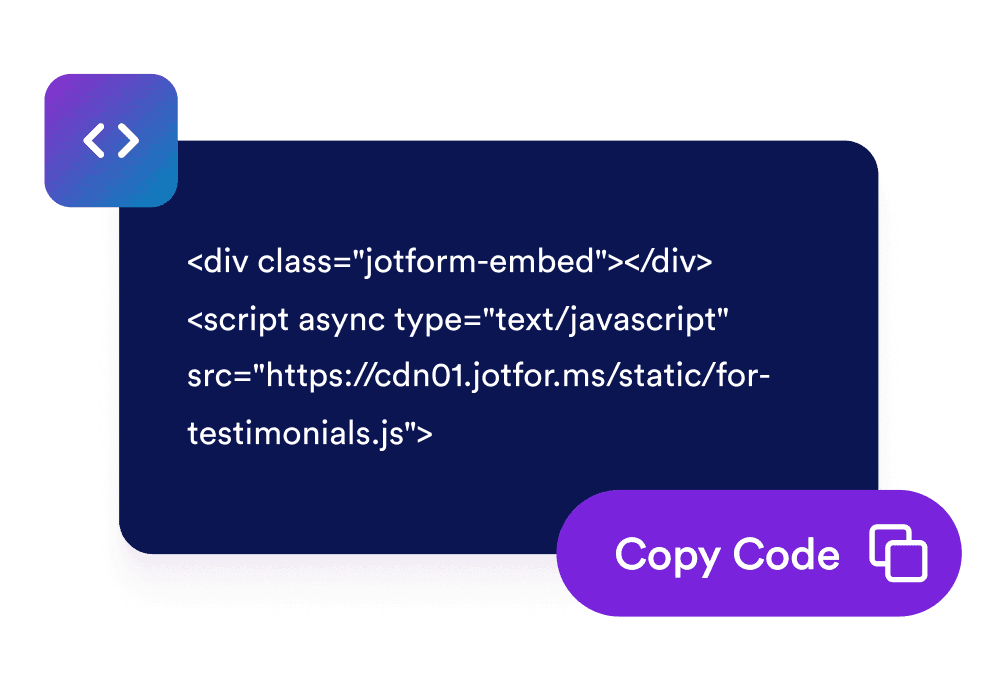
Récupérez le code d'intégration
Preview your Google Play reviews and continue to the publishing step. Jotform automatically generates the embed code, so you do not need to create or edit it manually.

Intégrez-le à l'endroit souhaité
Paste the generated code into a custom HTML or embed block. Publish the page and check how the reviews appear across desktop and mobile screens.
Turn Google Play reviews into confident app decisions
Build trust with real app reviews
Display ratings and comments from Google Play users alongside your app description. Firsthand feedback gives prospective users valuable context about the app’s features, usability, reliability, and overall experience before they consider installing it.
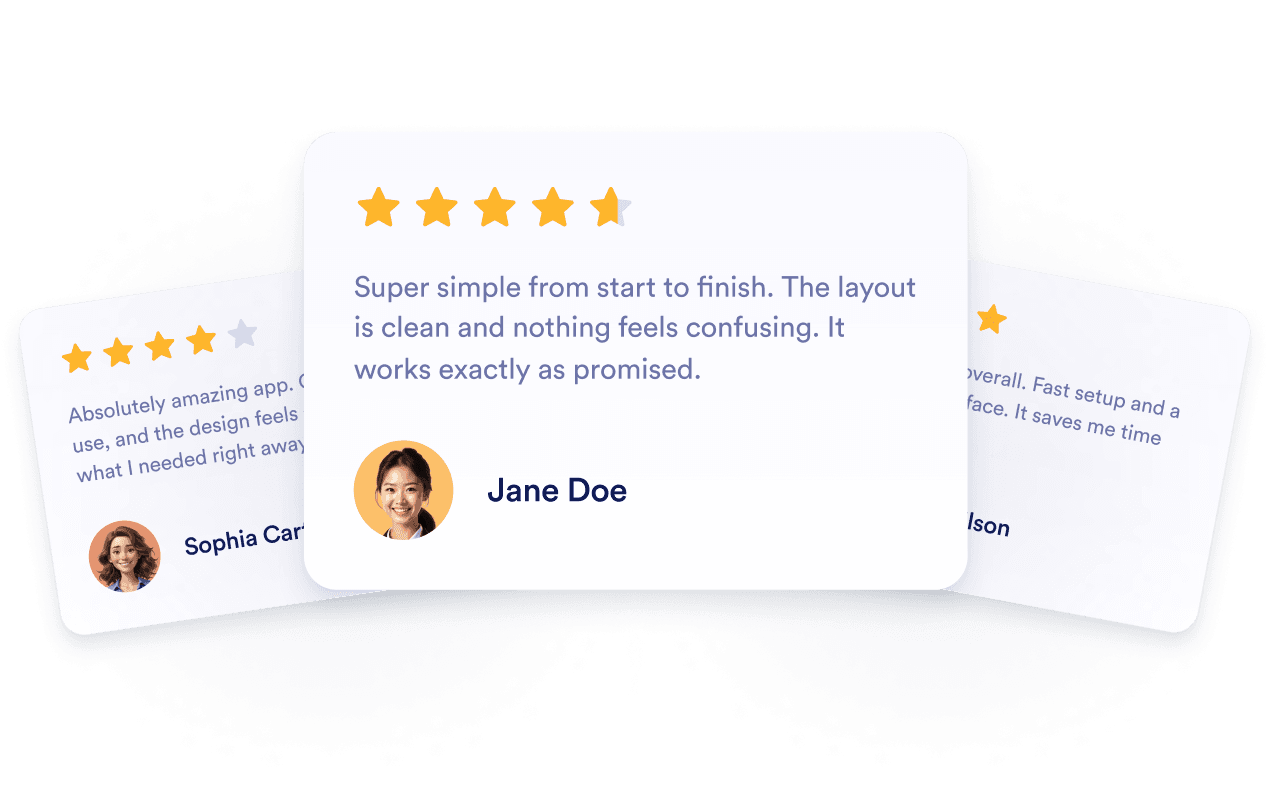
Keep review content current automatically
Connect the widget to your public Google Play listing so newly available ratings and reviews can appear automatically. You can keep showing recent user feedback without manually rebuilding the section or replacing its embed code.
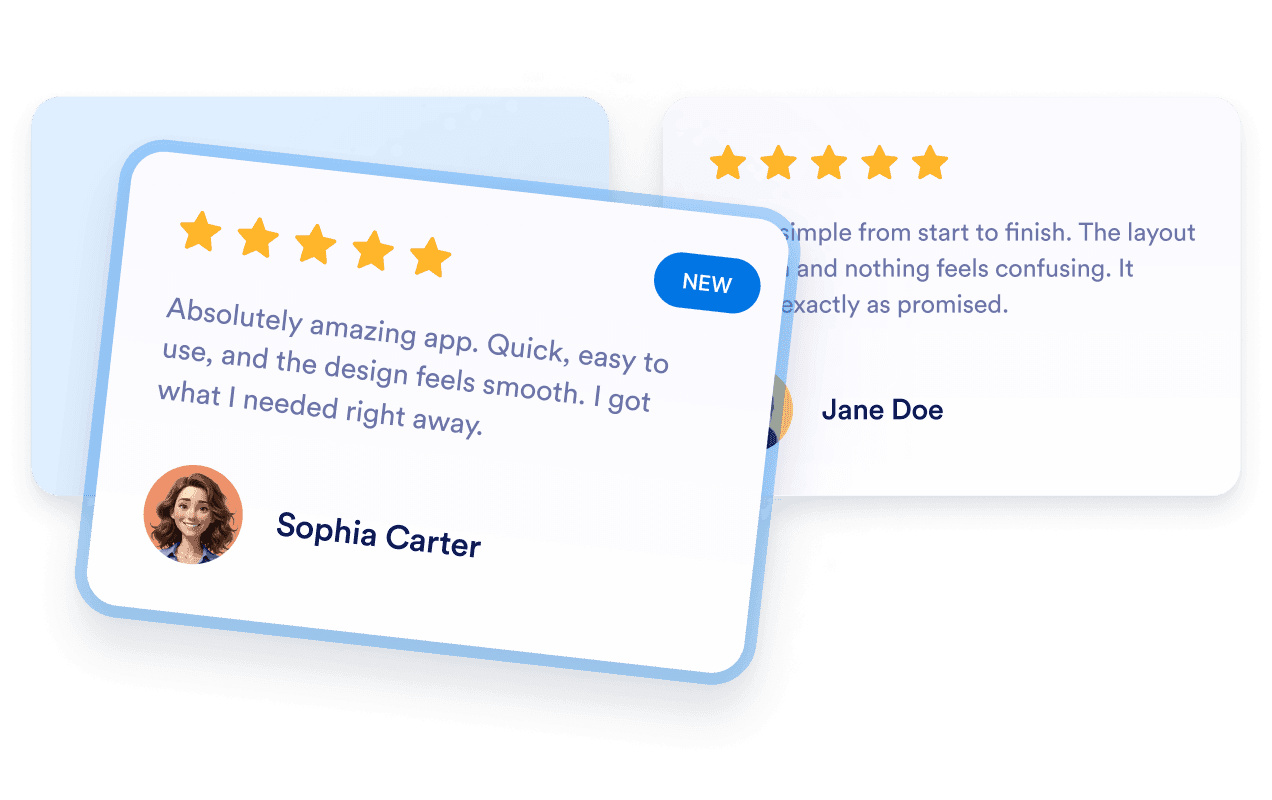
Support app visibility with reviews
Add relevant Google Play feedback to app landing pages where visitors research your product. Reviews provide useful context for prospective users, although embedding them does not guarantee indexing or higher search rankings.

Encourage visitors to take action
Place positive user feedback near download buttons, feature descriptions, demos, or signup options. Relevant reviews can address common concerns and help visitors decide whether to install the app or explore it further.

Pourquoi les widgets Jotform se démarquent
Les widgets de Jotform rendent votre site web plus interactif et optimisé pour la conversion. Des évaluations par étoiles et carrousels de témoignages aux pop-ups de preuve sociale et intégrations multimédias, vous pouvez combiner des outils dans vos formulaires ou pages de destination pour collecter des données, afficher des preuves et générer des prospects sans écrire de code.
Découvrez tous les Widgets JotformOù utiliser votre widget Avis Google Play
Add reviews to pages where visitors compare features, evaluate user experiences, or decide whether to install your app.
App download pages to show user feedback near screenshots and install buttons.
Homepage sections to introduce ratings and reviews alongside your main app message.
Feature pages to support product information with experiences shared by current users.
Pricing pages to provide additional context before visitors select a plan.
Release pages to present recent feedback alongside version and update information.
Support pages to reassure prospective users researching setup, usability, or reliability.
Convertissez vos prospects en clients payants avec le Générateur de formulaires Jotform
Transformez l'engagement en action avec Jotform. Créez des formulaires puissants qui collectent des prospects, traitent des paiements et automatisent les réponses, le tout en un seul endroit. Chaque soumission arrive dans votre Boîte de réception Jotform, prête pour le suivi ou la connexion avec vos applications préférées.
Get Started - It’s Free!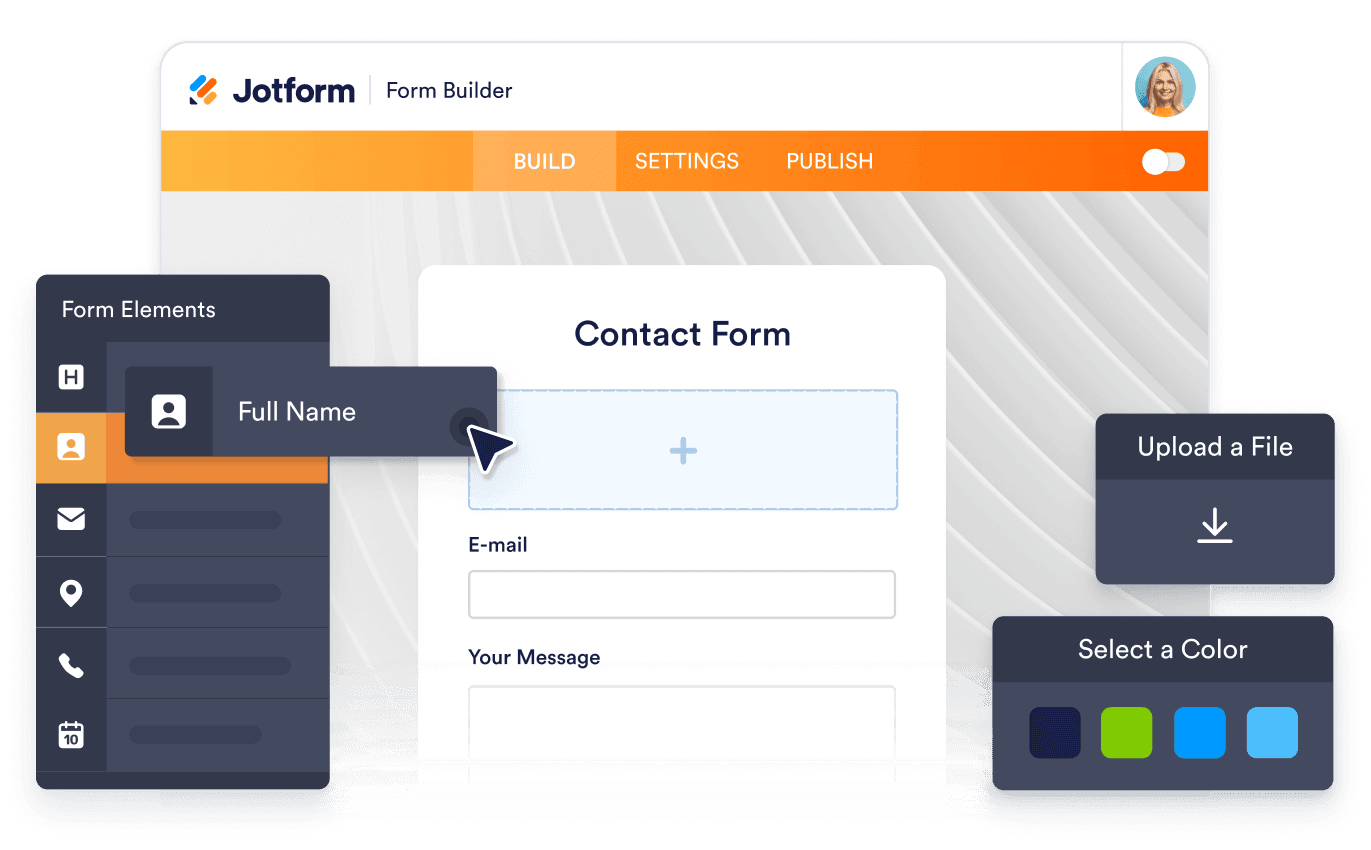
FAQ
What is a Google Play Reviews Widget?
A Google Play Reviews Widget displays ratings and public user feedback from an app’s Google Play listing on your website. Visitors can evaluate app experiences without leaving your product or download page.
How do I add Google Play reviews to my website?
Which review layouts can I use?
Puis-je personnaliser le widget pour qu'il corresponde à ma marque ?
Will new Google Play reviews appear automatically?
Which Google Play reviews are displayed?
Does the widget require access to Google Play Console?
Can embedded Google Play reviews improve SEO?
What if my Google Play link does not work?
Do I need to write code?
Is the Google Play Reviews Widget mobile-friendly?
Is the Google Play Reviews Widget free?
Which website platforms support the Google Play Reviews Widget?
Can I get help setting up the widget?