






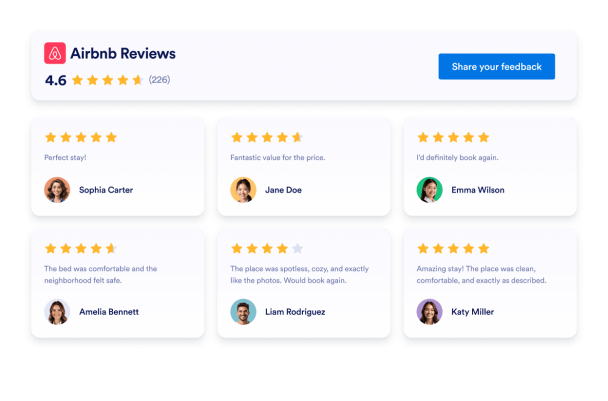







Airbnb Reviews Widget for Your Website
Bring trusted guest feedback from your Airbnb listing to your own website. Jotform’s Airbnb Reviews Widget lets you connect a public listing, automatically display new reviews, choose from multiple layouts, customize the design, and embed the widget without coding.
How to add an Airbnb Reviews widget
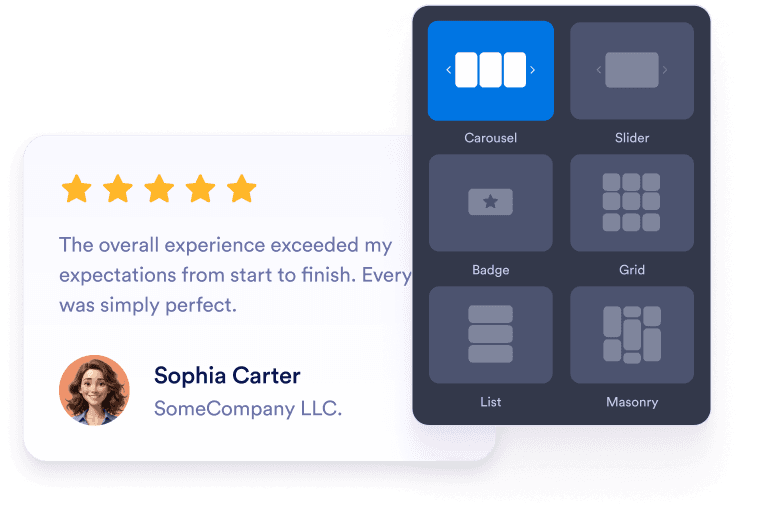
Customize your widget
Choose a carousel, slider, badge, grid, list, or masonry layout. Select a light or dark theme, then adjust the width, spacing, colors, and overall appearance to suit your website.
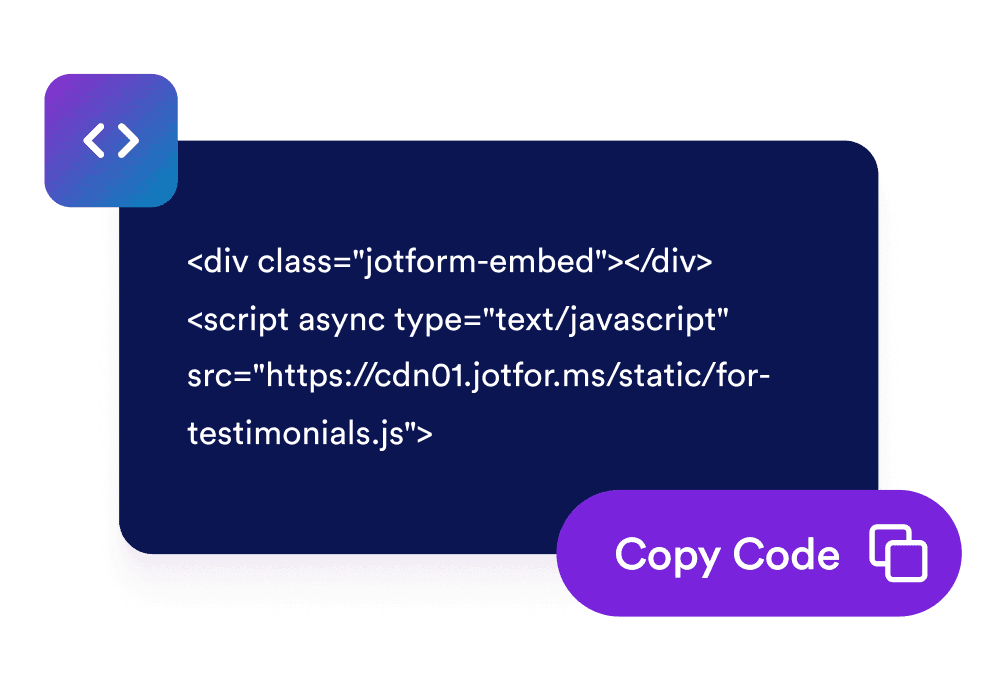
Get the embed code
Preview your Airbnb reviews, continue to the publishing step, and copy the automatically generated embed code. You do not need to write or edit the code yourself.

Embed it anywhere
Paste the generated code into a custom HTML or embed block on your website. Publish the page and check how the reviews display on desktop and mobile screens.
Help travelers choose your property with confidence
Build trust with guest reviews
Show real Airbnb guest feedback alongside your property details. Reviews can give prospective guests useful context about comfort, cleanliness, location, value, and the overall stay before they continue toward a booking decision.
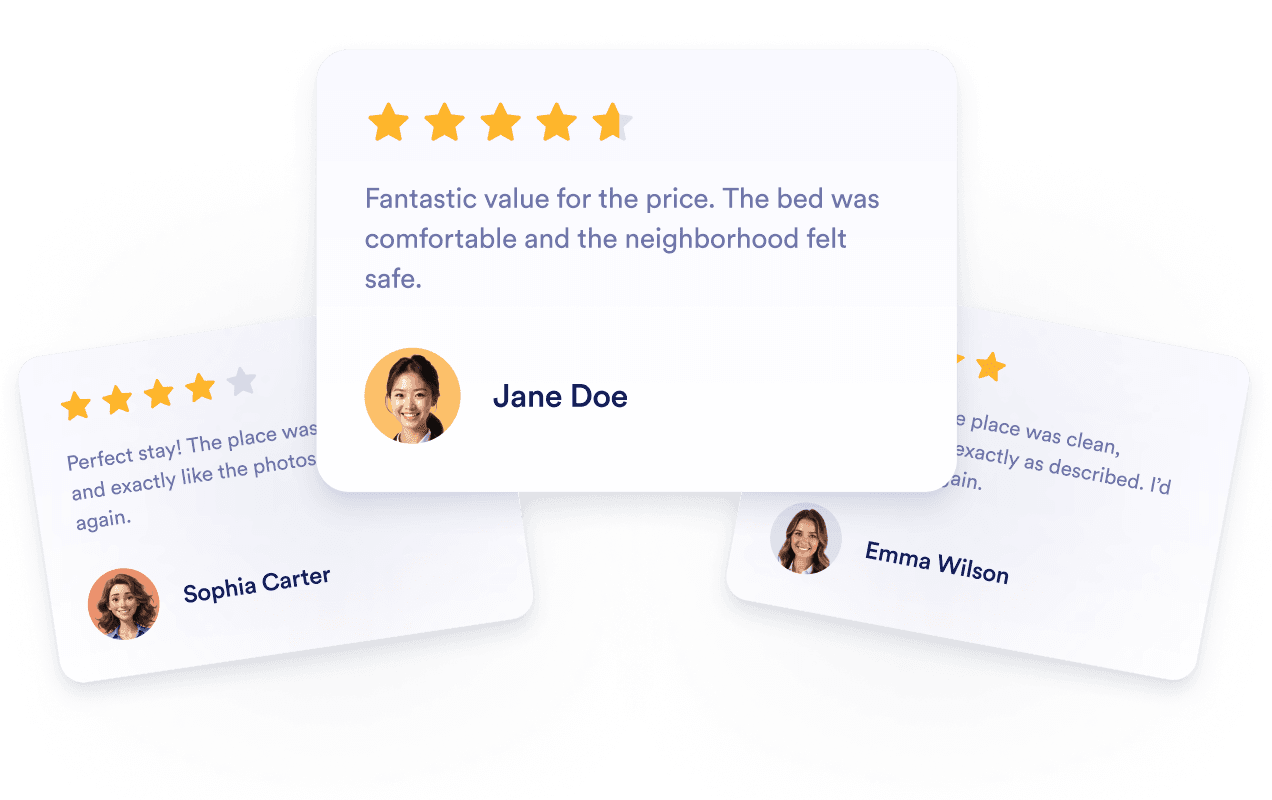
Support confident property comparisons
Keep Airbnb reviews visible while travelers explore your website instead of requiring them to search elsewhere. This makes it easier to compare guest experiences with your property description, amenities, photos, and location information.

Guide visitors toward booking decisions
Place positive guest experiences near property details and booking links to address common concerns at the right moment. Relevant reviews can help visitors understand what previous guests appreciated and decide whether the property fits their trip.

Automatische updates voor actuele content
Connect the widget to a public Airbnb listing so newly available reviews can appear without manually rebuilding the section or generating another embed code. This helps your website continue showing current guest perspectives.
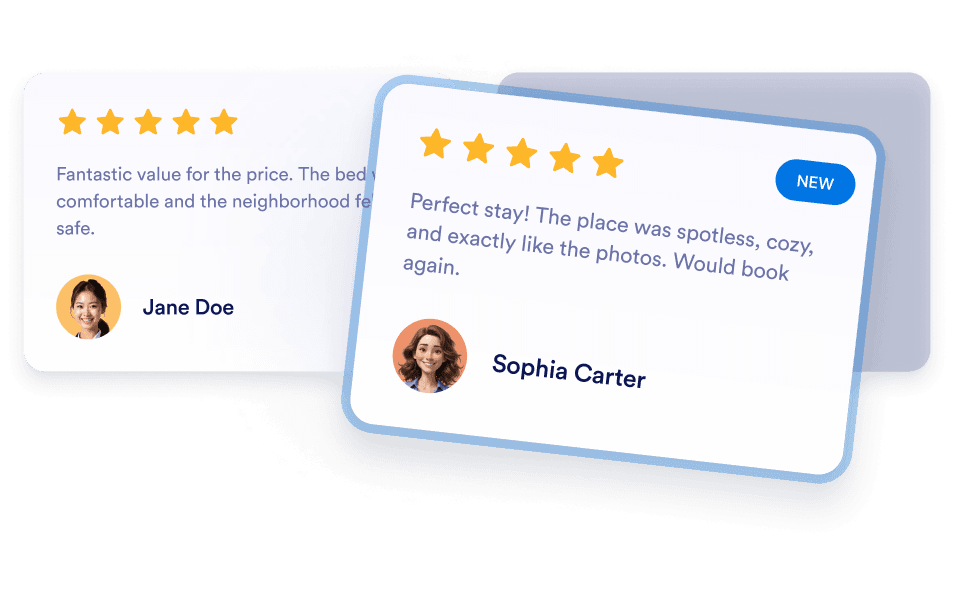
Voordelen van Jotform-widgets
Met de widgets van Jotform kun je je website interactiever maken en de conversie verhogen. Gebruik sterbeoordelingen en sliders met reviews of pop-ups met klantbeoordelingen en ingesloten media. Je kunt deze tools ook in je formulieren en landingspagina's integreren om gegevens te verzamelen, reviews te tonen en leads te genereren zonder code te schrijven.
Ontdek alle Jotform-widgetsZet leads om in betalende klanten met de Jotform Formulierbouwer
Gebruik Jotform om interactie in actie om te zetten. Maak krachtige formulieren waarmee je op één plek leads kunt genereren, betalingen kunt verzamelen en reacties kunt automatiseren. Je ontvangt elk ingevuld formulier in Jotform Inbox, zodat je eenvoudig vervolgstappen kunt nemen en je favoriete apps kunt koppelen.
Get Started - It’s Free!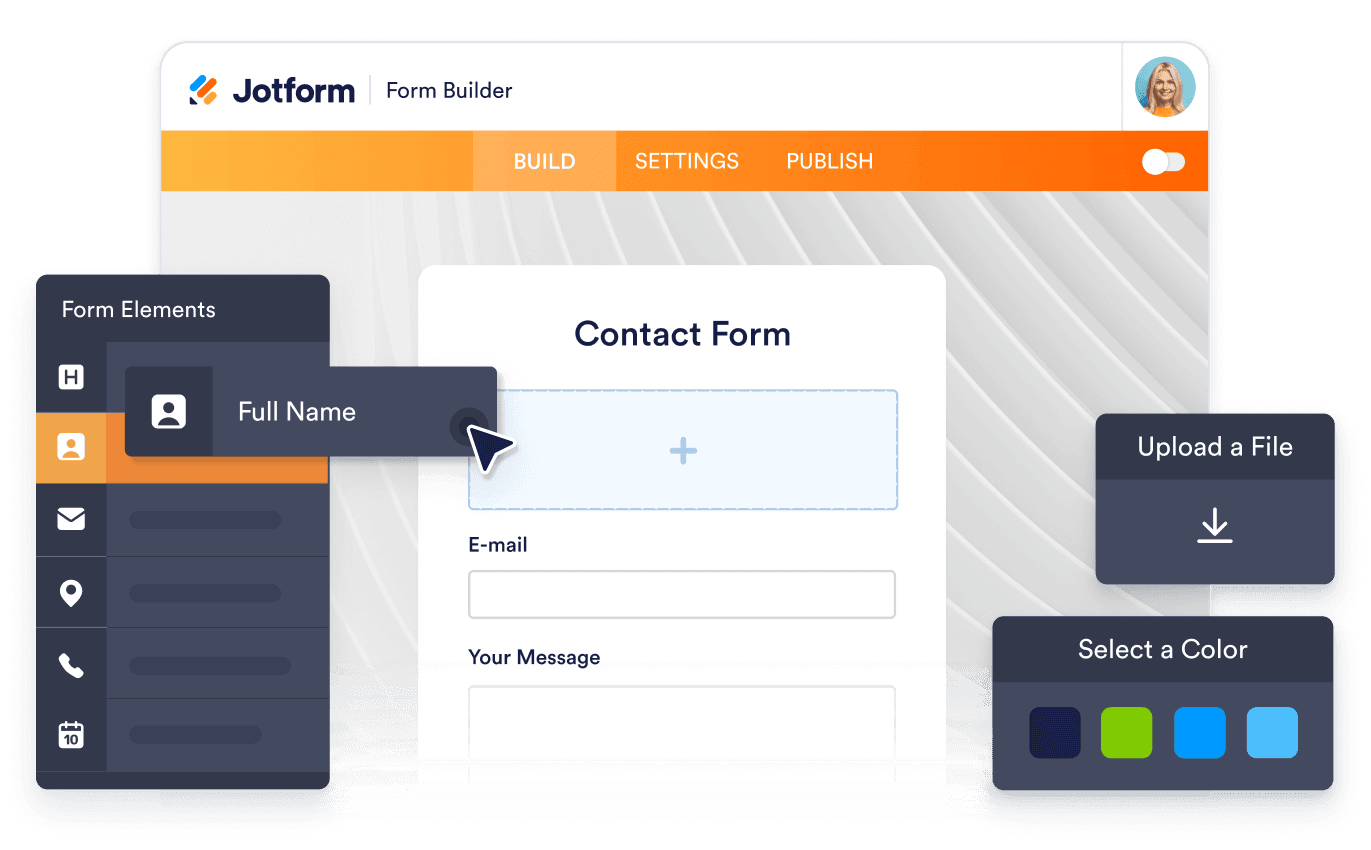
Veelgestelde vragen
What is an Airbnb Reviews Widget?
An Airbnb Reviews Widget displays guest feedback from a public Airbnb listing on your website. It lets visitors review ratings and comments alongside your property content without first navigating to a separate Airbnb page.
How do I create an Airbnb Reviews Widget?
Why should I add Airbnb reviews to my website?
Which Airbnb review layouts can I use?
Can I customize the Airbnb widget’s design?
Can I adjust the widget width?
Will new Airbnb reviews appear automatically?
Kan ik reviews van meerdere Airbnb-advertenties tonen?
What should I do if my Airbnb listing link does not work?
Do I need to write code?
Is de widget voor Airbnb-reviews geschikt voor mobiele apparaten?
Is the Jotform Airbnb Reviews Widget free?
Which website platforms support the Airbnb Reviews Widget?
Can I get help setting up my Airbnb Reviews Widget?