-
 sparklife21
I noticed that I can't change my submit button color in the UI anymore. Did something change?
I tried changing the button color through CSS but it deletes my background on my form.
(can't upload a screenshot either) PLEASE HELP!! -
sparklife21
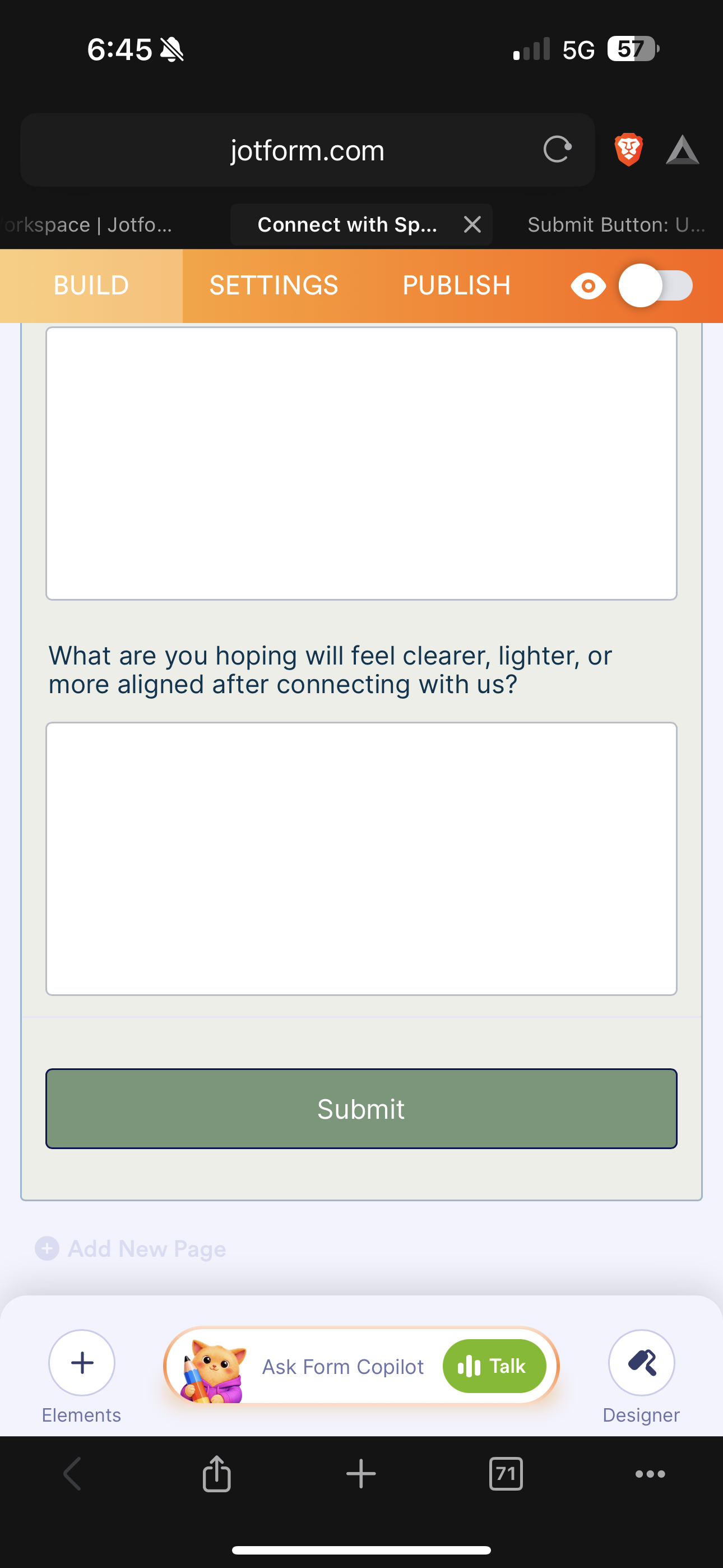
was able to change the button color and it deleted my background color. i've tried changing the background color multiple times. all i get is white.
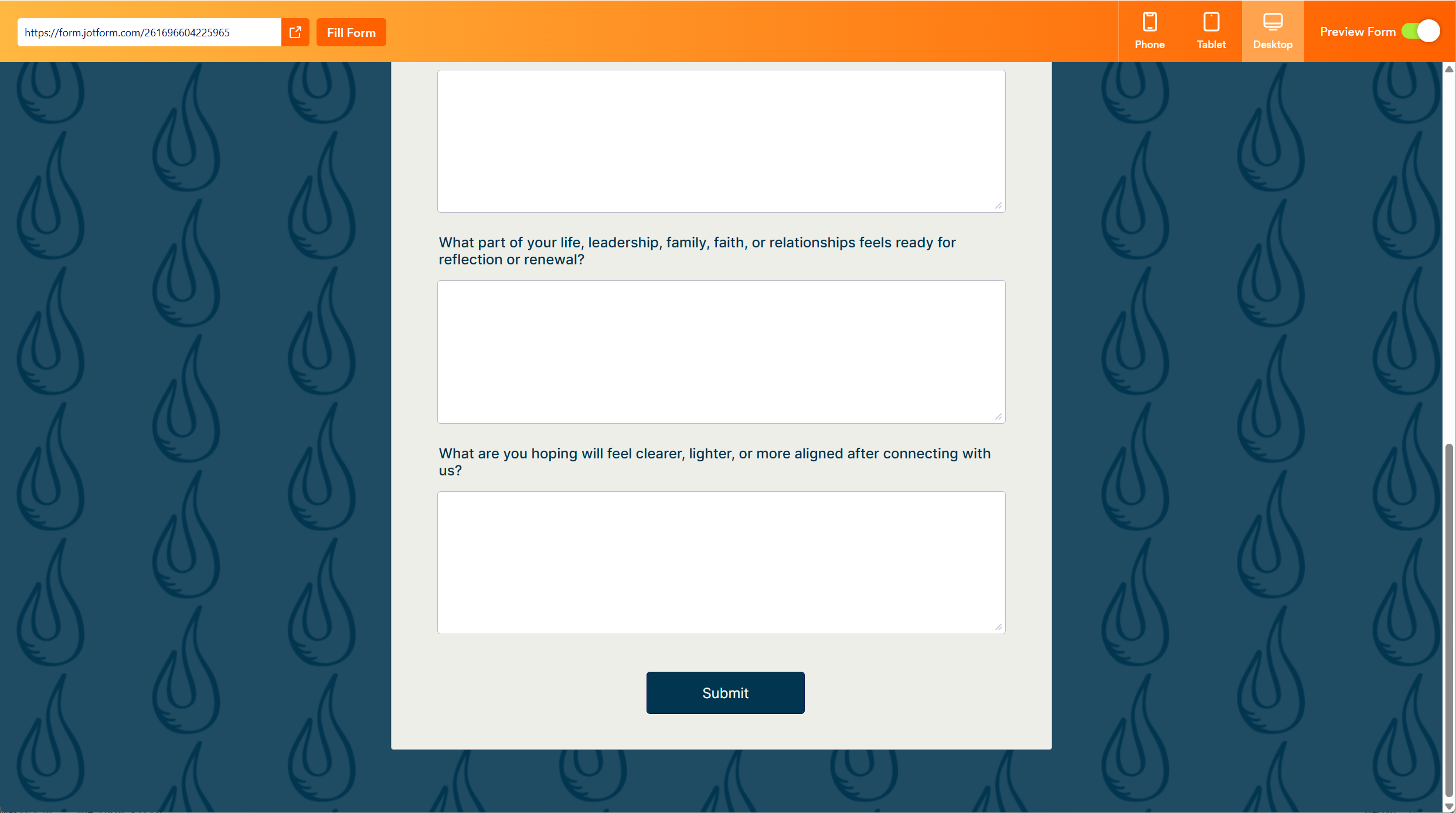
This is what it should look like...
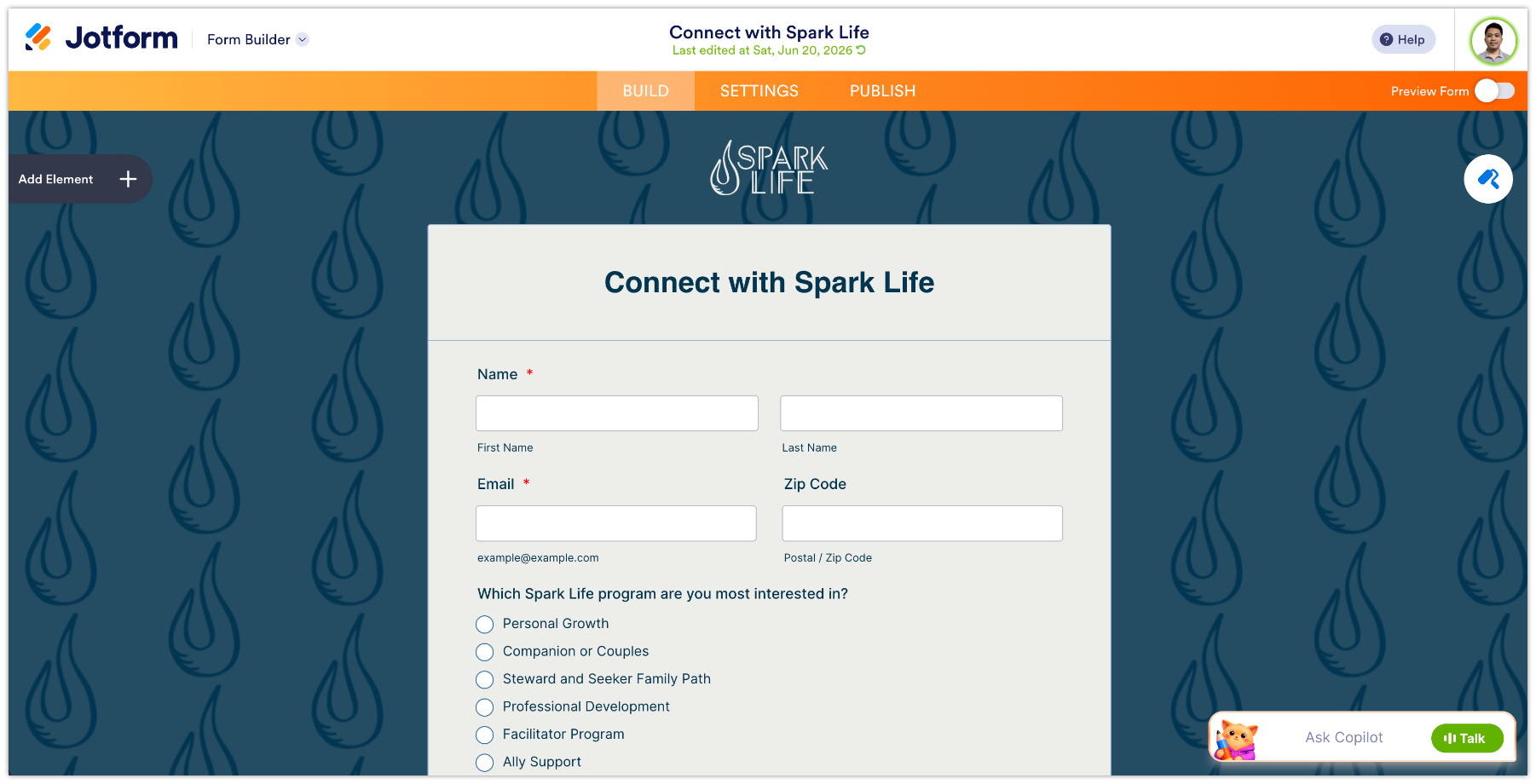
This is what it looks like when i enter advanced designer
This is what it looks like after i change the button color ONLY
-
 Kyle JotForm Support
Hi sparklife21,
Thanks for using Jotform. You can easily change the Submit button's color by Injecting CSS Codes into your form. Let me walk you through it:
1. First, copy this code:
.form-submit-button {
  background-color: #023550 !important;
}
2. In Form Builder, click on the Paint Roller icon on the right side of the page to open Form Designer.
3. Now, in the Form Designer menu, click on the Styles tab, scroll down and paste the code into the Inject CSS Code box. That’s it. The code is automatically saved.
Give it a try and let us know how it goes.
-
sparklife21
Unfortunately that does not work. It deletes my background color and image when I return to the form builder. The background image shows on the published form, but the background color still is gone.
-
sparklife21
-
 Keenly JotForm Support
Hi sparklife21,
I checked your Connect with Spark Life form, and the image appears with a dark shade similar to the screenshot you previously shared. Check out the screenshot below:
I’ve gone ahead and cleared your form caches to rule out any temporary loading issues. Could you check your form one more time and see if that helps? You can also follow the steps Kyle shared here earlier to change the color of your Submit button again, then check if it works now.Keep us updated and let us know if you need any more help.
-
sparklife21
Hello,
thats just because I reverted to a previous version since this is a published form. The background is still going blank after adjusting the button color. Even the ai bot attempted changing it at least 10 times and said it’s a bug in the ui based on my photos. Maybe best to test the ui from a customer perspective. Happy to hop on a screen share to show you and troubleshoot.
thanks.
-
 Kevin JotForm Support
Hi sparklife21,
I had a look at your form and was able to see the white background. I tried changing it from the Form Designer settings with no luck, but you can force the background color after injecting this CSS code:
.supernova {
    background-color: #023550;
}
Give it a try and let us know how it goes.


 I’ve gone ahead and cleared your form caches to rule out any temporary loading issues. Could you check your form one more time and see if that helps? You can also follow the steps Kyle shared
 Your Reply
Something Went Wrong
An error occurred while generating the AI response. Please try again!