-
 MichaelCornell
How do I eliminate the big space between 2 short text fields. I want to bring the fields together. I have follwed this but the space is still there:
Shrink the fields:
- Click the Gear icon next to your First Name field to open its properties.
- Go to the Advanced tab and toggle the Shrink switch to ON.
- Repeat this exact process for the Last Name field. This forces them to sit on the same line. [1, 2, 3, 4]
Add Custom CSS:
- Click the blue Paint Roller icon (Form Designer) on the right side of the screen.
- Select the Styles tab at the top.
- Scroll down and click the Inject Custom CSS box.
- Enter the following CSS to adjust the spacing:
- css
[data-type="control_fullname"] .form-sub-label-container:nth-of-type(2) { margin-left: 15px !important; } -
 Rica Support Team Lead
Hi Michael,
Thanks for reaching out to Jotform Support. Are you referring to the First Name and Last Name fields? If so, I can see that they are now placed next to each other.

If you'd like them to be even closer together, you can use the following CSS code:
.form-line-column:nth-child(5){
 right:20px !important;
}
Here's the result:
You can increase the pixel value to reduce the spacing further and bring the elements closer together. If that’s not quite what you’re looking for, can you share a bit more info so I can help you better?
Reach out again if you need any more help.
-
MichaelCornell
Hi Rica,
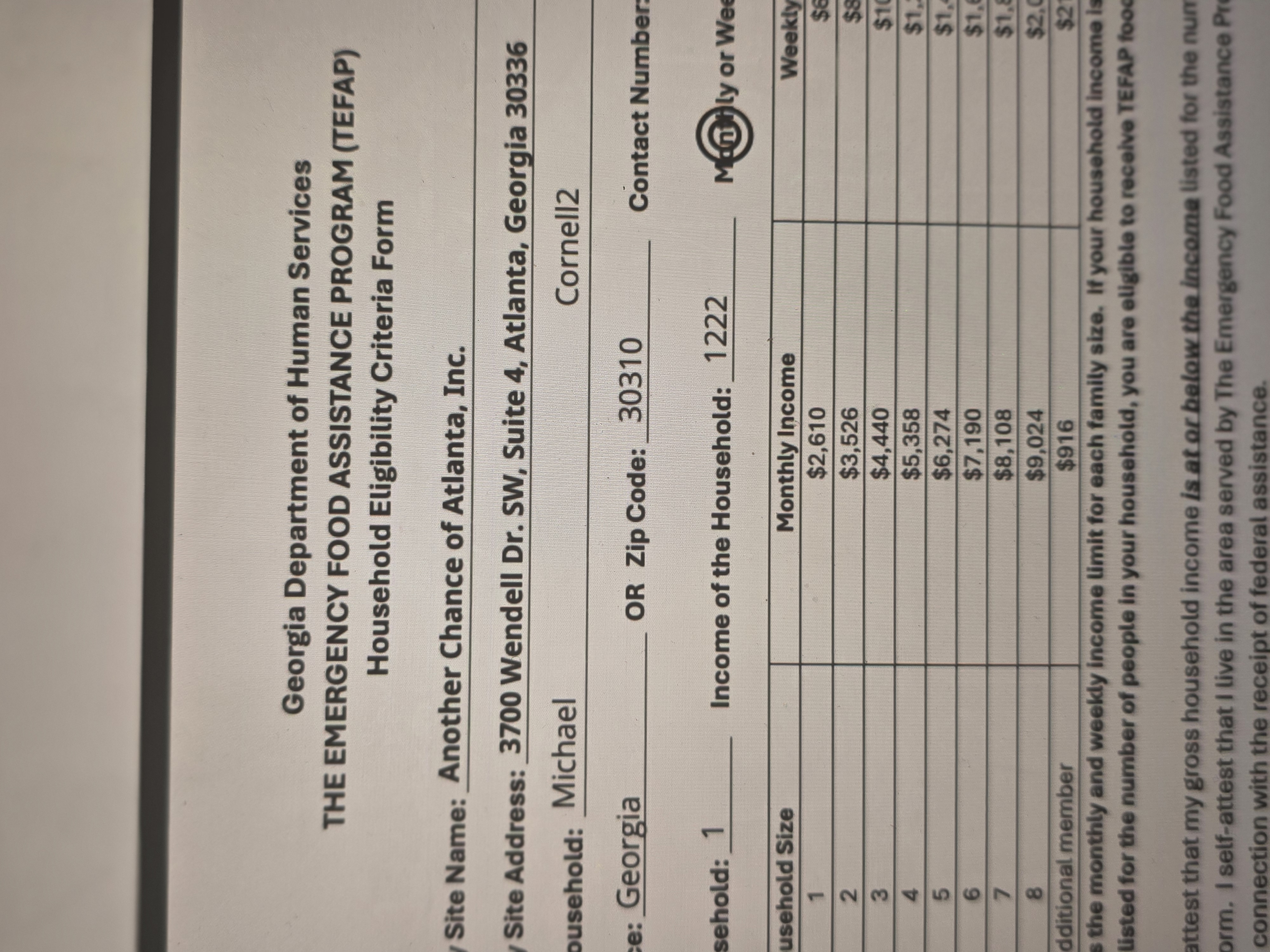
Thanks for responding. I was more so talking about the way it appears on the PDF, not the form. There's a huge gap on the PDF. Please see the screensho
t. -
 Kadir Üst
Hi MichaelCornell,
You can resize and move form fields easily. Let'me show here's how to resize the form fields:
- In PDF Editor, click on the field you want to resize.
- On the right corner of the field, click and hold the Square icon.
- While holding it, move your mouse to resize the field.
-
MichaelCornell
So, this is something I would need to play around with. It will be hard to edit the PDF because every one has long and short first and last names. We will have a lot of people completing this form and the names will be all different sizes.
Secondly, is there a way to get rid of the bullseye / double circle on the screenshot? I went into the advanced editor, but that only changes the look 'on the form.' Is there a way to have just 1 single circle over an answer instead of the double circle on the PDF? -
Rica Support Team Lead
Hi Michael,
We currently don't have a feature that automatically resizes a field's box in PDF based on the length of the submitted answer. While the feature you're looking for isn't available at Jotform right now, we've gone ahead and escalated your request to our developers. Exactly when or if it's developed depends on their workload, how viable it is, and how many other users also request it. If there are any updates, we’ll circle back to this thread and let you know.
To keep the conversation organized, I moved your other question to its own thread, and someone from our Support Team will help you with it here.
Reach out again if you have any other questions.



 t.
t.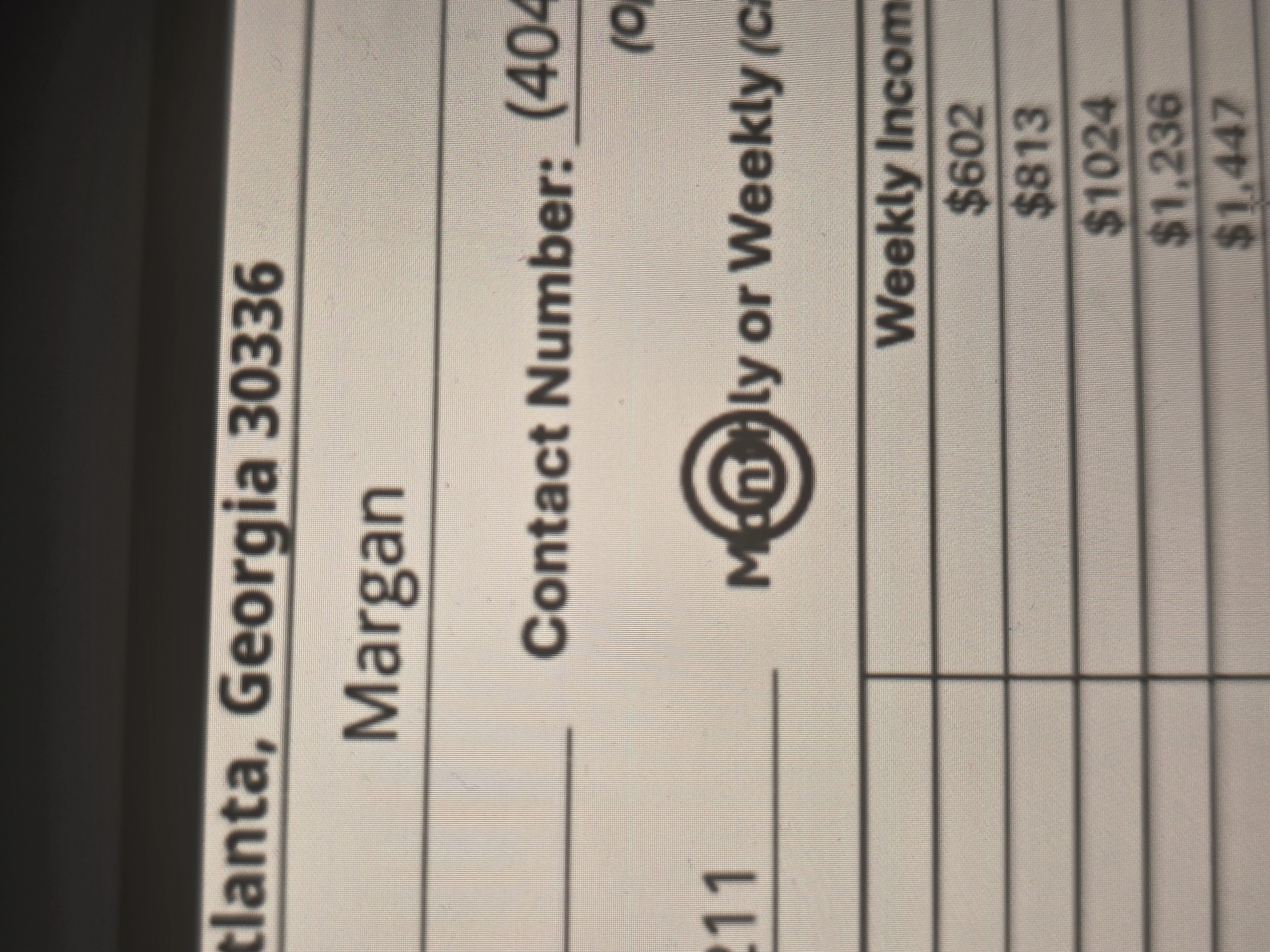

Your Reply
Something Went Wrong
An error occurred while generating the AI response. Please try again!